n8n AI Agents for Business Workflows: Architecture & Use Cases (2026)
An n8n AI agent is not magic — it is a workflow where an LLM classifies or generates text, then n8n executes the next step (update CRM, send Slack, post to WordPress). For agencies and SMEs tired of Zapier task limits, self-hosted n8n plus selective API calls is the production pattern we use alongside the stack in AI automation for marketing agencies.
This guide covers architecture, five concrete use cases, cost guardrails, and failure modes. Start with self-hosted n8n costs vs Zapier if you have not deployed yet.

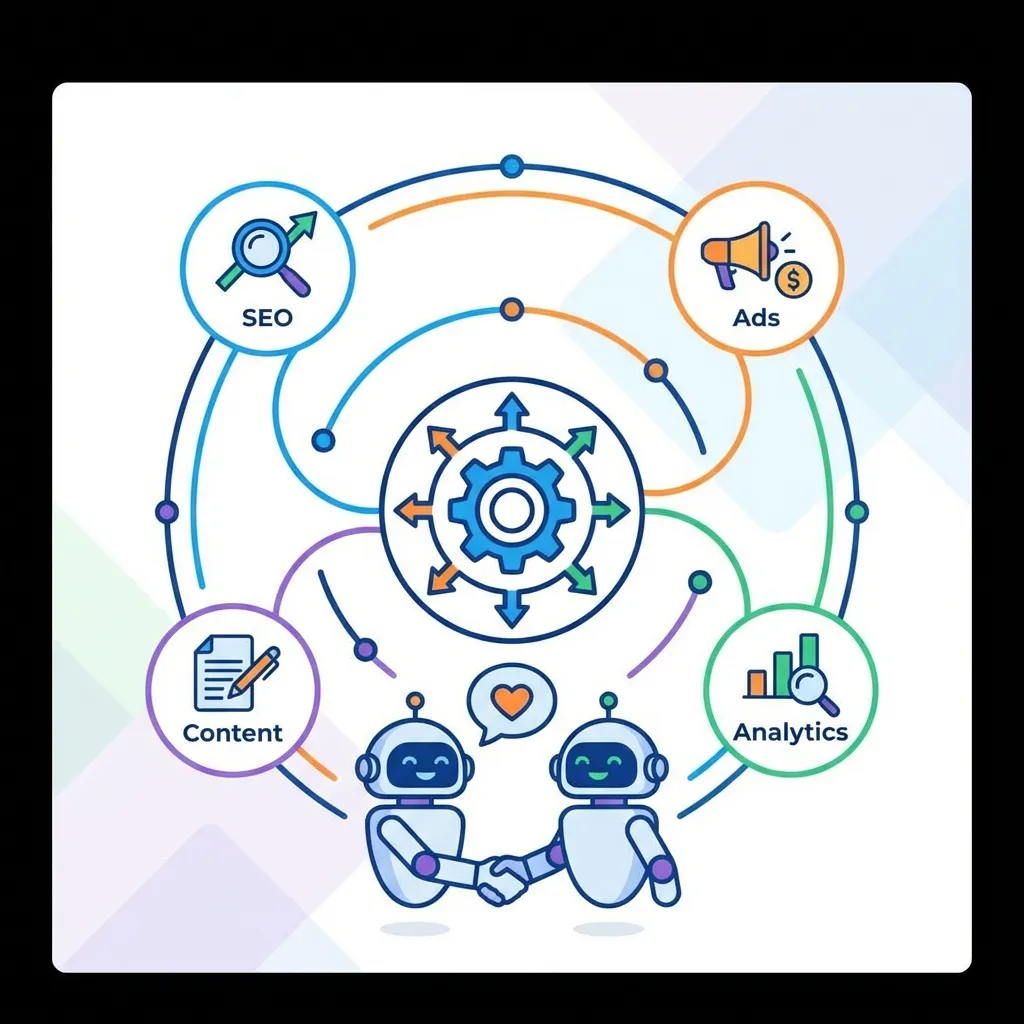
Image: Arjan KC media library — n8n Meta API integration guide.
Agent vs automation (terminology)
| Pattern | Behavior | Example |
|---|---|---|
| Linear automation | Fixed steps, no LLM | New form → Google Sheet row |
| LLM-assisted | One AI call mid-flow | Summarize meeting notes → email |
| Agent loop | LLM decides branch | Classify lead → route to sales or nurture |
n8n implements agents with AI Agent nodes, Switch nodes, and memory (Redis or static session keys) — not a separate product SKU.
Reference architecture
Trigger (webhook / schedule / Gmail)
    → Extract text (HTTP, Notion, RSS)
    → LLM node (classify | extract JSON | draft)
    → IF / Switch on structured output
    → Actions (HubSpot, Slack, WordPress, PostgreSQL)
    → Error branch → alert + dead-letter queue
Infrastructure minimum
| Component | Spec |
|---|---|
| VPS | 2 vCPU, 4–8 GB RAM (same as n8n production guide) |
| Database | PostgreSQL for n8n executions |
| Secrets | n8n credentials vault — never hard-code API keys in nodes |
| LLM | Ollama on same host OR API keys with spend caps |
Link to local SLM exocortex for offline classification models.
Use case 1: Lead intake classifier
Problem: Contact forms dump everything into one inbox.
Flow:
- Webhook receives form JSON (name, message, budget field).
- LLM prompt: “Return JSON
{segment: 'hot'|'warm'|'spam', reason: string}.” - Switch node routes hot leads to Slack + CRM task; warm to email sequence; spam to archive.
Prompt tip: Include 3–5 labeled examples in the system message (few-shot). Temperature 0.
Nepal context: Add rules for Nepali phone formats (+977), Devanagari names, and “WhatsApp only” preference.
Use case 2: Weekly client reporting agent
Problem: Pulling GA4 + Meta + Google Ads into one email takes 2 hours/client.
Flow:
- Cron Monday 8 AM NPT.
- HTTP nodes fetch metrics from APIs (or pre-aggregated Looker Studio CSV export).
- LLM formats executive summary with mandatory table template (forces structure).
- Human review node optional: send draft to
#reports-reviewSlack before client email.
See Looker Studio dashboards for sheet setup.
Use case 3: Content QA before WordPress publish
Problem: Freelancers submit posts missing FAQ, internal links, or NPR sourcing.
Flow:
- WordPress draft saved → webhook.
- LLM checklist: H2 questions present? FAQ count ≥ 4? Internal links ≥ 3? USD prices flagged?
- If fail → comment on draft with fix list; if pass → notify editor.
Pairs with AEO/GEO structure.
Use case 4: RAG-lite support bot (internal)
Problem: Staff ask repeat questions about service pricing and SOPs.
Flow:
- Embed Notion/Google Doc chunks (manual export or vector DB — see privacy-first RAG).
- User message → retrieve top 3 chunks → LLM answer with citation requirement.
- Log unanswered questions for FAQ updates.
Not customer-facing until legal/compliance review — start internal.
Use case 5: Social listening summarizer
Problem: Client wants weekly Nepali + English mention digest.
Flow:
- RSS / X API / Facebook webhook (where permitted).
- LLM summarize sentiment + themes in bullet form.
- Append to Google Doc; link in Monday report.
Complements social media marketing Nepal strategy posts.
Cost control
| Risk | Mitigation |
|---|---|
| Runaway loops | Max iterations node; cap retries at 2 |
| Token burn | Use Haiku/GPT-4o-mini for classify; reserve large model for final draft |
| API outage | Fallback branch: queue JSON to disk, retry later |
| Bad JSON |
Structured Output Parser + validate before Switch |
Monthly budget example (small agency): USD 15–40 API + USD 12–25 VPS vs USD 100+ Zapier Professional.
Security checklist
- HTTPS only on webhooks
- IP allowlist for sensitive triggers where possible
- PII redaction prompt: “Do not log phone numbers in Slack”
- Separate n8n projects per client (credential isolation)
- Backup workflows to Git (GitHub Actions CI/CD)
When NOT to build an agent
- Single-step Zap (use native integration)
- Regulated medical diagnosis or legal advice automation
- Real-time chat <2s latency on shared hosting
- Team unwilling to maintain prompts when APIs change
First agent in 60 minutes (starter recipe)
- Install n8n on VPS (self-hosted guide)
- Create workflow: Manual Trigger → OpenAI Chat → Slack message
- Paste sample lead JSON; prompt: “Classify hot/warm/spam, return JSON only”
- Add Switch on
{{ $json.segment }} - Execute 5 test payloads; fix parser errors before enabling webhook
- Export workflow JSON to Git
Once stable, swap Manual Trigger for Webhook on your contact form plugin.
Monitoring and maintenance
| Signal | Action |
|---|---|
| Execution failure rate >5% | Alert Slack #ops; inspect API quota |
| LLM latency >30s | Move classify step to smaller model |
| Prompt drift (wrong labels) | Refresh few-shot examples monthly |
| Client offboarding | Revoke credentials + delete workflows |
Schedule quarterly prompt review — same cadence as website maintenance.