Nepal Payment Gateways: eSewa, Khalti, Fonepay
How online payments work in Nepal
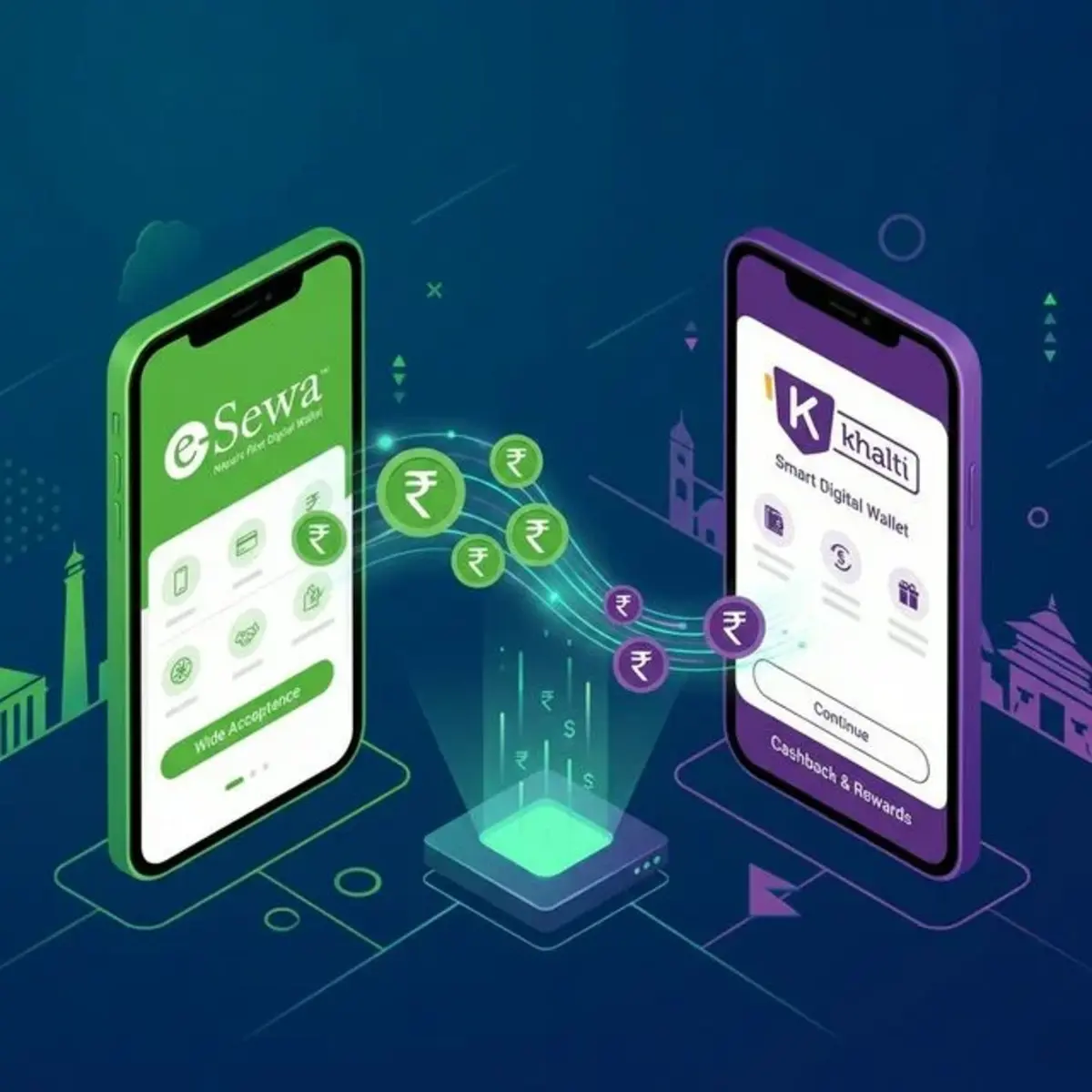
Most Nepali checkout flows route through mobile wallets (eSewa, Khalti, IME Pay) or bank/ConnectIPS rails, often via aggregators like Fonepay or bank payment gateways. International cards are growing but remain a minority of transactions.
Comparison overview
| Provider | Best for | Integration | Notes |
|---|---|---|---|
| eSewa | Mass consumer reach | Merchant API, QR | Largest wallet user base |
| Khalti | E-commerce, utilities | Developer-friendly API | Strong urban adoption |
| Fonepay | Bank-linked checkout | Gateway for merchants | Reduces fractured checkout |
| ConnectIPS | Bank transfers | NCHL rail | Higher-value B2B payments |
| IME Pay | Remittance-linked users | Wallet checkout | Growing merchant network |
Fees and settlement timelines change — confirm with each provider before launch.
Merchant fee and settlement reference (2026 — verify with vendors)
| Provider | Typical MSF / merchant fee | Settlement | Onboarding time |
|---|---|---|---|
| eSewa | ~2.5–3.5% (category-dependent) | T+1 to T+3 common | 1–2 weeks |
| Khalti | ~2.5–3.5% | T+1 to T+3 | 1–2 weeks |
| Fonepay (via bank) | Bank tariff + network fee | Varies by bank | 2–4 weeks |
| ConnectIPS | Lower for bank transfer | Same-day to T+1 | Bank KYC |
Rates are negotiable above NPR 500k–1M monthly GMV. Always request written tariff sheets.
Per-gateway deep dive
eSewa
Strengths: Largest consumer wallet reach, strong brand trust outside Valley, QR at retail.
Weaknesses: Developer docs historically lagged Khalti; test sandbox carefully.
Best for: Mass-market B2C, utilities, broad demographic reach.
Khalti
Strengths: Developer experience, urban e-commerce, API stability, good WooCommerce plugins.
Weaknesses: Smaller rural penetration vs eSewa alone.
Best for: Tech-forward stores, startups, subscription billing experiments.
Fonepay
Strengths: Unified bank + wallet checkout when integrated via acquiring bank.
Weaknesses: Implementation varies by bank partner.
Best for: Merchants already banking with Fonepay-enabled institutions.
ConnectIPS
Strengths: Direct bank rails, suitable for higher-ticket B2B.
Weaknesses: Not a consumer wallet UX — users need banking app flow.
Best for: Invoices, B2B, large transfers.
WooCommerce integration checklist
- Business PAN + registration + bank account
- Merchant application with chosen gateway
- Staging site with SSL (Let’s Encrypt minimum)
- Install official/partner plugin or custom REST integration
- Log webhooks to file/DB for failed callbacks
- Run NPR 10–100 test transactions before ads go live
- Enable both eSewa and Khalti at checkout — older comparison merged here
Shopify / international stack
Shopify Payments is not natively available for Nepal merchants. Common pattern: Shopify storefront + external Nepal gateway via custom checkout or headless — budget developer time.
COD strategy by region
| Region | COD recommendation |
|---|---|
| Kathmandu Valley | Offer but push wallets with small discount |
| Secondary cities | COD + partial prepay on high-value items |
| Remote districts | COD with phone verification |
Track COD refusal rate by courier; above 12% indicates targeting or product-market issues.
Security and compliance
- Never log full card data (PCI scope)
- Use HTTPS everywhere
- Rotate API keys after staff changes
- Display refund policy before payment button
Integration steps (summary)
Typical merchant setup:
- Register as merchant with wallet or bank gateway
- Submit business documents (PAN, registration)
- Install official or partner plugin / custom API
- Test sandbox and live micro-transactions
- Enable on production with webhook logging
Budget 1–3 weeks for approval plus dev time — not same-day plug-and-play.
COD vs digital
Outside Kathmandu Valley, cash on delivery still converts better for new brands. Offer both; measure wallet share by city in GA4.
FAQ
Can I use only international Stripe/PayPal?
Most Nepali consumers cannot pay easily; local wallets are essential for conversion.
Which wallet has lowest fees?
Negotiate by volume; published merchant rates differ by category.
Step-by-step integration (WooCommerce)
This is the path we deploy most often for Nepali D2C stores. Adjust for custom Laravel/Node stacks — the KYC and webhook logic is the same.
Phase 1: Business readiness (week 1)
- Register PAN and business entity if not already done
- Open a dedicated business bank account (settlement account)
- Prepare scanned PDFs: PAN, registration, citizenship/passport of signatory, bank letter
- Decide primary + secondary wallet (recommend eSewa + Khalti minimum)
Phase 2: Merchant application (week 1–2)
| Step | eSewa | Khalti | Fonepay (via bank) |
|---|---|---|---|
| Apply | Merchant portal / partner | Khalti merchant signup | Through acquiring bank |
| KYC | Business docs + site URL | Similar + technical contact | Bank relationship required |
| Review | 3–10 business days | 3–10 business days | 1–3 weeks |
| Keys | Merchant code + secret | API keys + webhook secret | Bank-specific credentials |
Staging URL requirement: gateways review a HTTPS site with visible products, refund policy, and contact page. “Coming soon” pages get rejected.
Phase 3: Development (week 2–3)
- Clone production to staging subdomain (
staging.yourstore.com.np) - Install SSL (Let’s Encrypt minimum)
- Install official or vetted community plugin — avoid nulled plugins
- Configure success, failure, and webhook/callback URLs exactly as documented
- Set order status mapping: payment confirmed →
processing; failed →pendingorfailed - Log all callbacks to file or DB table for 30 days minimum
Phase 4: Test transactions (before ads)
| Test case | Expected result |
|---|---|
| NPR 10 success | Order marked paid, email sent |
| User cancels at wallet | Order stays unpaid, cart recoverable |
| Duplicate callback | Idempotent — single paid order |
| Mobile Safari checkout | Redirect returns to thank-you page |
| Expired session mid-payment | Graceful error, support path shown |
Run NPR 10–100 live tests with real wallets — sandbox alone misses redirect URI mismatches on mobile.
Phase 5: Production launch
- Swap live keys; disable test mode
- Enable both wallets on checkout — do not A/B test one wallet at launch
- Monitor first 50 orders manually
- Connect GA4
purchaseevent (tracking recipes)
Budget build time in website cost guide — NPR 15,000–40,000 per gateway is realistic for custom setups.
Fee tables: merchant, customer, and blended economics
Merchant service fee (MSF) by provider — 2026 estimates
| Provider | Published MSF range | Negotiation threshold | Settlement | Chargeback handling |
|---|---|---|---|---|
| eSewa | 2.5 – 3.5% | ~NPR 500k+ GMV/mo | T+1 to T+3 | Wallet dispute process |
| Khalti | 2.5 – 3.5% | ~NPR 500k+ GMV/mo | T+1 to T+3 | Similar |
| IME Pay | 2.5 – 4.0% | Varies | T+1 to T+3 | Growing merchant base |
| Fonepay | Bank tariff + fee | Corporate banking | Bank-defined | Bank-mediated |
| ConnectIPS | Lower % on transfer | B2B volume | Same-day–T+1 | Bank dispute |
Always request written tariff sheets — verbal sales quotes differ from contract MSF.
Who pays the fee?
| Model | Customer sees | Merchant nets |
|---|---|---|
| Merchant absorbs | Clean checkout price | Price − MSF |
| Surcharge (disclosed) | Item + wallet fee line | Full item price |
| Blended in ASP | Single price | Margin planned with MSF |
For NPR 1,500 average order at 3% MSF, you lose NPR 45 per order — at 1,000 orders/month that is NPR 45,000, comparable to a part-time support hire. Model this in e-commerce margin planning.
International cards (if enabled)
Card acceptance through bank gateways is a minority of Nepali checkout volume but useful for diaspora and corporate buyers. Fees are often 3.5–4.5%+ — enable only if data supports it.
Troubleshooting guide
Payment succeeded but order still “pending”
Likely causes:
- Webhook URL not reachable from gateway (shared host firewall)
- Plugin did not verify signature
- Permalink/rewrite rules broken after migration
- Staging keys left in production
.env
Fix path: Check gateway merchant dashboard for transaction ID → match WooCommerce order notes → replay webhook from logs → manually mark paid only after confirming settlement.
Customer redirected to blank page
- Mixed content (HTTP asset on HTTPS checkout)
- PHP timeout on low-tier hosting during callback
- Plugin conflict with caching plugin (disable cache on
/checkout/*and/wc-api/*)
Mobile-only failures
- Test on NTC and Ncell data, not office WiFi only
- Wallet apps use in-app browsers — return URL must be absolute HTTPS
- Khalti/eSewa app version drift — retest after major app updates
Double charge / duplicate order
- Implement idempotency: store gateway transaction ID unique index
- Disable double-click on “Place order” button via front-end debounce
Settlement delayed beyond T+3
- Incomplete KYC refresh
- Holiday bank processing
- Mismatch between settlement account and registered account — call merchant support with PAN ready
Debug checklist (print for your developer)
| Symptom | Check |
|---|---|
| 404 on return URL | Permalinks flush, .htaccess
|
| 500 on callback | PHP error log, memory limit |
| SSL error | Certificate chain, Cloudflare SSL mode |
| Works on desktop not mobile | Return URL length, in-app browser |
| Intermittent | Host uptime, cron disabled, rate limits |
Multi-gateway checkout UX
Best practice for Nepali stores:
- Show wallet logos above fold on product page
- Default sort: eSewa, Khalti, COD (if offered)
- Do not force account creation before payment
- Thank-you page fires GA4
purchaseand shows order ID + WhatsApp support link
Headless and custom checkout (advanced)
Brands outgrow plugins when they need:
- Subscription billing with wallet retry logic
- Multi-vendor marketplace on owned domain
- ERP sync (Inventory+, local accounting packages)
Budget NPR 400,000+ for headless front + Nepal gateway middleware — only justified at NPR 2M+ monthly GMV or complex B2B rules. Until then WooCommerce + vetted plugins wins on TCO.
Reconciliation workflow (finance + ops)
Monthly close checklist for store owners:
- Export WooCommerce orders (paid status)
- Download eSewa/Khalti merchant settlement CSV
- Match transaction IDs — flag orphans
- Compare COD collected vs courier remittance
- Investigate >1% unmatched rows before closing books
Automate step 1–2 with n8n if volume exceeds 500 orders/month (automation stack).
Plugin and vendor red flags
- Nulled premium plugins (security nightmare)
- “Official” plugin not listed on gateway website
- Callback URL hardcoded to vendor domain
- No webhook signature verification
- GPL plugin with no update in 12+ months
When in doubt, pay for professional integration once.
IME Pay and emerging wallets
IME Pay and smaller wallets matter for remittance-linked users and specific demographics:
- Evaluate merchant coverage in your target cities before integration
- Same KYC pattern as eSewa/Khalti
- Often third priority after dual-wallet setup
Monitor NRB and wallet provider announcements — rail consolidation may simplify checkout over 2026–2027.
Refund and partial capture flows
| Scenario | Operational handling |
|---|---|
| Full refund | Initiate in merchant portal + Woo refund note |
| Partial refund | Confirm gateway supports partial capture |
| Wallet timeout | Customer charged but order pending — reconcile |
| Duplicate callback | Refund duplicate after verification |
Document refund SLA on Returns page — E-Commerce Act consumer expectation.
Load testing before festival launch
Before Dashain traffic spike:
- Run 50 concurrent checkout simulations on staging
- Verify host PHP workers and DB connections
- Confirm gateway rate limits with account manager
- Pre-scale VPS if self-hosted Woo
Payment failures at peak traffic are revenue and reputation losses — not “technical excuses.”
ConnectIPS implementation notes (B2B)
For invoice payments above NPR 50,000:
- Enable via acquiring bank — not wallet plugin path
- Customer flow: banking app → approve transfer
- Lower MSF than wallets on large tickets
- Poor fit for impulse D2C under NPR 2,000
Pair with written invoice PDF and manual order confirmation workflow.
Sandbox vs production parity checklist
| Setting | Sandbox | Production |
|---|---|---|
| Merchant ID | Test credentials | Live credentials |
| Callback URL | staging.domain | www.domain |
| SSL | Required both | Required |
| Order emails | Disable or tag TEST | Live customer emails |
Promote to production only after 5 consecutive successful live micro-transactions.
Mobile wallet UX checklist (conversion)
- Wallet logos visible above fold on mobile product page
- Checkout loads under 3s on 4G throttled test
- Return URL tested in eSewa in-app browser
- Khalti app return tested on Android + iOS
- Error messages human-readable in Nepali/English
- Support phone on checkout footer
Missing items correlate with 15–25% checkout drop-off in student audits (IT204).


