Learning Objectives
By the end of this chapter, you will be able to:
- Explain how an ERP system supports a cross-functional business process.
- Describe the steps of the Order-to-Cash (O2C) business process.
- Identify how different ERP modules (Sales, SCM, Finance) interact during the O2C cycle.
- Understand the power of integration in reducing errors and providing real-time visibility.
ERP in Action: Supporting a Cross-Functional Business Process
The true power of an Enterprise Resource Planning (ERP) system is revealed when you examine how it supports a complete, cross-functional business process from start to finish. By integrating data and activities across multiple departments, an ERP system streamlines operations, reduces errors, and provides a real-time view of the entire process.
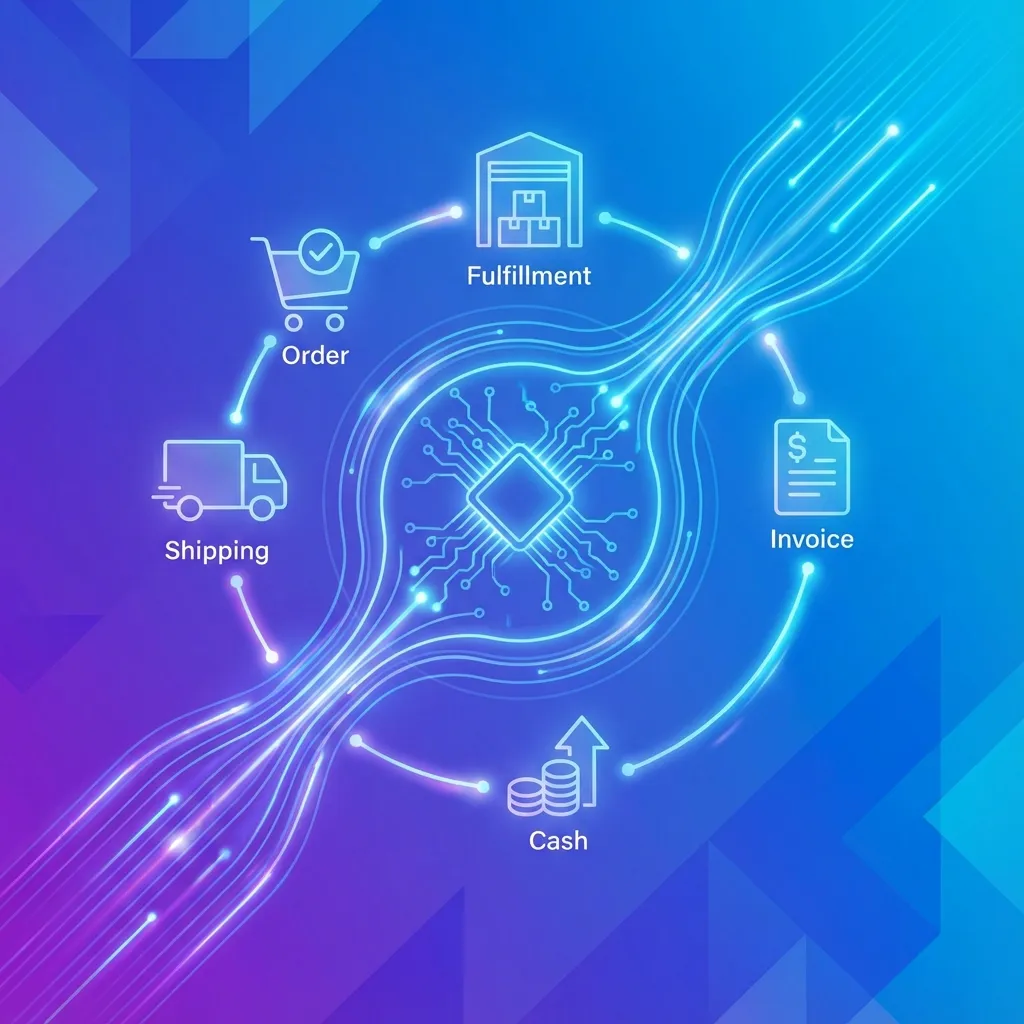 Figure 1: ERP Supporting Business Processes
A classic example to illustrate this is the Order-to-Cash process.
The Order-to-Cash (O2C) Process
The Order-to-Cash (O2C) cycle is the complete set of business processes that covers receiving and processing a customer order, fulfilling it, and receiving payment. In a traditional, siloed environment, this process would involve multiple systems and a great deal of manual communication and data re-entry between departments. In an ERP system, the process is seamless.
flowchart LR
    SO["📝 1. Sales Order\n(Sales Dept)"]
    PICK["📦 2. Pick & Pack\n(Warehouse)"]
    SHIP["🚚 3. Ship Order\n(Logistics)"]
    INV["🧾 4. Invoice\n(Accounting)"]
    PAY["💰 5. Payment\n(Accounting)"]

    SO --> PICK --> SHIP --> INV --> PAY

    DB[("🗃️ Central\nERP Database")] -.->|"Real-time Updates"| SO
    DB -.-> PICK
    DB -.-> SHIP
    DB -.-> INV
    DB -.-> PAY

    style DB fill:#1565c0,color:#fff
Figure 2: Order-to-Cash Process in an ERP System
Let’s walk through the steps of the O2C process within an integrated ERP system:
Step 1: Create Sales Order (Sales Department)
- A salesperson receives an order from a customer.
- They access the CRM or Sales module of the ERP system to create a new sales order.
- Integration in Action: As the salesperson enters the order, the ERP system instantly:
- Communicates with the Financial module to check the customer’s credit limit.
- Communicates with the Supply Chain Management (SCM) module to verify that the requested items are in stock and to reserve them.
- If everything is in order, the sales order is confirmed. This single action triggers the next steps in the process automatically.
Step 2: Fulfill Order (Warehouse/Operations Department)
- The confirmed sales order automatically appears as a “pick list” in the SCM module for the warehouse staff.
- A warehouse worker picks the items from the shelves.
- They scan the items, and the ERP system immediately updates the inventory levels in the central database. This inventory information is now visible in real-time to all other departments.
Step 3: Ship Order (Logistics/Shipping Department)
- Once the items are packed, the SCM module generates the necessary shipping documents, such as a packing slip and a bill of lading.
- The system can also integrate with external shipping carriers (like FedEx or UPS) to schedule the shipment and get tracking information.
- When the order is shipped, the status of the sales order is updated.
Step 4: Create Invoice (Accounting Department)
- The act of shipping the order automatically triggers the Financial module to generate an invoice.
- The invoice is sent to the customer, and the ERP system records an entry in the accounts receivable ledger, showing that the customer owes money.
Step 5: Receive Payment (Accounting Department)
- When the customer sends their payment, a clerk in the accounting department records the payment in the Financial module.
- Integration in Action: Recording the payment automatically:
- Clears the customer’s open invoice in accounts receivable.
- Updates the company’s cash balance in the general ledger.
- Updates the customer’s credit status.
Conclusion: The Power of Integration
As this example shows, the ERP system acts as the central nervous system of the organization. An action in one department has an immediate and automatic effect on other departments. There is no need for manual data re-entry, which reduces errors. Everyone in the organization has access to the same, real-time information, providing a complete and accurate view of the entire Order-to-Cash process. This level of integration is what allows businesses to become more efficient, responsive, and data-driven.
Key Takeaways
- ERP systems streamline cross-functional processes by integrating different departments.
- The Order-to-Cash (O2C) cycle is a classic example of a process supported by an ERP.
- An action in one ERP module (e.g., Sales) can automatically trigger actions in other modules (e.g., SCM, Finance).
- The integration provided by an ERP system provides real-time visibility across the entire organization.
Discussion Questions
- What are some of the potential problems that could occur in the Order-to-Cash process if a company was using separate, non-integrated systems (information silos)?
- Besides Order-to-Cash, what is another example of a cross-functional business process that would benefit from an ERP system?
- How does the real-time inventory visibility provided by an ERP system benefit the sales department?