Unit 6.4
Enterprise Resource Planning (ERP) Systems Explained
Today's Learning Objectives 🎯
By the end of this session, you will be able to:
- ✅ Define ERP and its core concept of integration.
- ✅ Explain how ERP systems solve the problem of information silos.
- ✅ Identify the common modules of an ERP system.
- ✅ Describe the major benefits and challenges of implementation.
The Problem: Information Silos
Before ERP, departments often worked in isolation, creating "information silos."
Interactive: Visualize the Silo Problem
Click each department to reveal its data. Then click Connect with ERP to see integration.
Sales
Spreadsheet
No stock info
Finance
Accounting SW
No order data
HR
Paper records
No financials
Supply Chain
Manual count
No sales data
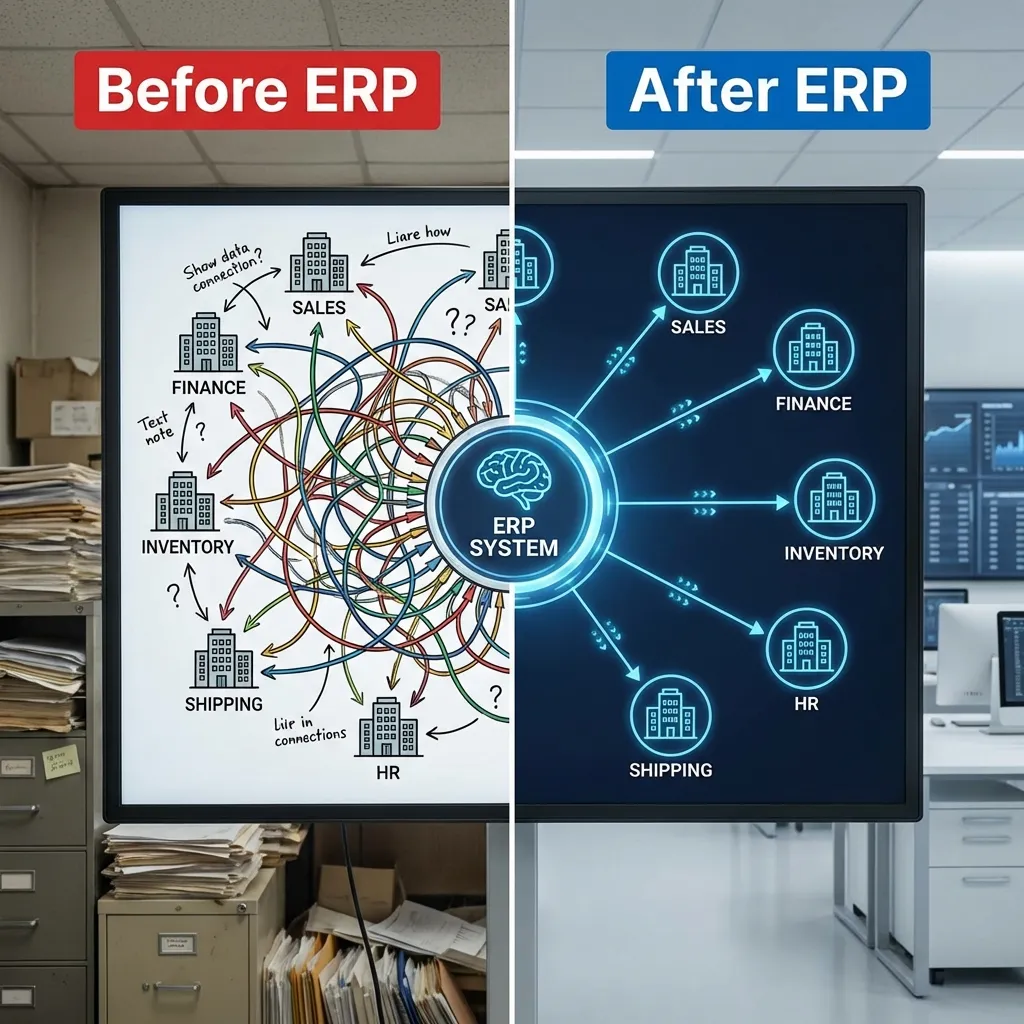
Result: Data duplication, inconsistency, and poor visibility across the business.
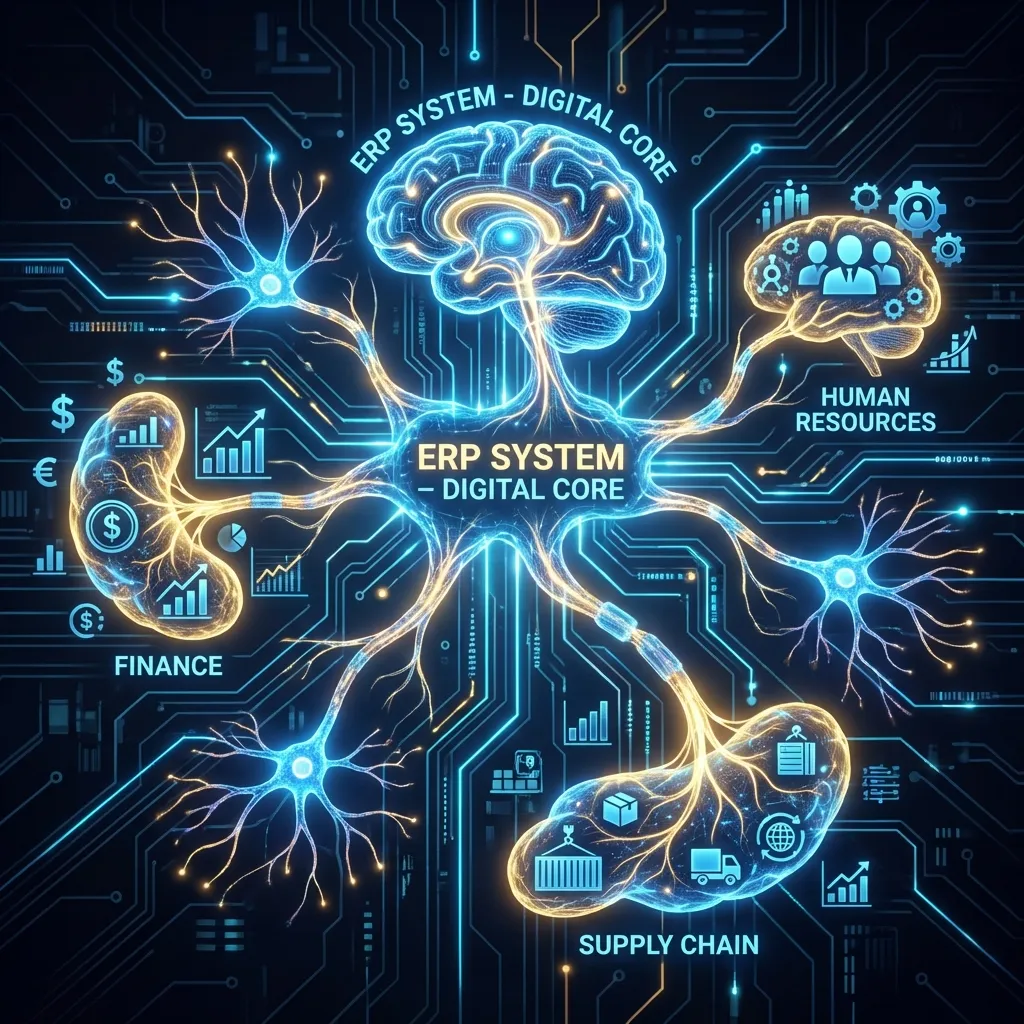
The Solution: What is an ERP?
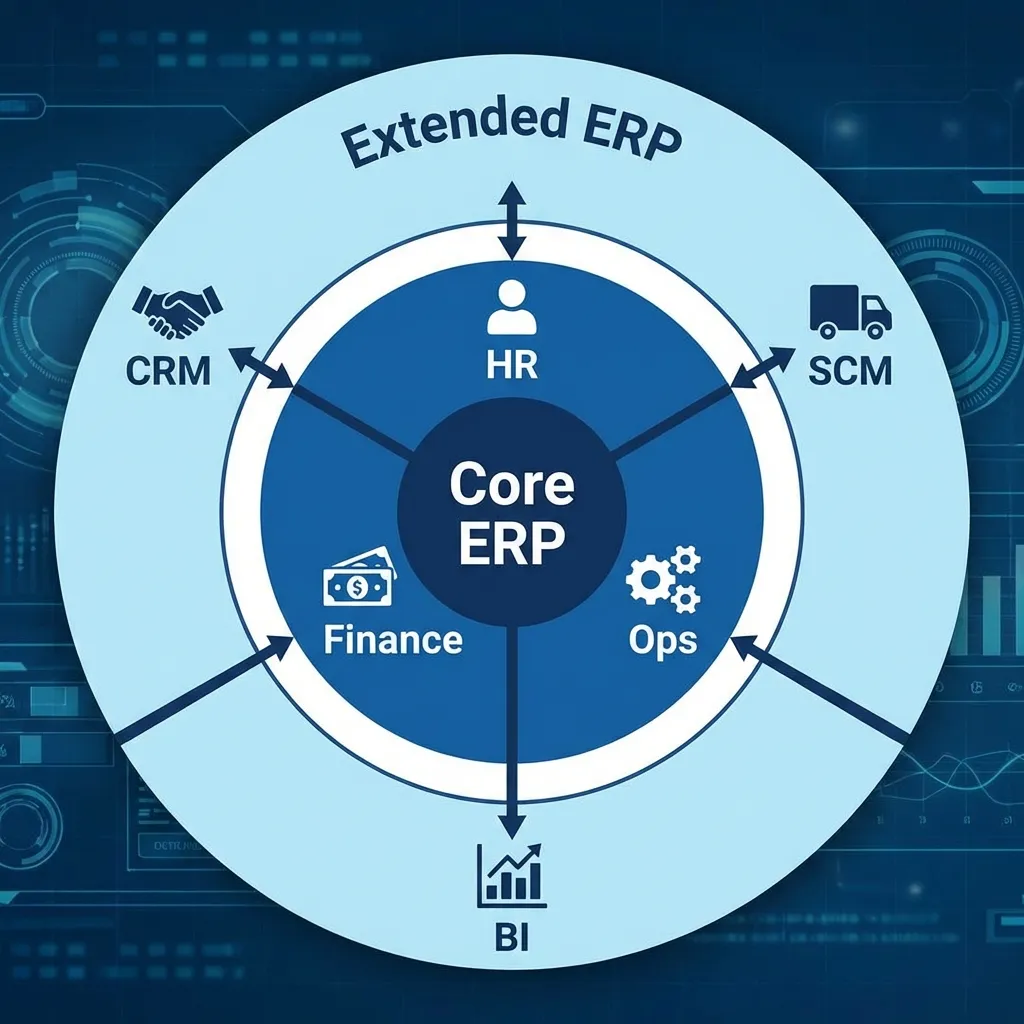
Enterprise Resource Planning (ERP): A suite of integrated software applications that an organization uses to collect, store, manage, and interpret data from many business activities.
- It breaks down information silos by creating a single, unified platform.
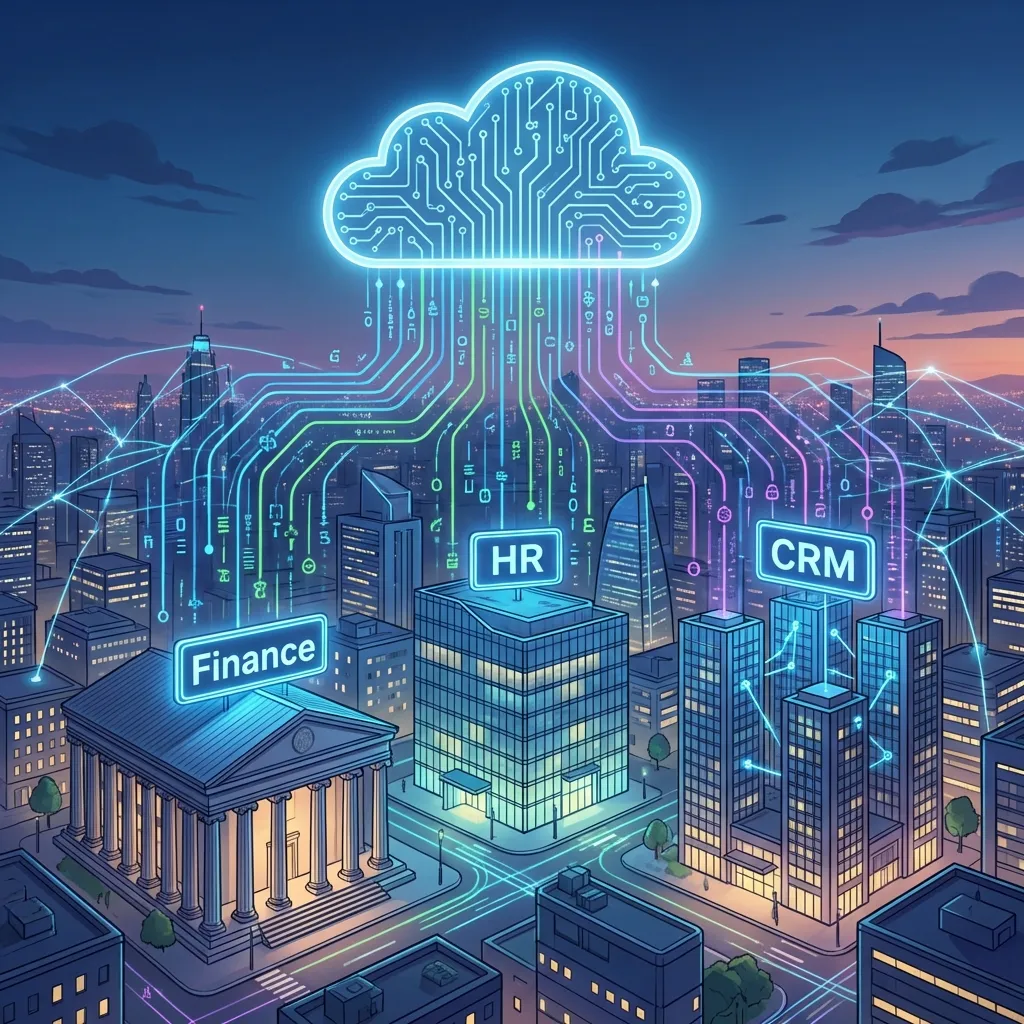
- It acts as the central nervous system for the entire organization.
- Key vendors include SAP, Oracle, and Microsoft Dynamics 365.
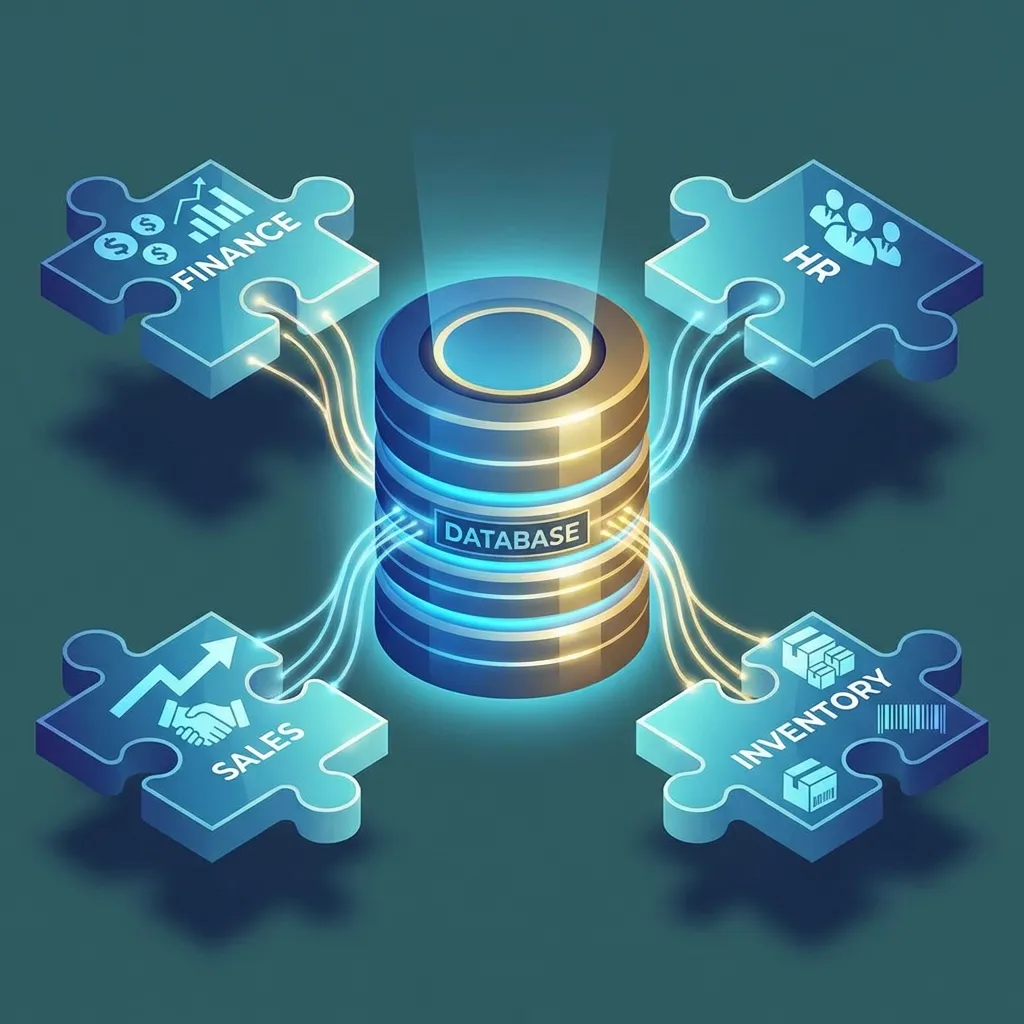
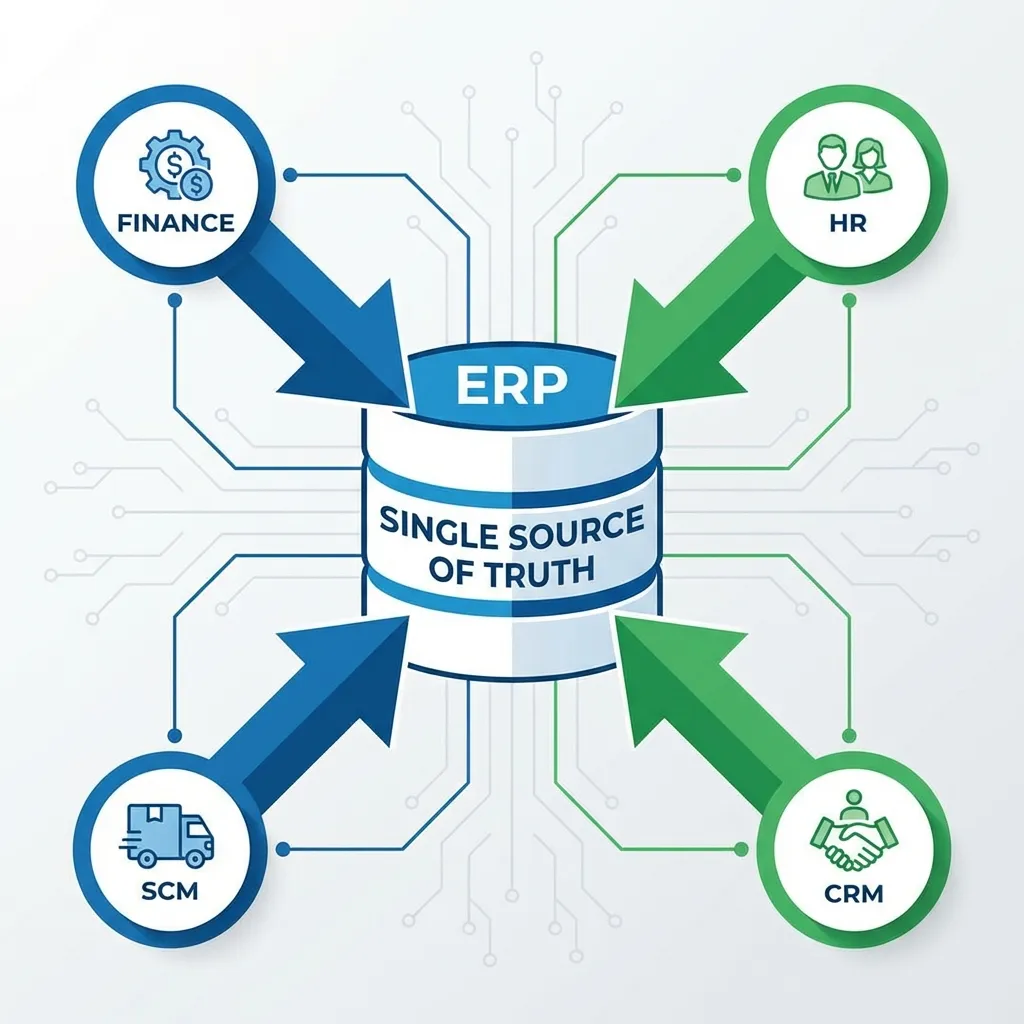
The Core Concept: A Single Source of Truth ⚡
ERPs achieve integration through a central database.
This ensures every department is working with the same, up-to-date information, eliminating guesswork and errors.
How it Works: An Integrated Workflow
An event in one module automatically triggers updates in others.
Example: Processing a Sales Order
- Sales Module: A new customer order is entered.
- ➡️ SCM Module: Inventory levels are automatically checked and updated. A shipping order is created.
- ➡️ Finance Module: An invoice is generated and the customer's credit is checked.
- ➡️ Management Dashboard: Sales forecasts and revenue reports are updated in real-time.
Interactive: ERP Workflow Step-Through
Click Next Step to trace how a single sales order triggers every ERP module automatically.
Key Characteristics of ERP Systems 🔍
- Integrated System: All modules are interconnected and work together seamlessly.
- Central Database: All data is stored in one place, eliminating redundancy and inconsistency.
- Standardized Processes: Adopts industry "best practices," which can improve efficiency but requires organizational change.
- Real-Time Operation: Data is updated instantly across all modules as business transactions occur.
A Look Inside: Common ERP Modules
Financial Management
- General Ledger
- Accounts Payable/Receivable
- Budgeting
Human Capital (HCM)
- Payroll
- Recruiting
- Performance Mgt.
Supply Chain (SCM)
- Inventory Control
- Procurement
- Logistics
Other common modules include Manufacturing and Customer Relationship Management (CRM).
Interactive: ERP Module Match Challenge
Which ERP module handles each business task? Click the correct answer for all four questions.
The Two Sides: Benefits vs. Challenges
Benefits 📈
- Improved efficiency & automation
- Better, data-driven decision-making
- Enhanced data security & control
- Increased collaboration between departments
Challenges 📉
- Extremely high cost (software, implementation, maintenance)
- High complexity and long implementation times
- Employee resistance to process changes
- Vendor lock-in makes it hard to switch systems
Interactive: Sort It — Benefit or Challenge?
Click each card and assign it to the correct column. All 8 must be placed correctly to win.
Benefits
Challenges
Practical Application: ERP in Nepal 🇳🇵
Example: A Nepali Hydropower Company
A company like Butwal Power Company could use an ERP to:
- Finance Module: Manage large-scale project budgets, track assets, and handle international investor reporting.
- HCM Module: Manage payroll and training for engineers and staff across multiple remote sites.
- SCM Module: Procure and track high-value equipment (like turbines) from international suppliers.
Result: A unified view of complex operations, improving financial control and project management.
Interactive: ERP Knowledge Quiz
Test your understanding. Select the best answer for each question.
Summary & Key Takeaways 📊
- Integration is Key: ERPs unite all core business functions (finance, HR, SCM) onto a single, shared platform.
- Single Source of Truth: They use a central database to eliminate information silos and ensure data consistency.
- High Risk, High Reward: While benefits like efficiency and better decision-making are immense, implementation is a major undertaking due to high costs, complexity, and the need for organizational change.
Exam Practice 📝
Short answer
- What is an ERP system?
- List four common ERP modules.
- Give two benefits and two challenges of ERP.
Long answer
- Explain the concept of ERP and its key characteristics, with examples of common modules.
- Discuss the benefits and challenges of implementing an ERP system in a Nepali organization.
Revise the answers in the full note.
Thank You!
Next Topic: Customer Relationship Management (CRM)
We will explore how businesses manage their interactions with current and potential customers.