Learning Objectives
By the end of this chapter, you will be able to:
- Define cloud computing, its characteristics, and its service models (SaaS, PaaS, IaaS).
- Distinguish public, private, hybrid, and community clouds.
- Define green computing, its goals, and practical green practices.
- Define virtualization, its types, and its benefits.
Major IT Infrastructure Trends
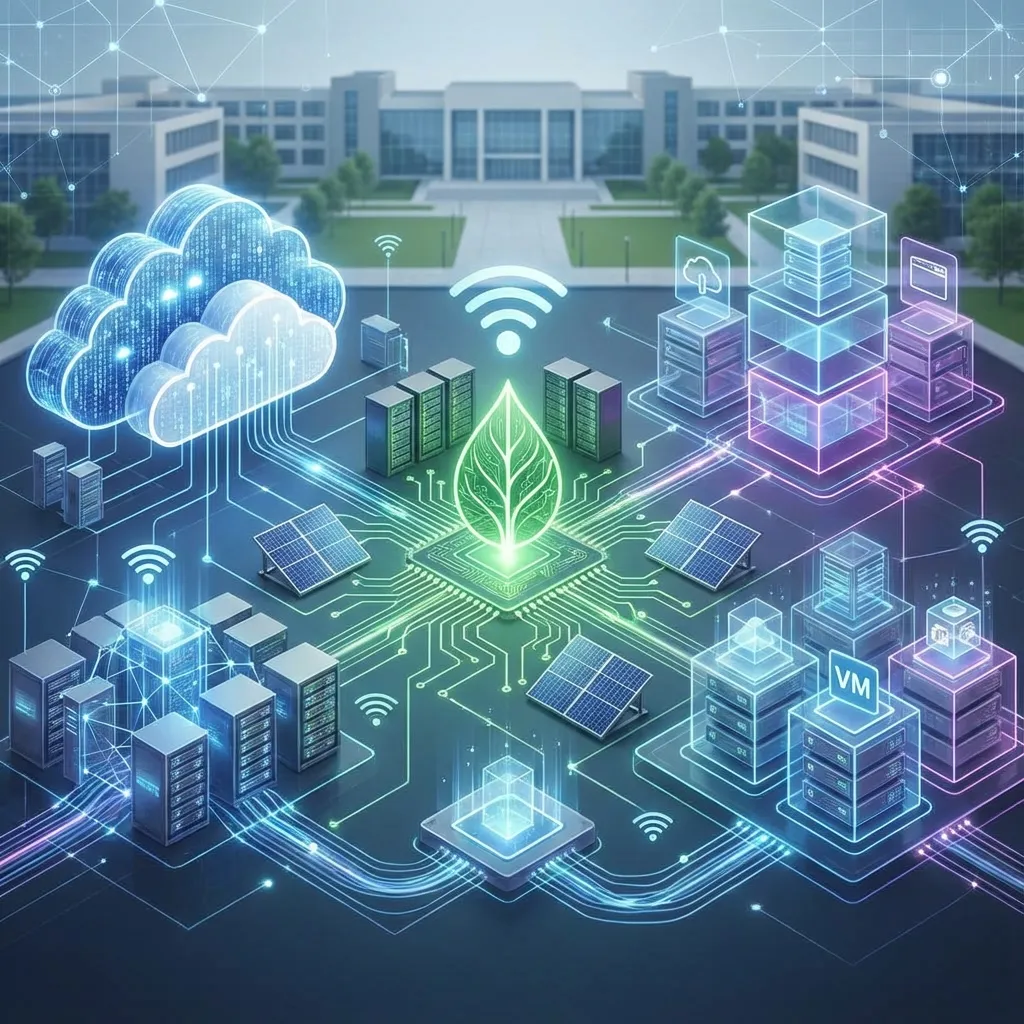
Three related trends are changing how organizations buy and run technology: renting services from the cloud, reducing environmental impact, and running multiple virtual machines on shared hardware.
Cloud Computing
Cloud computing is the delivery of on-demand computing services—from applications to storage and processing power—over the internet on a pay-as-you-go basis.
Characteristics of cloud computing
- On-demand self-service — users get resources when needed without contacting the provider.
- Broad network access — services are available over the internet from any device.
- Resource pooling — the provider shares its hardware among many customers.
- Rapid elasticity — resources scale up or down quickly.
- Measured service — usage is metered, and customers pay for what they use.
Service models
The three main service models are:
- SaaS (Software as a Service): Renting application software (e.g., Google Workspace).
- PaaS (Platform as a Service): Renting a platform to build, test, and deploy your own applications.
- IaaS (Infrastructure as a Service): Renting basic computing infrastructure like servers and storage.
| Model | You manage | Provider manages | Examples |
|---|---|---|---|
| SaaS | Only your data and user accounts | Application, platform, and infrastructure | Gmail, Google Workspace, Microsoft 365, Zoom |
| PaaS | Your application code and data | Operating system, runtime, servers | Google App Engine, Heroku, Azure App Service |
| IaaS | OS, applications, and data | Physical servers, storage, and networking | Amazon EC2, Microsoft Azure VMs, Google Compute Engine |
Memory aid: SaaS = use the software; PaaS = build on the platform; IaaS = rent the raw infrastructure.
Deployment models
- Public cloud — services shared by many customers over the internet (AWS, Azure, Google Cloud).
- Private cloud — cloud infrastructure used by one organization only, for more control and security.
- Hybrid cloud — a mix of private and public clouds, e.g., sensitive data kept private while the website runs in the public cloud.
- Community cloud — shared by organizations with common needs, such as government agencies.
Benefits and risks of cloud computing
| Benefits | Risks |
|---|---|
| No large upfront hardware cost | Depends on reliable internet |
| Scales quickly with demand | Data security and privacy concerns |
| Access from anywhere; supports remote work | Vendor lock-in |
| Automatic updates and backups | Less control over where data is stored |
| Pay only for what you use | Costs can grow if usage is not monitored |
Green Computing
Green computing is the environmentally responsible and eco-friendly use of computers and their resources. The goals are to reduce energy consumption, minimize electronic waste, and promote sustainability.
Green computing practices
- Energy-efficient devices — choose equipment with energy-efficiency ratings (e.g., ENERGY STAR) and LED displays.
- Power management — enable sleep and hibernate modes; switch off devices when not in use.
- Virtualization and cloud — fewer, better-used servers consume less power than many idle ones.
- Reduce printing — use digital documents, e-signatures, and double-sided printing.
- Responsible e-waste disposal — recycle old computers, batteries, and phones through proper channels instead of dumping them.
- Extend device life — repair and upgrade instead of replacing frequently.
- Efficient data centers — better cooling and renewable energy.
In Nepal, growing numbers of discarded phones and computers make proper e-waste collection and recycling an increasing concern, while the country’s largely hydroelectric power gives data centers a relatively clean energy source.
Virtualization
Virtualization is the process of creating a virtual, rather than actual, version of something, such as a server, a storage device, or a network. It is the core technology that enables cloud computing. Virtualization allows a single physical server to run multiple independent virtual machines, which dramatically improves the efficiency and utilization of the hardware.
A software layer called a hypervisor (e.g., VMware ESXi, Microsoft Hyper-V, VirtualBox) divides one physical machine’s CPU, memory, and storage among several virtual machines (VMs), each running its own operating system.
flowchart TB
  subgraph PHY[One physical server]
    HV[Hypervisor]
    HV --> VM1[VM 1: Windows - accounting system]
    HV --> VM2[VM 2: Linux - website]
    HV --> VM3[VM 3: Linux - email server]
  end
Types of virtualization
- Server virtualization — many virtual servers on one physical server.
- Desktop virtualization — users access a desktop that runs on a central server.
- Storage virtualization — several physical disks appear as one storage pool.
- Network virtualization — software creates separate virtual networks on shared hardware.
Benefits of virtualization
- Lower cost — fewer physical servers to buy, power, and cool.
- Better utilization — hardware that sat mostly idle is used more fully.
- Faster setup — a new server can be created in minutes.
- Easier backup and recovery — whole VMs can be copied or moved.
- Testing — new software can be tried in a VM without risking real systems.
Business Scenario
A college in Pokhara runs five old servers for its website, student records, library, email, and accounts, each mostly idle and consuming power. It replaces them with one modern server running five virtual machines (virtualization), moves email to Google Workspace (SaaS), and recycles the old servers responsibly (green computing). Electricity bills fall, backups are simpler, and staff can access email from anywhere.
Summary
Several major trends are reshaping IT infrastructure. Cloud computing allows businesses to rent computing resources over the internet instead of owning them, through SaaS, PaaS, and IaaS models delivered via public, private, hybrid, or community clouds. Green computing focuses on making IT more environmentally sustainable through energy efficiency, reduced printing, and responsible e-waste disposal. The foundational technology for both of these trends is virtualization, which uses a hypervisor to create virtual machines and dramatically improves hardware efficiency.
Key Takeaways
- Cloud computing is the on-demand delivery of IT resources over the internet.
- SaaS, PaaS, and IaaS differ in how much the customer manages.
- Cloud deployment models: public, private, hybrid, and community.
- Green computing is the practice of environmentally sustainable IT.
- Virtualization uses a hypervisor to run multiple virtual machines on one physical machine and is the key enabling technology for the cloud.
Discussion Questions
- What are the main benefits of cloud computing for a new startup company?
- What are some simple things you can do to practice green computing with your own devices?
- How does virtualization help a company save money?
Exam-Style Questions
Short answer
- Define cloud computing. Differentiate between SaaS, PaaS, and IaaS with examples.
- What is green computing? List four green computing practices.
- What is a hypervisor?
Long answer
- Explain the service and deployment models of cloud computing, with its benefits and risks for businesses.
- What is virtualization? Explain its types and how it supports cloud and green computing.


