
Introduction to System Software
Welcome to Unit 3.2. In our previous discussion, we explored the broad categories of software. Now, we delve deeper into System Software, the foundational layer of software that makes your computer hardware usable. For any business, understanding system software is not just an IT concern; it’s a strategic one. The right system software ensures that all other business applications—from accounting packages to customer relationship management tools—run smoothly, securely, and efficiently. It is the invisible engine that powers a company’s entire digital infrastructure, impacting productivity, data security, and operational stability.
What is System Software?
System Software is a type of computer program that is designed to run a computer’s hardware and application programs. It acts as the intermediary between the computer hardware and the user or application software. Think of it as the management and administrative staff of a company; it doesn’t perform the core business task itself (like manufacturing a product), but it ensures that the environment, resources, and infrastructure are in place for the core tasks to be completed.
System software is primarily composed of two major categories:
- Operating Systems (OS)
- Utility Software
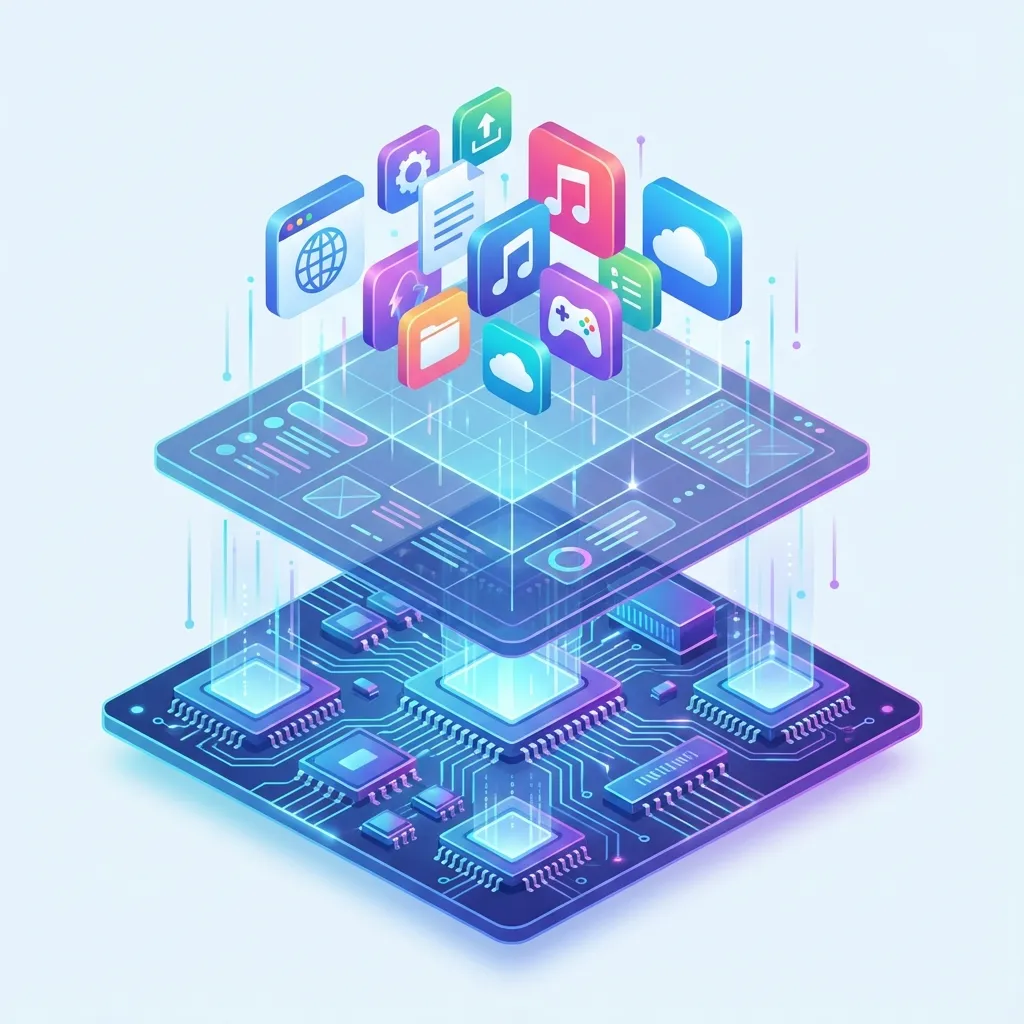 Figure: System Software Layers - OS acts as intermediary between hardware and application software
1. Operating Systems (OS)
An Operating System (OS) is the most crucial piece of software on any computer. It manages all the hardware and software resources, from the CPU and memory to files and connected devices. It provides a stable, consistent platform for application software to run.
Key Functions of an Operating System
- Process Management: Manages the execution of applications and programs. It allows for multitasking, where multiple programs can run seemingly at the same time by allocating CPU time to each one.
- Memory Management: Controls and allocates the computer’s main memory (RAM) to various running programs, ensuring they don’t interfere with each other.
- File Management: Organizes and keeps track of files and directories on storage drives. It handles the creation, deletion, copying, and storage of files.
- Device Management: Manages communication with hardware devices like printers, keyboards, mice, and network cards through drivers.
- User Interface (UI): Provides a way for the user to interact with the computer. This can be a Graphical User Interface (GUI), with icons and windows (like Windows or macOS), or a Command-Line Interface (CLI) used by technical professionals.
- Security: Manages user accounts, passwords, and access permissions to protect the system from unauthorized access.
Types of Operating Systems
| OS Type | Description | Common Examples | Business Context |
|---|---|---|---|
| Desktop/PC OS | Designed for personal computers and laptops. | Microsoft Windows, Apple macOS, Linux (e.g., Ubuntu) | Windows is the dominant OS in corporate environments. macOS is popular in creative industries (design, video). Linux is favored by developers. |
| Mobile OS | Designed for smartphones and tablets, optimized for touchscreens and connectivity. | Google Android, Apple iOS | Essential for modern business mobility, running business apps, communication tools, and mobile payment systems. |
| Server OS | Designed to run on servers, providing services to multiple client computers over a network. Optimized for stability, security, and scalability. | Windows Server, Red Hat Enterprise Linux (RHEL), Ubuntu Server | The backbone of a company’s IT infrastructure, hosting websites, databases, email servers, and enterprise applications. |
 Figure: Cloud Computing - Modern server OS platforms power cloud services that businesses rely on
2. Utility Software
Utility Software is designed to help analyze, configure, optimize, or maintain a computer system. It supports the operating system by performing specific tasks that enhance performance, security, and data management. While the OS provides the core functions, utilities are the specialized tools that keep the system running well.
Common Types of Utility Software
- Antivirus and Security Software: Protects the system from malware, viruses, spyware, and other security threats.
- Examples: Norton, McAfee, Windows Defender.
- Backup and Recovery Software: Creates copies of data that can be restored in case of data loss or system failure.
- Examples: Veeam, Acronis True Image, Windows Backup.
- File Compression Tools: Reduces the size of files to save disk space and make them easier to transmit over a network.
- Examples: WinZip, 7-Zip, WinRAR.
- Disk Management Tools: Includes tools for disk cleanup (removing unnecessary files), defragmentation (reorganizing data for faster access), and partitioning.
- Examples: Windows Disk Cleanup, CCleaner.
- System Monitoring Software: Tracks the performance and health of a system, monitoring CPU usage, memory, and network traffic to identify potential issues.
Business Applications of System Software
System software is not just a technical component; it’s a business enabler. The choice of OS and utilities directly impacts efficiency, security, and cost across all departments.
- Finance Department:
- OS: A secure and stable OS like Windows 11 Pro with features like BitLocker encryption is vital for protecting sensitive financial data on accountants’ laptops. Windows Server is used to run centralized accounting software (like Tally or an ERP system) securely.
- Utilities: Automated backup software is non-negotiable for regularly backing up financial records to prevent data loss. Antivirus software is critical to prevent ransomware attacks that could cripple financial operations.
- Human Resources (HR) Department:
- OS: The OS’s security features, such as user accounts and file permissions, are used to ensure that only authorized HR personnel can access confidential employee records and payroll information stored on a shared server.
- Utilities: Encryption utilities are used to protect sensitive employee data (Personally Identifiable Information - PII) both on local drives and when being transferred.
- Operations and Supply Chain Management:
- OS: Server OS like Linux is often the foundation for robust Enterprise Resource Planning (ERP) and inventory management systems that need to run 24/7. In warehouses, handheld scanners often run on a specialized version of Android to track inventory in real-time.
- Utilities: System monitoring tools are crucial for ensuring the servers running the supply chain software are always online, preventing costly downtime in manufacturing or logistics.
- Marketing Department:
- OS: Marketing teams, especially in creative roles, often prefer macOS for its strong performance with graphic design and video editing software. The company’s public-facing website is hosted on a highly reliable Server OS (often Linux) to ensure it’s always available to customers.
- Utilities: File compression utilities (like WinZip) are used daily to package and send large design files and marketing campaign assets to clients, printers, or advertising agencies.
Real-World Examples from Nepal
1. The Banking Sector: Core Banking Systems (CBS)
Nepali banks like Nabil Bank, NIC Asia Bank, and Global IME Bank rely heavily on robust system software for their operations.
- Operating System: Their Core Banking Systems (CBS), which handle all customer transactions, accounts, and records, run on powerful servers. These servers use highly stable and secure server operating systems like Red Hat Enterprise Linux (RHEL) or Windows Server. The choice is dictated by the need for extreme reliability (99.99% uptime) and security to protect financial data and comply with Nepal Rastra Bank (NRB) regulations.
- Utility Software: Banks invest heavily in enterprise-grade antivirus solutions, firewall management utilities, and sophisticated backup and disaster recovery software. Regular, automated backups are a legal and operational requirement to ensure that customer data can be restored in case of a hardware failure or cyber-attack.
2. Digital Wallets: eSewa and Khalti
The success of digital payment platforms like eSewa and Khalti is built on a foundation of both mobile and server-side system software.
- Operating System: The user-facing apps run on Android and iOS. The security features built into these mobile operating systems, such as biometric authentication (fingerprint/face ID) and sandboxing (isolating apps from each other), are fundamental to building user trust. On the backend, their transaction processing engines run on scalable Linux-based servers, likely in a cloud environment, which can handle millions of transactions securely.
- Utility Software: System monitoring utilities are critical for their operations teams to watch server performance in real-time. This allows them to identify and fix potential issues before they cause an outage, ensuring the service is always available for users making payments.
3. Internet Service Providers (ISPs): WorldLink and Vianet
ISPs in Nepal manage massive networks that connect hundreds of thousands of users to the internet.
- Operating System: The core routers, servers for authentication (checking user logins), and Domain Name System (DNS) servers that power their networks predominantly run on specialized, highly customized versions of Linux or other UNIX-like operating systems. These OSs are chosen for their stability, performance in networking tasks, and security.
- Utility Software: ISPs use a suite of network monitoring utilities to track data flow, identify bottlenecks, and defend against security threats like Distributed Denial-of-Service (DDoS) attacks. These utilities are essential for maintaining service quality and ensuring the network remains stable for all customers, from individual home users to large corporate clients.
Key Takeaways
- System Software is Foundational: It is the essential layer that enables all other software to run and allows users to interact with hardware.
- OS is the Manager: The Operating System manages all a computer’s resources, including memory, processing power, and files.
- Utilities are the Tools: Utility Software helps maintain, optimize, and secure the computer system.
- Business Impact: The choice of system software directly affects a business’s productivity, data security, operational stability, and total cost of ownership.
- Licensing is Crucial: Businesses must use properly licensed system software (e.g., Windows, RHEL) to avoid legal penalties, receive critical security updates, and get technical support. Using pirated software poses a significant security risk.
Review Questions
- In your own words, explain why a business cannot use its accounting software (application software) without an operating system.
- Describe two types of utility software and explain how each would be critical for the HR department of a company.
- Using a Nepali e-commerce company like Daraz as an example, explain why the choice of a server operating system is more critical for their business operations than the OS on their employees’ office laptops.
- What are the key security risks a business faces if it uses unlicensed or “pirated” operating systems on its computers?


