Launching WinSim: A Risk-Free Windows OS Installation Simulator
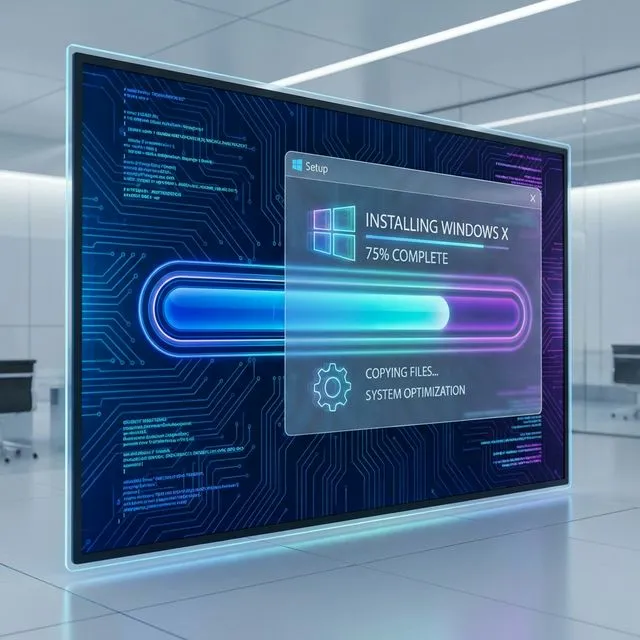
We are excited to announce a new educational tool on arjankc.com.np: the WinSim OS Installation Simulator.
For many students and beginners, the process of installing an Operating System (OS) can be intimidating. Concepts like “BIOS”, “Partitioning”, and “Formatting” often come with the fear of accidentally wiping important data or “bricking” a computer.
To bridge this gap between theory and practice, we have developed a browser-based simulator that replicates the experience of installing Windows.
Why Use a Simulator?
- Risk-Free Learning: Make mistakes without consequences. If you format the wrong “drive” in the simulator, just refresh the page!
- Interactive Experience: Go through the actual steps of a Windows installation, including BIOS setup, disk partitioning, and the OOBE (Out of Box Experience).
- Accessible Anywhere: No need for spare hardware or virtual machines. It runs directly in your browser.
Key Features
- BIOS Simulation: Learn how to navigate a BIOS menu to change boot order and secure boot settings.
- Disk Partitioning: Practice creating, deleting, and formatting drive partitions.
- Visual Fidelity: A UI designed to mimic the look and feel of a real installation process.
Try It Now
Ready to practice your IT skills?
Launch Windows Installation Simulator
This project is open source and available on GitHub. Feedback and contributions are welcome!