The Digital Portfolio: Why Every Nepali Student Needs a Personal Website (Not Just a Marksheet)
Ten years from now, when your student applies for a job, the employer won’t ask, “How many marks did you get in Class 9 Science?”
They will ask, “Show me what you have built.”
In Nepal, we are excellent at producing certificates. We have folders full of them. But we are lagging behind in producing proof of competence.
This is where the Digital Portfolio comes in.
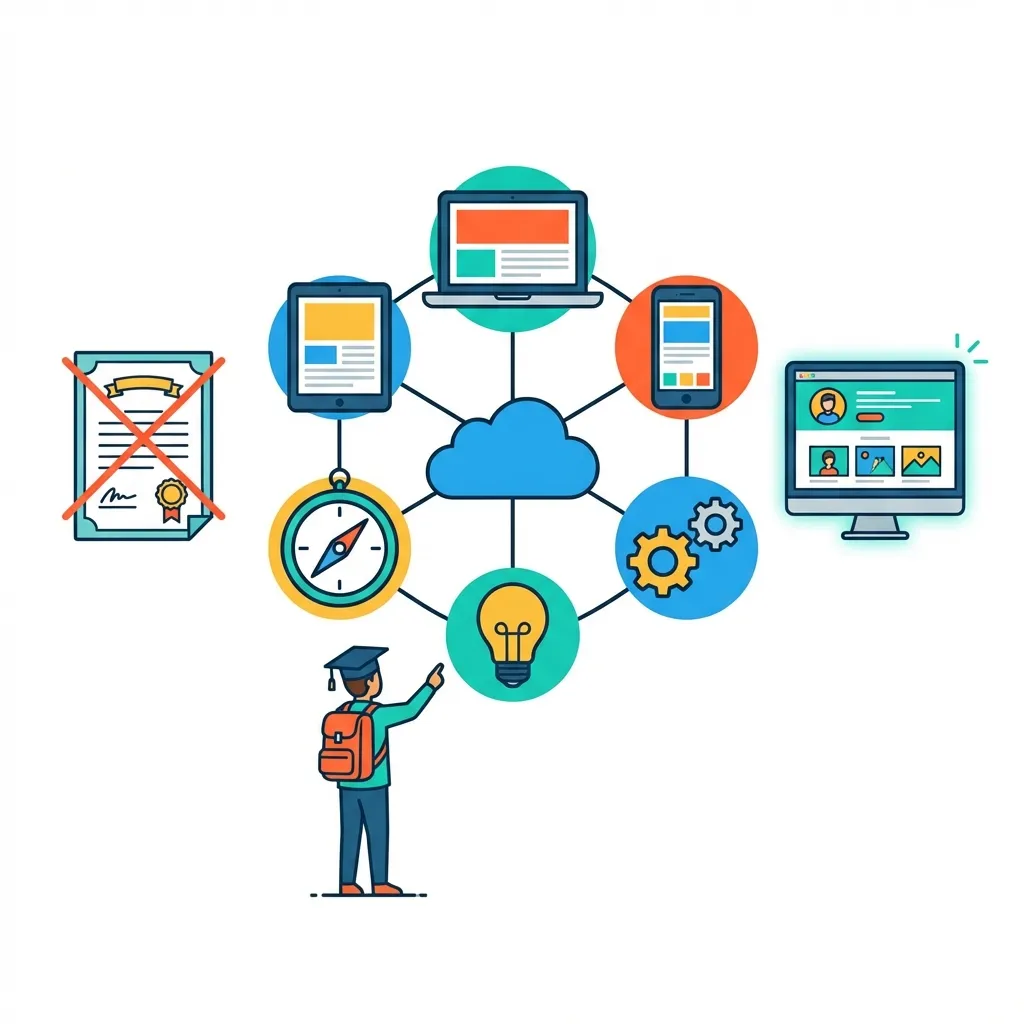
What is a Digital Portfolio?
It isn’t just a Facebook profile. It is a personal website (like ramsharma.com.np or ram.github.io) where a student curates their best work.
It can include:
- The essay they wrote about climate change in the Himalayas.
- Photos of the science model they built using clay.
- A video of them delivering a speech.
- Code for a simple game they made.
Why It Matters More Than Grades
1. It Shifts the Focus from “Passing” to “Creating”
When a student knows their work will be published online, they don’t just want to get a ‘C’. They want it to look good. They edit more. They refine more. They take ownership.
2. It’s the Ultimate CV
I have hired many people at Gurkha Technology. I always look at their portfolio before their degree. If a student can send me a link and say, “Here are 5 projects I did,” they are instantly ahead of the topper who has nothing to show but a piece of paper.
3. It Teaches Digital Literacy (The Real Kind)
Building a portfolio teaches them about domains, hosting, design, copyright, and personal branding. These are 21st-century survival skills.
How Teachers Can Start This
You don’t need money. You don’t need servers.
- Level 1 (Easy): Google Sites. It’s free, drag-and-drop, and links to their Google Drive. Perfect for Class 8-10.
- Level 2 (Intermediate): WordPress.com or Blogger. Good for writing-heavy portfolios.
- Level 3 (Advanced): GitHub Pages. For the students who want to learn a bit of HTML. (See my previous post on Coding for Teachers).
The “Teacher Developer” Challenge
Next term, assign one project that must be digital. Don’t ask for a file on a pendrive. Ask for a link.
Tell your students: “Don’t just do the work. Broadcast it.”
Related Posts and Resources
- Low-Tech, High-Impact Teaching in Nepal
- Coding for Teachers in Nepal
- Data-Driven Grading for Educators
- Open-Source Schools in Nepal
- Gamification in Nepali Classrooms
- Cyber Hygiene for Students and Teachers
- Flipped Classroom in Nepal
- CS Unplugged Activities in Nepal
- School Wi-Fi Budget Planning
- AI-Based Assessment in Nepal


