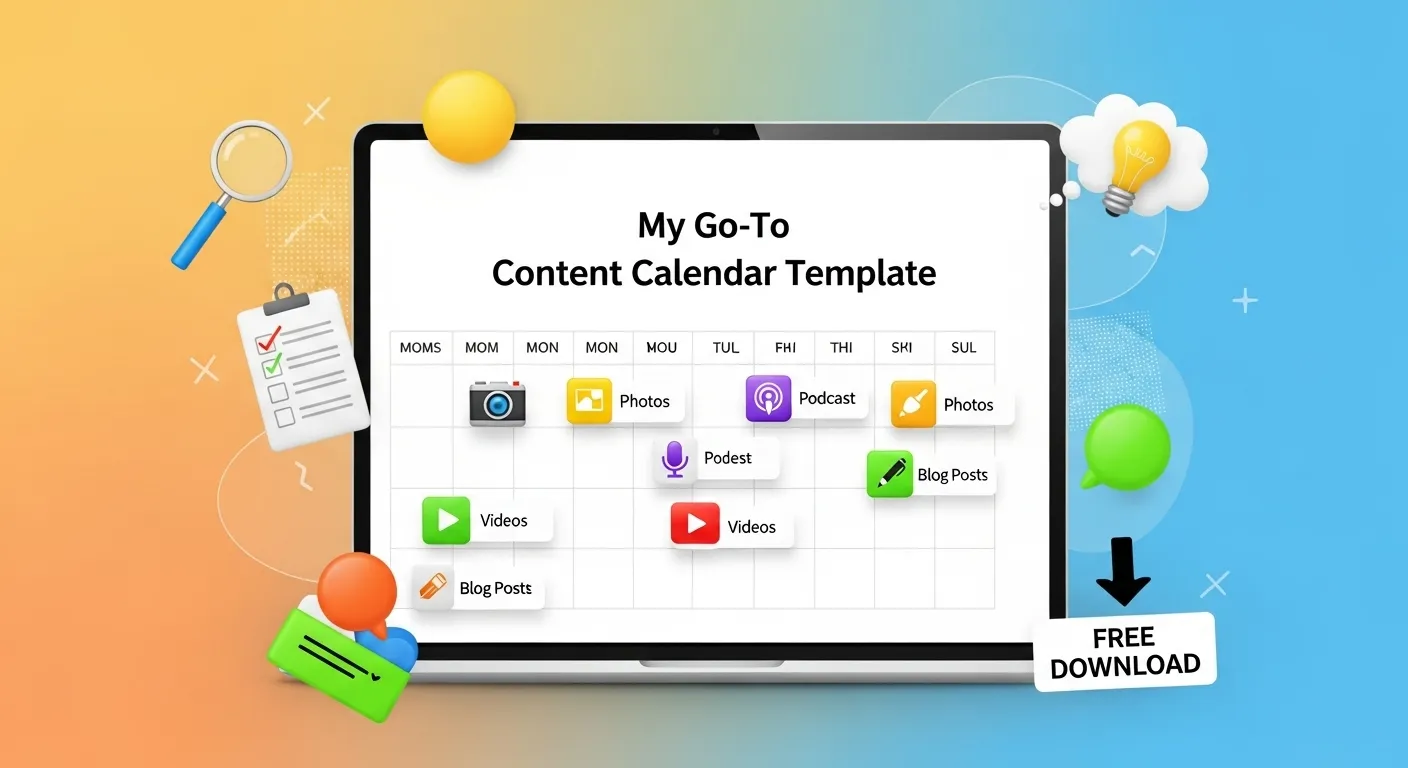
My Go-To Content Calendar Template (Free Download)
Content is king, but consistency is its crown. Without a well-organized plan, even the most brilliant content ideas can get lost in the shuffle. This is where a robust content calendar becomes your best friend. It’s not just a schedule; it’s a strategic roadmap that ensures your content efforts are aligned with your marketing goals, audience needs, and publishing deadlines.
After managing content strategies for dozens of clients in Nepal—from startups in Kathmandu to established e-commerce businesses—I’ve learned that the difference between content chaos and content success often comes down to one thing: a solid calendar system. For a comprehensive guide on content marketing, read my local content marketing Nepal guide.
Over the years, I’ve refined my own content calendar system, and today, I’m sharing my go-to template with you. It’s designed to be flexible, comprehensive, and easy to use, helping you move from data to decisions when it comes to your content strategy. This isn’t just theory—this is the exact system I’ve used to help Nepal businesses publish consistently, rank higher in search engines, and generate qualified leads through content marketing.
The Real Cost of Not Having a Content Calendar
Before we dive into the template, let me share a reality check. I recently worked with a Nepal-based education consultancy that was posting “whenever they had time.” Their social media was inconsistent, their blog gathered dust for weeks, and when they did post, it was always rushed content that didn’t perform well.
The results? Their organic traffic was stagnant at 300 visitors per month, their social engagement was below 1%, and they weren’t generating any leads from content marketing despite spending 15+ hours per month creating content.
After implementing a structured content calendar, everything changed:
- Organic traffic grew to 2,100 monthly visitors in 6 months
- Social engagement increased to 4.2% average
- They generated 23 qualified leads directly from blog content
- Content creation time actually decreased to 10 hours per month
The difference? Not just planning, but strategic, consistent execution backed by a system.
Why You Need a Content Calendar (Beyond the Obvious)
If you’re still winging your content creation, here’s why you need to stop and start planning:
-
Consistency Builds Authority: A calendar ensures you publish regularly, which is crucial for audience engagement and search engine rankings. Google rewards websites that publish fresh, valuable content consistently. In my experience with Nepal businesses, publishing 2-3 quality blog posts per month is the sweet spot for building momentum.
-
Strategic Alignment: It helps you map content to your marketing funnels, campaigns, and business objectives. Every piece of content should serve a purpose—awareness, consideration, or conversion. Without a calendar, you’re creating content in a vacuum.
-
Efficiency Multiplier: Reduces last-minute scrambling, allowing for better planning, research, and quality control. When I batch my content creation (writing 4 blog posts in one week), I’m 3x more efficient than writing one post per week. A calendar makes batch production possible.
-
Team Collaboration: Provides a central hub for teams to coordinate, assign tasks, and track progress. Even if you’re a solo marketer, a calendar helps you coordinate with designers, developers, and stakeholders.
-
Identify Gaps & Opportunities: Helps you spot content gaps or over-saturation in certain topics. Looking at your calendar for the month ahead, you might notice you’ve covered SEO extensively but haven’t touched email marketing—time to balance your content mix.
-
Measure Performance: Makes it easier to track the performance of different content types and topics, feeding into your analytics efforts. When you know what you published when, you can correlate traffic spikes and conversions back to specific content pieces.
-
Seasonal & Event Planning: In Nepal, content calendars help you plan around major festivals (Dashain, Tihar, Holi), elections, academic cycles, and business seasons. Missing these opportunities because you didn’t plan ahead is leaving money on the table.
What My Template Includes
My content calendar template is built in a simple spreadsheet format (Google Sheets, Excel, or similar) and includes key columns to keep your content organized. This isn’t just a list of dates—it’s a strategic planning system.
Core Planning Columns:
-
Date & Publish Date: When the content is scheduled to go live. I recommend scheduling at least 2 weeks ahead to allow for proper research, creation, review, and promotion planning.
-
Topic/Headline: The working title of your content piece. This should be specific, not vague. Instead of “SEO Tips,” use “5 Local SEO Mistakes Nepal Businesses Make in 2024.”
-
Content Type: (e.g., Blog Post, Social Media Update, Video, Infographic, Email Newsletter, Podcast Episode, Case Study). Different content types serve different purposes and require different resources.
-
Target Keyword(s): The primary keywords you’re optimizing for (essential for SEO). For Nepal-focused content, I always include location modifiers like “Nepal,” “Kathmandu,” or specific service areas.
-
Target Audience: Which segment of your audience is this content for? New visitors? Existing customers? Decision-makers? Technical users? Being specific here improves content relevance.
-
Funnel Stage: Is this content for Awareness (TOFU), Consideration (MOFU), or Decision (BOFU)? This determines your content angle and CTA strategy.
-
Call to Action (CTA): What do you want the reader to do after consuming this content? Download a guide? Schedule a consultation? Subscribe to your newsletter? Every piece needs a clear next step.
Production & Management Columns:
-
Status: (e.g., Idea, Research, Outline, Draft, Review, Scheduled, Published). This status workflow keeps everyone aligned on progress.
-
Assigned To: Who is responsible for creating this piece? For solo marketers, this helps you track your commitments. For teams, it’s essential for accountability.
-
Writer/Designer/Editor: If you have a team, separate columns for each role help track responsibilities. Even as a solo marketer, noting whether you need design help is valuable.
-
Estimated Hours: How long will this take? Blog posts might take 3-4 hours, while comprehensive guides could take 8-10 hours. Tracking this helps with realistic planning.
-
Notes/Outline: A brief summary or key points to cover. I use this column for quick brain dumps when I have content ideas, so they don’t get lost. Later, I expand these into full outlines.
SEO & Performance Columns:
-
Internal Links: Opportunities to link to other relevant articles on your site. Planning this in advance improves your internal linking structure, which is critical for SEO.
-
External Research Links: Sources you’ll reference, competitor content to outrank, or expert quotes you want to include.
-
Primary Goal/KPI: What does success look like for this piece? 500 page views? 10 backlinks? 5 lead form submissions? Define success upfront.
Promotion & Distribution Columns:
-
Promotional Channels: Where will this content be promoted (e.g., Facebook, LinkedIn, Email List, Twitter, Instagram Stories)? Different channels require different formats and messaging.
-
Promotional Schedule: Not just “post on social media” but a specific plan. For example: “Day 1: Email to subscribers, Facebook page post. Day 3: LinkedIn article excerpt. Day 7: Reshare on Twitter with different angle.”
-
Paid Promotion Budget: Will you boost this post? Run ads? Budget allocation should be planned, not reactionary.
How to Use the Template (Step-by-Step Implementation)
Getting started with a content calendar can feel overwhelming, but here’s my proven process for launching your calendar in one week:
Week 1: Setup & Initial Population
-
Download the Template: [Link to Free Download - Placeholder for your actual download link]. Make a copy in Google Sheets or download as Excel.
-
Brainstorm Content Ideas (1 Hour): Set a timer for 60 minutes and fill the “Topic/Headline” column with all your content ideas. Don’t worry about perfection at this stage. Aim for at least 30 ideas across:
- Pain points your customers frequently ask about
- Industry trends and news
- How-to guides related to your products/services
- Case studies and success stories
- Behind-the-scenes content
- Seasonal/festival-related content (especially important in Nepal)
-
Keyword Research (2-3 Hours): For each topic, identify relevant keywords using tools like Google Keyword Planner, Ubersuggest, or Ahrefs (as mentioned in my 20 Free Tools post).
Nepal-Specific Tip: Always check search volume for Nepal-localized keywords. “Digital marketing Nepal” gets 880 monthly searches, while “digital marketing” gets 27,100—but the former has better conversion potential for local services.
-
Map to Goals & Funnel Stages (1 Hour): Consider your marketing objectives and how each piece of content contributes to them. Organize your content into:
- 30% TOFU (Awareness): Educational content that attracts new visitors
- 50% MOFU (Consideration): Comparison guides, detailed how-tos, case studies
- 20% BOFU (Decision): Product/service-focused content, testimonials, pricing guides
-
Schedule Realistically (30 Minutes): Assign realistic publish dates. Be consistent, but don’t overcommit.
My Recommendation for Nepal Businesses:
- Minimum Viable Consistency: 2 blog posts per month
- Growth Mode: 1 blog post per week (4 per month)
- Aggressive Growth: 2-3 posts per week
Start conservative. It’s better to consistently deliver 2 quality posts per month than to plan 8 posts and deliver 1.
Weeks 2-4: Execution & Refinement
-
Assign & Track (Ongoing): Delegate tasks if you have a team, or block time in your calendar if you’re solo. Update the status as content moves through your workflow:
- Monday: Move 2 posts from “Idea” to “Outline”
- Tuesday-Thursday: Write drafts
- Friday: Review and schedule
-
Create Production Templates (2 Hours): Develop templates for your most common content types:
- Blog post outline template (intro, problem, solution, case study, conclusion)
- Social media caption templates
- Email newsletter structure
Templates dramatically speed up production while maintaining quality.
-
Build Your Promotion System (1 Hour): Don’t just publish and pray. Create a promotion checklist:
- Email to subscriber list
- Post to Facebook page + relevant groups
- Share on LinkedIn (personal + company page)
- Tweet thread with key takeaways
- Instagram Story highlighting key points
- Add to next newsletter
- Reach out to 3 relevant contacts for sharing
Save this as a template in your project management tool or as a separate tab in your calendar.
Monthly: Review & Optimize
-
Review & Analyze Performance (Monthly, 2 Hours): Regularly review your calendar and content performance. What’s working? What isn’t? Adjust your plan accordingly.
Key Questions to Ask:
- Which topics generated the most traffic?
- Which content pieces had the highest engagement rate?
- What content generated leads or sales?
- Where are we seeing content gaps?
- Are we hitting our publishing targets?
Use this data to inform next month’s calendar. If “Local SEO” posts consistently outperform “Social Media” posts, adjust your content mix accordingly.
-
Plan the Next Quarter (Quarterly, 3 Hours): Every 3 months, zoom out and plan the big picture:
- Major festivals and events (Dashain, Tihar, New Year, etc.)
- Product launches or business milestones
- Seasonal trends in your industry
- Content series or themed months
- Evergreen content refreshes (update old posts with new data)
Advanced Tips: Taking Your Content Calendar to the Next Level
Once you have the basics down, here are some advanced strategies I use for myself and my clients:
1. Content Clusters & Topic Authority
Instead of planning random blog posts, organize your content into clusters around pillar topics. For example, if “Local SEO Nepal” is a pillar topic for you, create:
- 1 comprehensive pillar page (3,000+ words)
- 8-10 cluster posts covering specific subtopics (each 1,500-2,000 words)
- All cluster posts link back to the pillar page
This structure builds topical authority in Google’s eyes and makes planning easier—you know exactly what content you need to create.
2. Repurposing Matrix
Every piece of content can be transformed into multiple formats. In your calendar, plan the repurposing from the start:
- Blog Post → Email Newsletter → LinkedIn Article → Twitter Thread → Instagram Carousel → YouTube Video → Podcast Episode
One 2,000-word blog post can become 15+ pieces of social content. Planning this repurposing in advance dramatically increases your content ROI.
3. Seasonal Content Windows
In Nepal, certain topics have specific time windows where they perform best:
- Local SEO content: September-November (businesses planning for year-end push)
- PPC & Ads content: January-February (budget planning season)
- E-commerce content: August-October (preparing for Dashain/Tihar shopping)
- Educational marketing: March-May (academic cycle)
Mark these windows in your calendar and plan relevant content 1-2 months in advance.
4. Content Velocity Tracking
Add a column to track “Days from idea to publish.” If it’s consistently taking 30+ days, you have a bottleneck. Common culprits in Nepal businesses I’ve worked with:
- Approval process too lengthy (solution: establish approval authority)
- Perfectionism holding back publishing (solution: “done is better than perfect” mindset)
- Research taking too long (solution: set time limits, use templates)
5. Collaboration & Asset Management
If you’re working with writers, designers, or agencies:
- Use status labels everyone understands
- Set clear deadlines with buffer time
- Store all assets (images, graphics) in a organized Drive folder linked from calendar
- Have a “resources” tab with brand guidelines, style guides, SEO requirements
This prevents the “where’s that image?” and “what’s our brand voice again?” questions that waste hours every week.
Common Mistakes to Avoid (Lessons from Nepal Businesses)
Over the years, I’ve seen these mistakes repeatedly:
Mistake #1: Planning Too Far Ahead Without Flexibility One client planned 6 months of content, then a major Google algorithm update changed everything. Their entire calendar was obsolete.
Solution: Plan detailed for next 4-6 weeks, high-level for next 3 months, and keep 20% of your calendar flexible for trending topics and opportunities.
Mistake #2: Creating Content in Isolation Content that’s not aligned with sales, customer service, and product teams misses opportunities and duplicates effort.
Solution: Quarterly content planning meetings with all departments. Sales knows what objections customers have. Customer service knows what questions come up repeatedly. Product knows what’s launching. Your calendar should reflect these insights.
Mistake #3: Treating the Calendar as a Publishing Schedule Only Many businesses only track “when to publish,” missing the strategic planning aspects.
Solution: Your calendar should track the entire content lifecycle—from ideation through promotion and performance measurement.
Mistake #4: Ignoring Content Refresh Old content decays. Rankings drop. Information becomes outdated. I see Nepal businesses continuously creating new content while their best posts languish with outdated information.
Solution: Build content refresh into your calendar. Every quarter, identify your top 10 traffic-generating posts from last year and schedule refreshes with updated data, new examples, and improved SEO.
Mistake #5: No Backup Content What happens when your scheduled post falls through? Writer sick? Approval delayed? Big news breaks making your scheduled content irrelevant?
Solution: Always have 2-3 “evergreen emergency posts” fully written and ready to publish. These are timeless pieces that work any time.
Real Nepal Business Example: Content Calendar Success Story
The Business: A Kathmandu-based digital marketing agency competing with 50+ similar agencies in the valley.
The Challenge: They were publishing sporadically—sometimes 3 posts in one week, then nothing for a month. Their organic traffic was stuck at 800 monthly visitors, and they weren’t ranking for any competitive keywords.
The Implementation: We implemented a structured content calendar with:
- 2 blog posts per week (Tuesday and Friday)
- Content cluster strategy around “Digital Marketing Nepal,” “SEO Nepal,” and “Google Ads Nepal”
- 30-day promotion plan for each post (not just publish-and-forget)
- Monthly content refresh of top 5 performing posts
The Results (6 months):
- Organic traffic: 800 → 4,200 monthly visitors (+425%)
- Keyword rankings: 0 top-10 positions → 23 top-10 positions
- Lead generation: 2-3 inquiries/month → 12-15 inquiries/month
- Publishing consistency: 40% → 95% (hit publishing targets 95% of weeks)
- Content creation efficiency: 20 hours/week → 12 hours/week (batch creation)
The Key: It wasn’t magic. It was consistent execution of a well-planned content strategy using a structured calendar system.
FAQ: Content Calendar Questions I Get Most Often
Q: How far ahead should I plan? A: Detailed planning for 4-6 weeks ahead, high-level planning for 3 months. This balances strategic planning with flexibility for trending topics.
Q: What if I can’t stick to the schedule? A: Consistency matters more than volume. If you planned 4 posts/month but can only deliver 2, adjust your calendar. It’s better to consistently deliver 2 quality posts than to plan 4 and deliver 1 sporadically.
Q: Should I plan social media in the same calendar? A: Yes, but use separate tabs or color coding. Your blog calendar should inform your social calendar (promoting blog posts), but don’t overwhelm one sheet with everything.
Q: What tools do you recommend for calendars? A: Start with Google Sheets (free, collaborative, accessible anywhere). As you scale, consider Airtable (more powerful views), Notion (all-in-one workspace), or Trello (visual Kanban boards). But honestly, a well-organized spreadsheet works for 80% of businesses.
Q: How do I handle breaking news or trending topics? A: Keep 20% of your calendar flexible. If something major happens in your industry, you should be able to create and publish reactive content within 24-48 hours. Don’t let your calendar make you so rigid you miss opportunities.
Q: What’s more important—consistency or quality? A: Both, but if forced to choose: quality. One exceptional post per month beats four mediocre posts. However, the real answer is “consistent quality”—build systems that let you maintain both.
Conclusion
A content calendar is more than just a scheduling tool; it’s a strategic asset that brings order to your content chaos. By using this template, you’ll gain clarity, improve efficiency, and ensure your content consistently delivers value to your audience and drives results for your business.
The template I’ve shared here is the result of years of refinement, working with dozens of Nepal businesses across industries. It’s helped education consultancies generate 50+ leads per month, e-commerce stores build organic traffic from 200 to 5,000 visitors, and service businesses establish thought leadership in competitive markets.
Your Next Steps:
- Download the template and set aside 2 hours to populate it with your first month of content ideas
- Block time in your calendar for content creation (treat it like a client meeting—non-negotiable)
- Commit to consistency for 90 days—this is how long it takes to see real SEO results
- Track your metrics and adjust based on what’s working
To understand how content marketing fits into a broader strategy, read my SEO vs PPC Nepal comparison. And if you want professional help setting up your content strategy and calendar, get in touch—I work with Nepal businesses to build sustainable content marketing systems that drive real growth.
Remember: The best content calendar is the one you’ll actually use. Start simple, stay consistent, and refine as you go. Your future self (and your organic traffic numbers) will thank you.
Related Posts and Resources
- Digital Marketing in Nepal (Complete Guide)
- Google Ads in Nepal: Practical Strategy
- SEO Analytics for Nepali Businesses
- eCommerce Analytics Setup in Nepal
- eCommerce Metrics That Matter
- Email Marketing Guide for Nepal
- Email Marketing ROI in Nepal
- Facebook Ads Budget Guide (Nepal)
- Cultural PPC Strategy for Nepal
- Competitor Analysis Framework for Nepal


