Learning Objectives
By the end of this chapter, you will be able to:
- Differentiate between system software and application software.
- Describe the main functions of an operating system.
- Explain the roles of device drivers, utility programs, firmware, and language translators.
- Classify application software as general-purpose, specialized, or custom.
- Provide examples of both system software and application software.
The Two Main Types of Software
Computer software can be broadly divided into two main categories: System Software and Application Software.
flowchart TB
  U[User] --> A[Application software]
  A --> S[System software: OS, drivers, utilities]
  S --> H[Hardware]
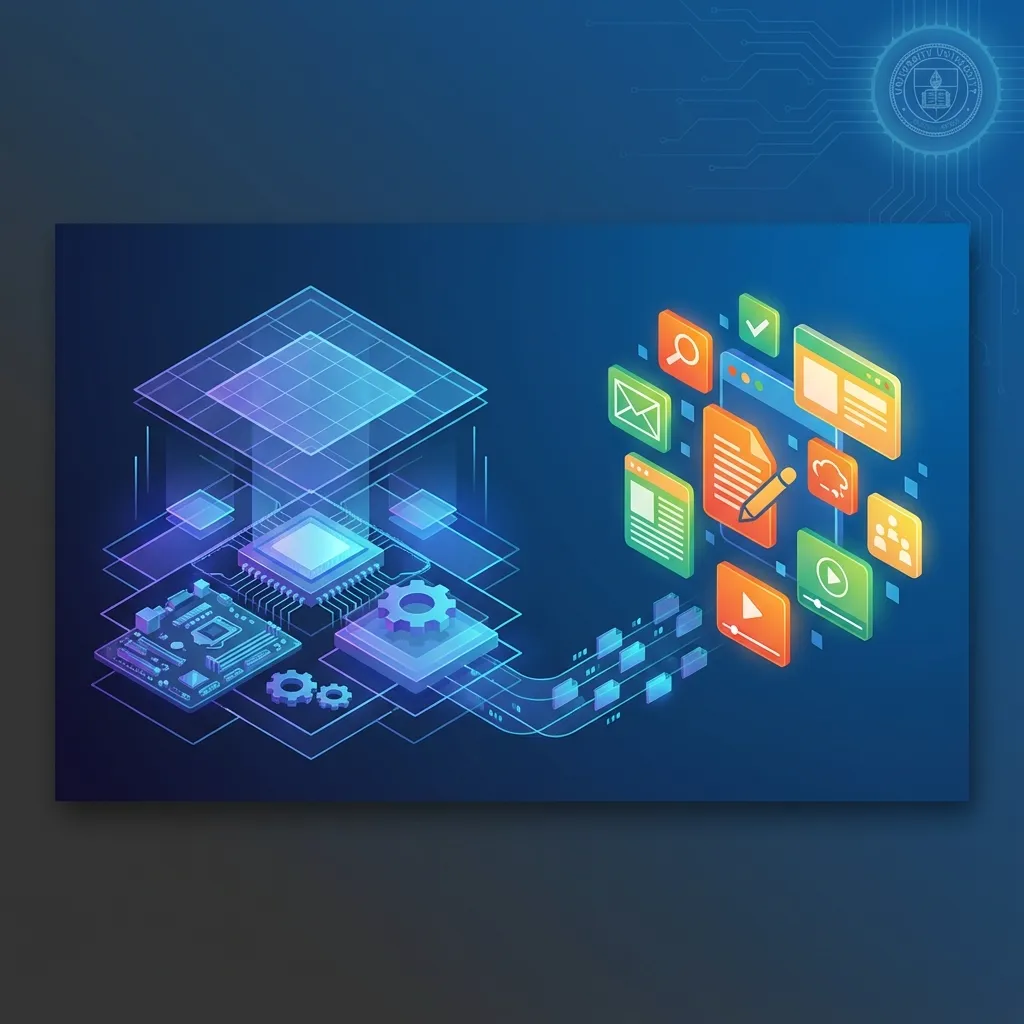
Software works in layers: the user works with applications, applications rely on the operating system, and the operating system controls the hardware.
System Software
System software is a type of software designed to manage the computer’s hardware and provide a platform for running application software. It works in the background and coordinates the functions of the different hardware components.
The two main types of system software are:
- Operating System (OS): The most important piece of system software. The OS manages all of the computer’s hardware and software resources. It is responsible for tasks like memory management, file management, and providing a user interface.
- Examples: Microsoft Windows, Apple macOS, Linux, Android, and iOS.
- Utility Programs: These programs help manage, maintain, and control computer resources. They perform a specific task, usually related to managing the system.
- Examples: Antivirus software, backup software, file compression tools, and disk cleanup utilities.
Other forms of system software include:
- Device drivers: Small programs that let the OS communicate with a specific hardware device, such as a printer, graphics card, or scanner. A new printer often will not work until its driver is installed.
- Firmware: Software permanently stored on a hardware chip, such as the BIOS/UEFI that starts the computer, or the software inside a router.
- Language translators: Compilers, interpreters, and assemblers that convert programs written by programmers into machine code the CPU can run.
Application Software
Application software (often just called an “application” or “app”) is a program designed to help the user perform specific tasks. This is the software that we directly interact with to get our work done.
Application software can be categorized in many ways, including:
- Productivity Software: Helps users produce things like documents, spreadsheets, and presentations.
- Examples: Microsoft Office (Word, Excel, PowerPoint), Google Workspace.
- Web Browsers: Used to access and view websites on the internet.
- Examples: Google Chrome, Mozilla Firefox, Microsoft Edge.
- Communication Software: Used for communicating with others.
- Examples: Email clients (Outlook), video conferencing apps (Zoom, Teams).
- Entertainment Software: Used for playing games, music, and videos.
- Examples: Video games, media players (VLC), streaming apps (Netflix, Spotify).
- Business Software: Accounting, inventory, payroll, and point-of-sale programs.
- Examples: Tally, QuickBooks, ERP systems.
- Graphics and Multimedia Software: Used to create and edit images, videos, and designs.
- Examples: Adobe Photoshop, Canva, CapCut.
General-purpose, specialized, and custom software
| Type | Description | Example |
|---|---|---|
| General-purpose (packaged) | Ready-made for many users and tasks | MS Word, Excel, Chrome |
| Specialized | Ready-made for a specific industry or task | Hospital management, hotel booking software |
| Custom (tailor-made) | Built specially for one organization’s needs | A bank’s own loan-processing system |
Comparison
| Aspect | System software | Application software |
|---|---|---|
| Purpose | Manages hardware and provides a platform | Performs specific tasks for the user |
| User interaction | Mostly runs in the background | Used directly by the user |
| Dependency | Runs independently; needed to start the computer | Needs system software (OS) to run |
| Installation | Usually installed with the computer | Installed by the user as needed |
| Development | Written in low-level languages; close to hardware | Written in high-level languages |
| Examples | Windows, Android, drivers, antivirus | Word, Chrome, Zoom, Tally |
Example: Printing an Invoice
When an accountant prints an invoice from accounting software:
- The accounting application (application software) creates the invoice.
- It asks the operating system to print it.
- The OS uses the printer driver (system software) to translate the document into commands the printer understands.
- The firmware inside the printer controls the print head and paper feed.
All layers work together, even though the user only sees the application.
Summary
Software is divided into two main categories. System software, which includes the operating system, utility programs, device drivers, firmware, and language translators, works in the background to manage the computer’s hardware. Application software, such as word processors, web browsers, and business software, are the programs that users interact with directly to perform specific tasks; it can be general-purpose, specialized, or custom-built. The application software relies on the system software to be able to function.
Key Takeaways
- Software is either System Software or Application Software.
- System Software manages the computer; Application Software performs user tasks.
- The Operating System (OS) is the most important type of system software.
- Device drivers, utilities, firmware, and translators are also system software.
- Word processors, web browsers, and games are all examples of application software.
Discussion Questions
- Is a device driver (a program that controls a piece of hardware like a printer) system software or application software? Why?
- Can a computer run without an operating system?
- What are three application software programs that you use every day?
Exam-Style Questions
Short answer
- Define system software and application software with two examples each.
- What is a device driver?
- Differentiate between packaged and custom software.
Long answer
- Compare system software and application software in detail.
- Explain the different types of system software and how they work together with application software.


