Combating Disinformation & Narrative Warfare: Analysis
Explore an exhaustive analysis of disinformation, misinformation, and narrative warfare. Understa...
Complete course materials for ICT 110 IT for Business including syllabus notes and presentation slides
Summarizes the key concepts of computer systems, focusing on the interaction between hardware, software, and users in a business context.
Explores different number systems (binary, decimal, octal, hexadecimal), their conversions, and computer codes (ASCII, Unicode) essential for understanding how computers process and store data.
Explores the definition of IT and its expansive role in modern organizations, from operational support to strategic enablement.
Analyzes the critical role and importance of IT in modern business, highlighting its impact on efficiency, innovation, and competitiveness.
Practice questions covering Introduction to IT, Computer Hardware, and Computer Software
Identifies key IT trends such as cloud computing, AI, and IoT that are currently transforming business models and operations.
Overviews the application of IT across various business functions, including marketing, finance, human resources, and supply chain management.
Discusses the concept of digital transformation and its profound impact on business strategy, customer experience, and operational agility.
Speculates on the future of IT in business, considering emerging technologies and their potential to reshape industries.
Details the four basic functions of a computer system: input, processing, output, and storage, and how they work together.
Categorizes types of computers relevant to business, including desktops, laptops, servers, and mobile devices, based on performance and use case.
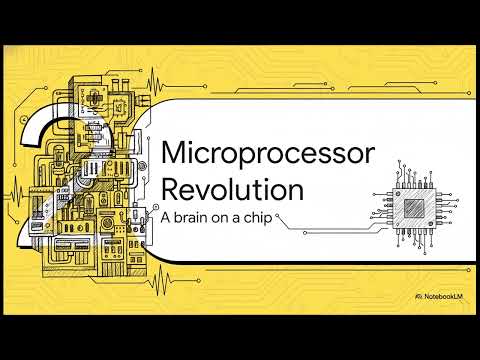
Provides an in-depth look at computer hardware components, explaining the function and importance of the motherboard, CPU, and peripherals.
Focuses on the Central Processing Unit (CPU), explaining its architecture, function as the 'brain' of the computer, and performance metrics.
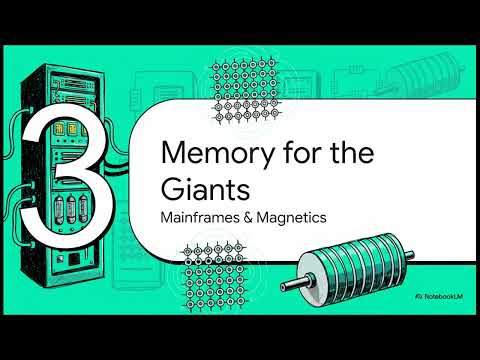
Distinguishes between RAM (Random Access Memory) and ROM (Read-Only Memory), explaining their roles in computer performance and startup.
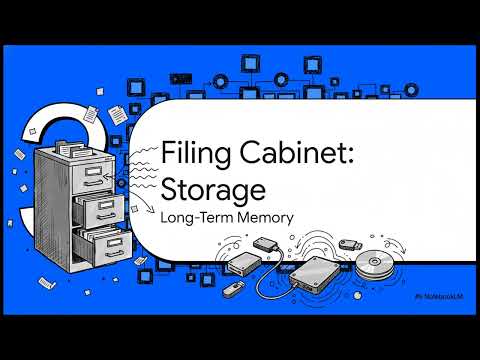
Compares different storage technologies, including Hard Disk Drives (HDDs), Solid State Drives (SSDs), and external storage solutions.
Gives an overview of input and output devices, explaining how they facilitate interaction between the user and the computer system.
Examines keystroke devices, primarily keyboards, detailing their types, mechanisms, and importance for data entry in business.
Explores touch-based input devices like touchscreens and touchpads, highlighting their intuitive interface and widespread use in modern business.
Discusses voice-controlled devices and voice recognition technology, examining their role in hands-free operation and accessibility.
Covers movement-controlled input devices, such as motion sensors and gesture recognition systems, and their niche applications.
Introduces Brain-Computer Interfaces (BCI), an emerging technology that allows direct communication between the brain and external devices.
Examines wearable technology in business, from smartwatches to fitness trackers, and their impact on employee productivity and health monitoring.
Details haptic feedback technology, specifically gloves, and its application in virtual reality training and remote operation.
Explains the function of biosensors in capturing biological data and their growing importance in healthcare and security sectors.
Reviews data scanning devices like barcode scanners and RFID readers, essential for inventory management and logistics.
Discusses digitizers and graphic tablets, focusing on their use in creative industries and digital signature capture.
Covers microphones as essential input devices for communication, audio recording, and voice command systems in business.
Examines electronic card readers, including smart cards and magnetic stripe readers, used for secure access and payments.
Explores speech recognition systems, including voice assistants and dictation software, highlighting their business applications.
Explores vision-based input systems, such as cameras and facial recognition, used for security and user authentication.
Provides an overview of output devices, explaining how they present processed data to users in visual, audio, and physical forms.
Defines computer software and outlines its key characteristics, distinguishing it from hardware and explaining its intangible nature.
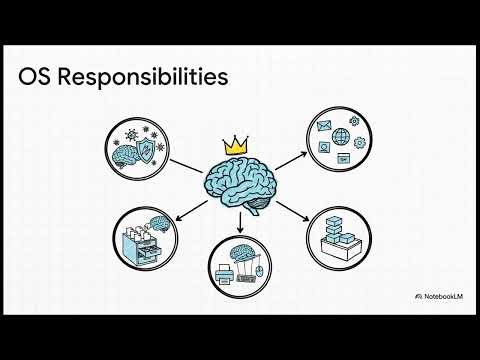
Details system software, focusing on operating systems and utilities that manage computer resources and provide a platform for applications.
Covers application software types, including general-purpose tools like word processors and spreadsheets, and their business uses.
Discusses industry-specific software applications in healthcare, finance, retail, and manufacturing.
Focuses on enterprise software systems like ERP, CRM, and SCM, explaining their role in integrating business processes.
Discusses web-based applications (SaaS), highlighting their accessibility, scalability, and cost-effectiveness for modern businesses.
Explores the mobile app ecosystem, detailing how mobile software enhances customer engagement and employee mobility.
Compares custom (bespoke) software with off-the-shelf solutions, evaluating their pros and cons for different business needs.
Reviews popular off-the-shelf software solutions available for general business functions.
Provides guidelines and factors to consider when choosing the right software tools for specific business requirements.
Explains different software licensing models (proprietary, open source, subscription) and the legal importance of compliance.
Practice questions covering Computer Networks, Databases, and Computer Tools for Business
Introduces the fundamental concepts of computer networks, explaining their purpose and benefits in a business environment.
Breaks down the basic elements of a communication system: sender, receiver, message, medium, and protocol.
Details data transmission modes (Simplex, Half-Duplex, Full-Duplex), explaining how data flows in different communication setups.
Covers the physical media used for data transmission, including twisted pair, coaxial cable, fiber optics, and wireless channels.
Categorizes networks by geographical scope (PAN, LAN, MAN, WAN) and explains the typical use cases for each type.
Illustrates various network topologies (bus, star, ring, mesh, tree) and discusses their advantages, disadvantages, and typical use cases.
Explains the fundamental concepts of IP addressing, detailing the structure and differences between IPv4 and IPv6 protocols.
Discusses the critical role of IP addresses in network security, including how they are used for identification, access control, and traffic monitoring.
Compares static and dynamic IP addressing, explaining the role of DHCP and when to use each method in a business network.
Covers essential network security technologies, including firewalls, IPsec, and VPNs, used to protect IP networks from threats.
Introduces the concept of databases, explaining their purpose, structure, and importance in managing large volumes of business data.
Analyzes how data-driven decision-making improves business outcomes, highlighting the value of accurate and timely information.
Differentiates between structured and unstructured data, providing examples of each and discussing the challenges of managing them.
Explains the function and architecture of Database Management Systems (DBMS), detailing how they facilitate data creation, retrieval, and management.
Focuses on the relational database model, explaining key components like tables, records, fields, and relationships.
Introduces SQL (Structured Query Language) as the standard language for interacting with relational databases, covering basic commands.
Discusses the fundamental principles of data storage and retrieval, ensuring data is saved securely and accessed efficiently.
Explores the concept of Big Data, its 3Vs (Volume, Velocity, Variety), and how businesses leverage it for strategic advantage.
Addresses the critical issues of data security, privacy, and ethics, emphasizing the legal and moral responsibilities of handling data.
Introduces basic data analysis techniques using widely used tools like Microsoft Excel and Power BI for business intelligence.
Covers the principles of effective data visualization, demonstrating how to use different chart types to communicate insights clearly.
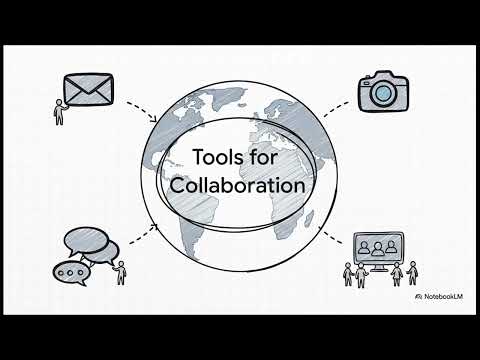
Reviews major collaboration platforms like Google Workspace and Microsoft Teams, highlighting features that enhance teamwork and communication.
Provides an overview of how various computer tools are applied in real-world business scenarios to solve problems and improve efficiency.
Discusses software tools designed for creating professional business reports and summaries, essential for communication and documentation.
Examines specialized tools for financial analysis and business analytics, enabling organizations to monitor performance and forecast trends.
Focuses on tools used for analyzing market trends and visualizing complex market data to support strategic planning.
Details tools for project scheduling and performance monitoring, helping businesses manage time and resources effectively.

Attempt all questions.
Attempt any SIX questions.
Study the given network topology diagram and answer the following questions:
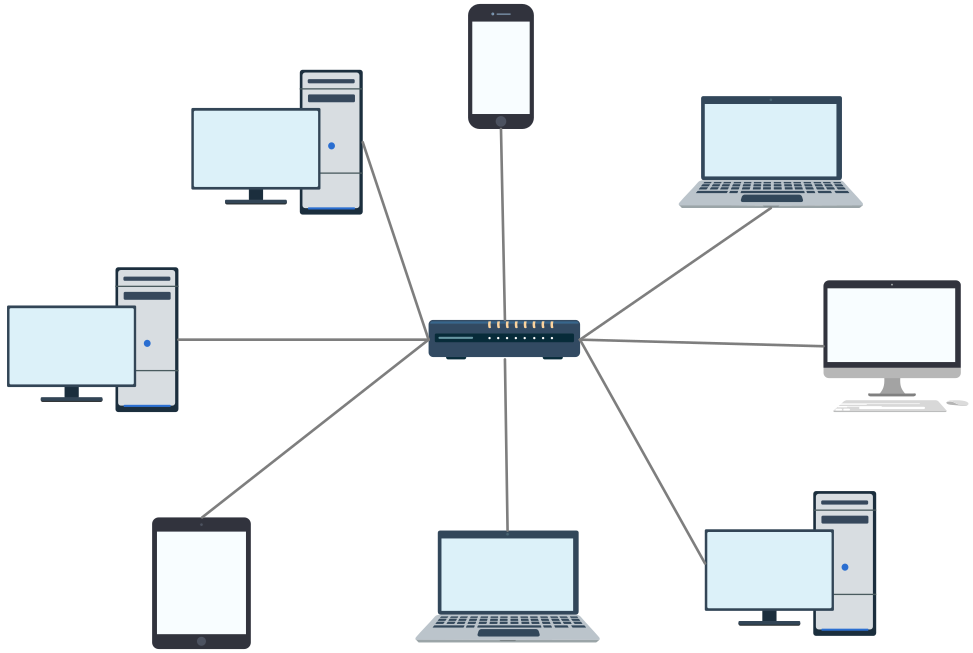
Read the scenario and answer the questions:
Attempt all questions.
Attempt any SIX questions.
Read the scenario and answer the questions carefully.
Explore an exhaustive analysis of disinformation, misinformation, and narrative warfare. Understa...

Most SaaS companies are built by teams with venture capital behind them. But profitable micro-Saa...

A niche blog built around high-CPC keywords and strong affiliate products can reach $1,000/month ...
Have questions about digital marketing in Nepal? Let's connect and discuss how data-driven strategies can grow your business.