Unit 3 · Session 4
Types of Memory
🎯 Learning Objectives
By the end of this session, you will be able to:
- ✅ Distinguish volatile from non-volatile memory with examples.
- ✅ Compare SRAM and DRAM in terms of speed, cost, and typical use.
- ✅ Identify the main types of ROM and where each is used.
- ✅ Contrast RAM and ROM by their key attributes.
- ✅ Describe the role each type of memory plays in the boot process.
Volatile vs Non-Volatile: Sort It!
Click each memory type to assign it to the correct category.
VOLATILE
NON-VOLATILE
SRAM vs DRAM: Which is Which?
Click a property card. Select SRAM or DRAM, then reveal the answer.
Score: 0 / 0
🎬 How SRAM and DRAM Cells Are Built
ROM Types: Name That Memory!
Read the description, then click the matching ROM type to reveal if you are correct.
Loading...
EPROM: The Window Is for UV Light
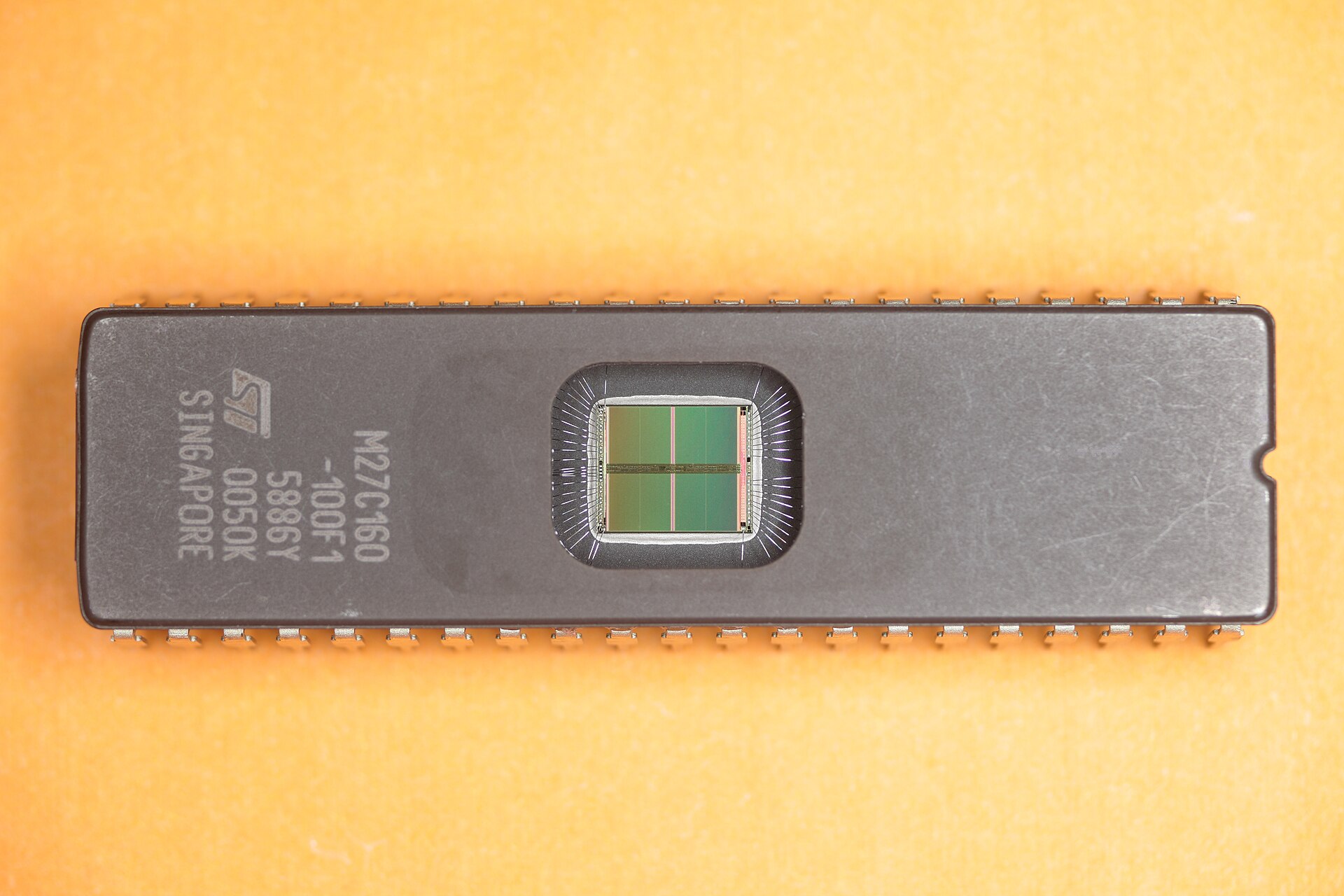
🎬 The First EPROM
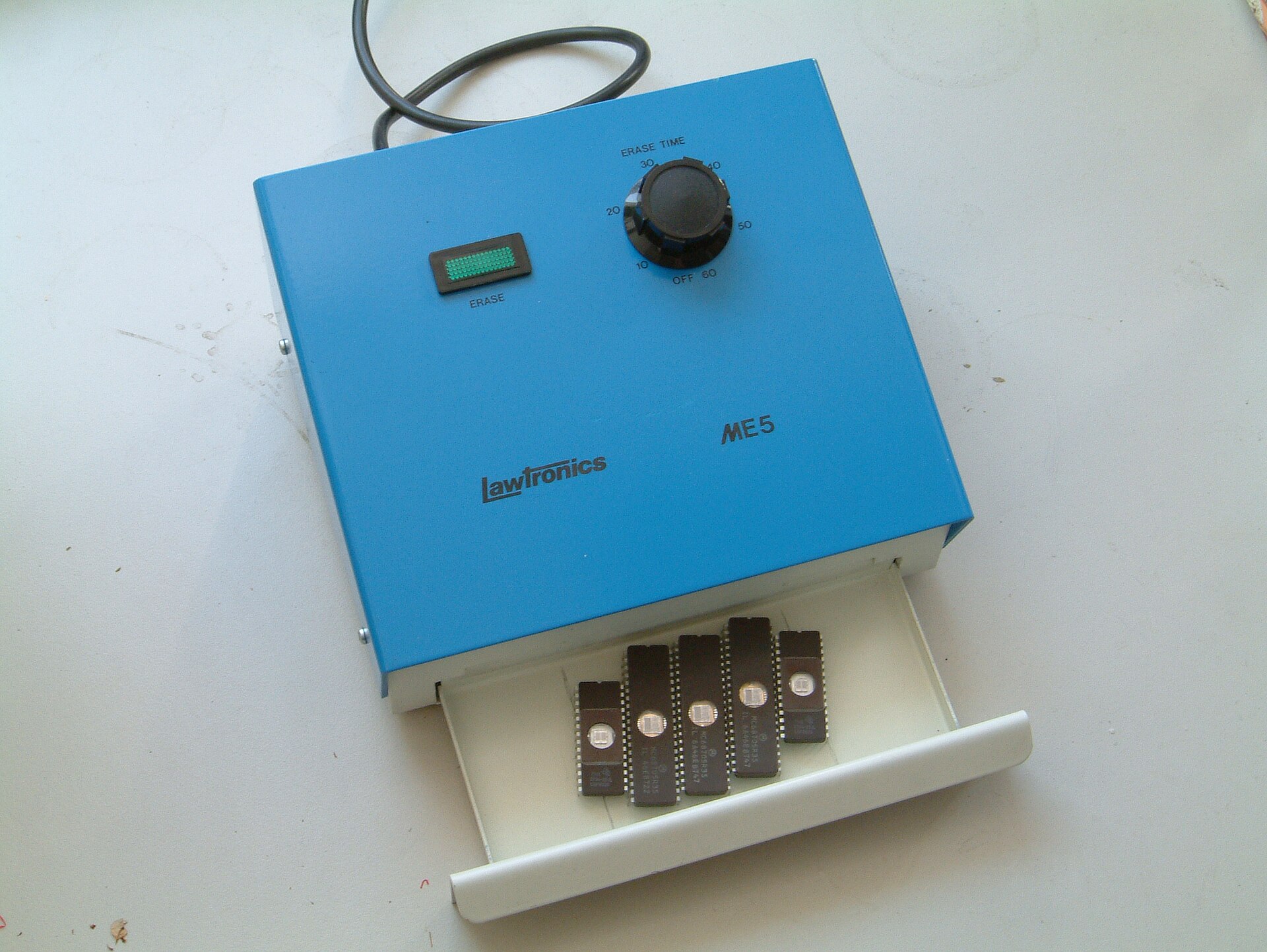
A UV EPROM Eraser
RAM vs ROM: Attribute Challenge
Each row shows an attribute. Click the correct winner — RAM or ROM.
| Attribute | RAM | ROM |
|---|
Score: 0 / 0
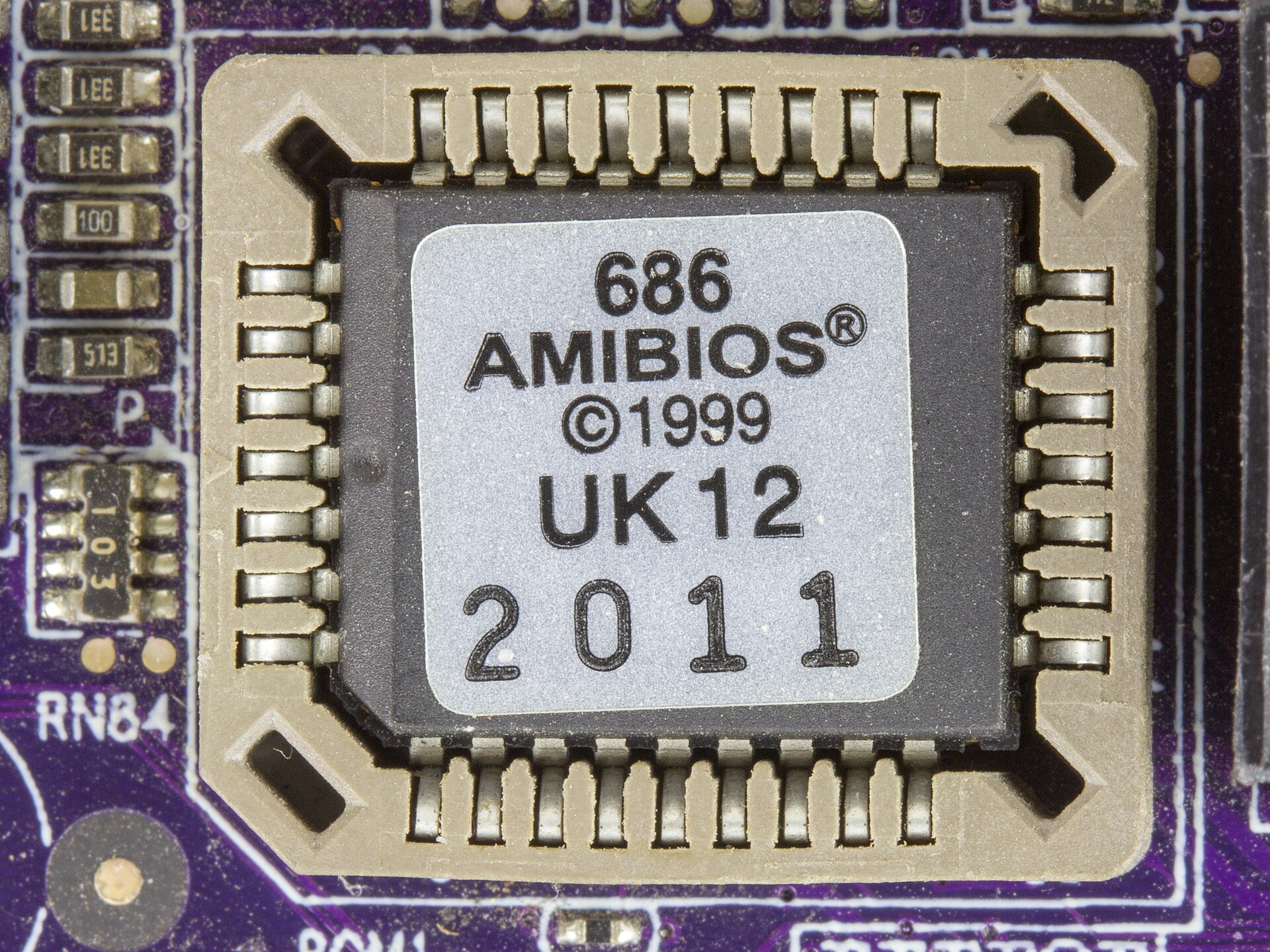
The BIOS Lives in a Flash Chip
Boot Process: Order the Memory Steps!
Click the steps in the correct order from power-on to OS ready.
Your sequence (click to add):
🎬 BIOS and POST on a Real PC
🎬 From Bootloader to Operating System
Image & Video Credits
Images (Wikimedia Commons)
- "ST M27C160 EPROM": Javier Pérez Montes, CC BY-SA 4.0 — https://upload.wikimedia.org/wikipedia/commons/thumb/9/94/ST_M27C160_EPROM.jpg/1920px-ST_M27C160_EPROM.jpg
- "EPROM UV eraser": yellowcloud from Germany, CC BY 2.0 — https://upload.wikimedia.org/wikipedia/commons/thumb/a/ae/EPROM_UV_eraser.jpg/1920px-EPROM_UV_eraser.jpg
- "Elitegroup 761GX-M754 - AMIBIOS in a Winbond W39V040APZ": Raimond Spekking, CC BY-SA 4.0 — https://upload.wikimedia.org/wikipedia/commons/thumb/9/9a/Elitegroup_761GX-M754_-_AMIBIOS_%28American_Megatrends%29_in_a_Winbond_W39V040APZ-5491.jpg/1920px-Elitegroup_761GX-M754_-_AMIBIOS_%28American_Megatrends%29_in_a_Winbond_W39V040APZ-5491.jpg


Videos (YouTube)
- BitLemon, "SRAM vs DRAM: The Speed Difference between Cache and RAM (Animation)" (0:32 to 2:01)
- lcfgroup, "Vintage First EPROM Erasable Programmable Read Only Memory 1702" (0:13 to 0:57)
- Dave's Garage, "How Computers BOOT: From Startup to Viruses" (6:21 to 7:05 and 7:35 to 9:00)
Exam Practice 📝
Short answer
- Differentiate between RAM and ROM.
- Differentiate between SRAM and DRAM.
- What is flash memory? Where is it used?
Long answer
- Explain the types of RAM and ROM.
- Describe the role of RAM and ROM in the boot process of a computer.
Revise the answers in the full note linked on the last slide.
Thank You
Questions before we wrap this hour?
Next: Unit 3 · Session 5 — Storage Devices