Unit 8.7
Data Presentation Tools: Dashboards and Reports
Learning Objectives
By the end of this chapter, you will be able to:
- ✅ Understand the importance of data storytelling.
- ✅ Define a dashboard and its purpose in monitoring business performance.
- ✅ Identify the key features and uses of reports.
- ✅ Name the leading software tools for creating dashboards and presentations.
The Most Critical Step
A brilliant analysis is useless if its insights are not understood or acted upon.
The final step in business analytics is communicating the findings to decision-makers.
This is done through data presentation tools that translate complex data into clear, compelling formats.
The Goal: Data Storytelling 📖
Data Storytelling: The practice of building a narrative around data to convey its meaning in a powerful and memorable way.
It's not just showing charts; it's about explaining:
- What happened? (The insight)
- Why it happened? (The context)
- What should we do next? (The recommendation)

Presentation Tool 1: Dashboards 📊
A dashboard is a data visualization tool that provides a real-time, at-a-glance view of Key Performance Indicators (KPIs).
Characteristics:
- 🎯 Purpose: Monitor business performance and track goals.
- ⚡ Features: Highly visual, interactive (drill-down, filter), and real-time updates.
- 📈 Analytics Type: Primarily used for Descriptive Analytics.
Leading Dashboard Tools
Tableau
Powerful and popular, known for its user-friendly interface and beautiful, interactive visualizations.
Microsoft Power BI
Provides interactive visualizations with tight integration to other Microsoft products, especially Excel.
Google Looker Studio
Presentation Tool 2: Reports 🔍
A report is used to provide more detailed information in a static format, often on a regular schedule (e.g., weekly, monthly).
Characteristics:
- 🎯 Purpose: Provide a detailed, static record for a specific period or topic.
- ⚡ Features: Often text-heavy with tables, charts, and graphs. Not typically interactive.
- Key Tools: Microsoft Excel, Google Sheets, Crystal Reports.
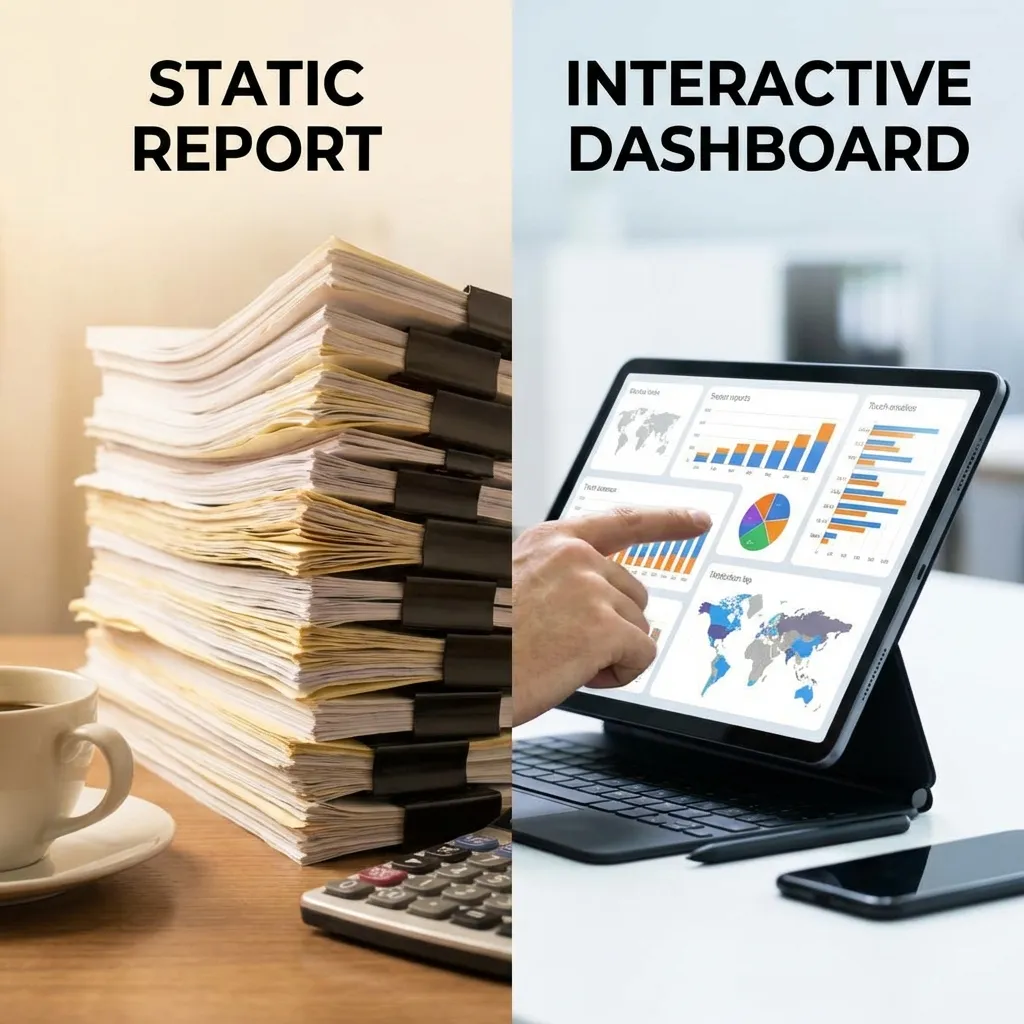
Dashboard vs. Report: Which to Use?
Dashboards
- High-level overview
- Interactive & dynamic
- Real-time data
- Answers "What's happening now?"
- Use for: Daily performance monitoring.
Reports
- In-depth details
- Static snapshot
- Periodic data (weekly, monthly)
- Answers "What happened over this period?"
- Use for: Monthly sales analysis, quarterly financial statements.
Practical Application: A Nepali E-commerce Company
Imagine you are an analyst for Daraz Nepal.
- Dashboard Use Case: A real-time sales dashboard for the "11.11" campaign. It shows live sales figures, top-selling products, website traffic, and conversion rates. This helps the marketing team make instant adjustments to promotions.
- Report Use Case: A quarterly business review report sent to regional leadership. It details market share, category growth, customer lifetime value, and logistics performance metrics. This informs long-term strategy and investment decisions.
Tying It All Together: The Presentation
The final step is often presenting your findings to stakeholders.
Analysts embed charts from dashboards and tables from reports into PowerPoint or Google Slides to support their data story.
The presentation is where the narrative comes alive, persuading the audience and driving business action.
Key Takeaways
- The goal of data presentation is data storytelling: building a narrative around the data to drive action.
- Dashboards provide an interactive, real-time view of business performance (e.g., Tableau, Power BI).
- Reports provide a detailed, static record of information for a specific period (e.g., Excel, Crystal Reports).
- The right tool depends on the audience and the question you are trying to answer: "What's happening now?" vs. "What happened last month?".
Thank You
Any questions?
Next Topic: Course Completed