Unit 6.5
An Introduction to Wireless Networking
🎯 Learning Objectives
By the end of this chapter, you will be able to:
- ✅ Define wireless networking.
- ✅ Describe the key components of a Wireless LAN (WLAN).
- ✅ Understand the importance of wireless security.
- ✅ Identify the current standard for Wi-Fi security.
What is Wireless Networking?
Wireless networking allows devices to connect and communicate without physical cables, using radio waves.
The most common technology we use for this is...
Wi-Fi
📊 Wired vs. Wireless Networks
Wired (Ethernet)
- ⚡ Faster speeds
- 🔗 More stable connection
- 🔒 Generally more secure
- 👎 Limited mobility
Wireless (Wi-Fi)
- 🚶♂️ High mobility & convenience
- 🛠️ Easier installation
- 📡 Signal can be interfered with
- 🔓 Requires strong security
Key Components of a WLAN
A Wireless Local Area Network (WLAN) has two main parts:
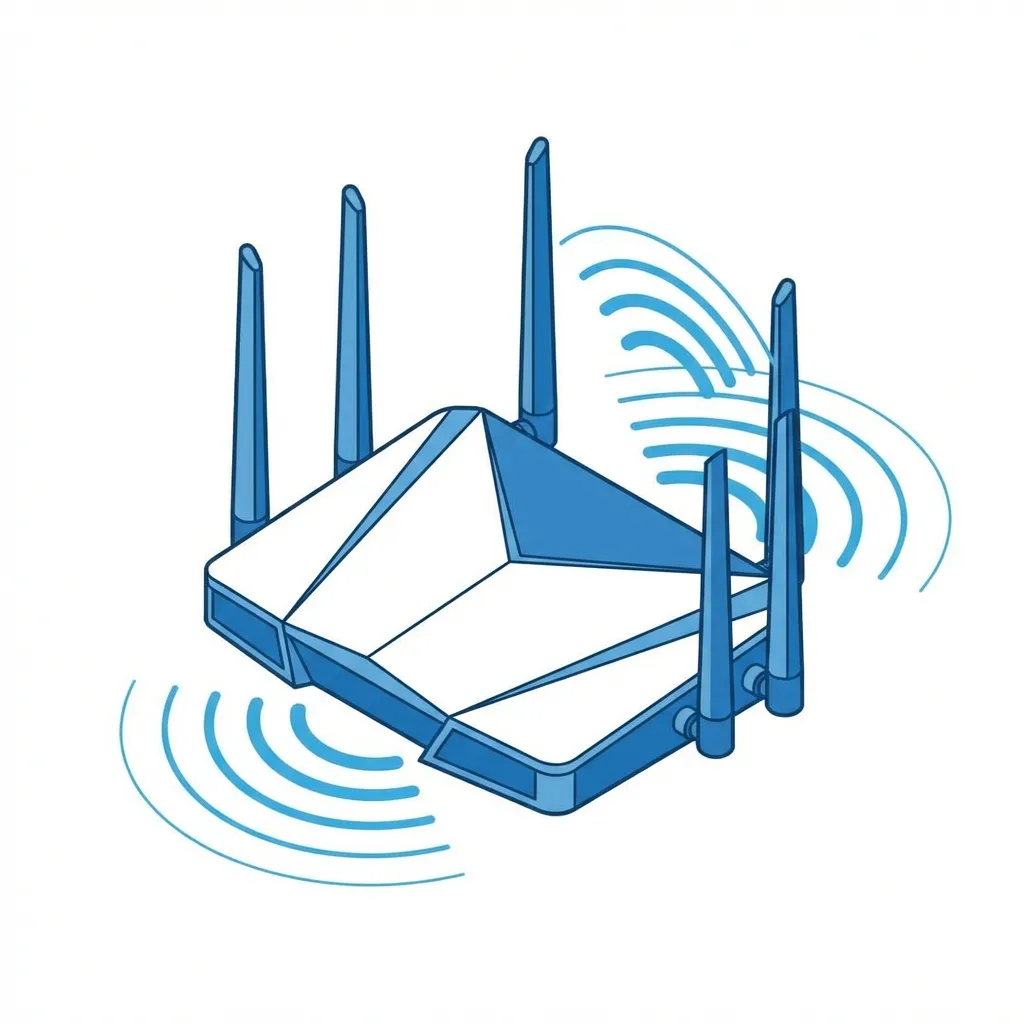
1. Access Point (AP)
A device that broadcasts the wireless signal. In your home, this is your wireless router.
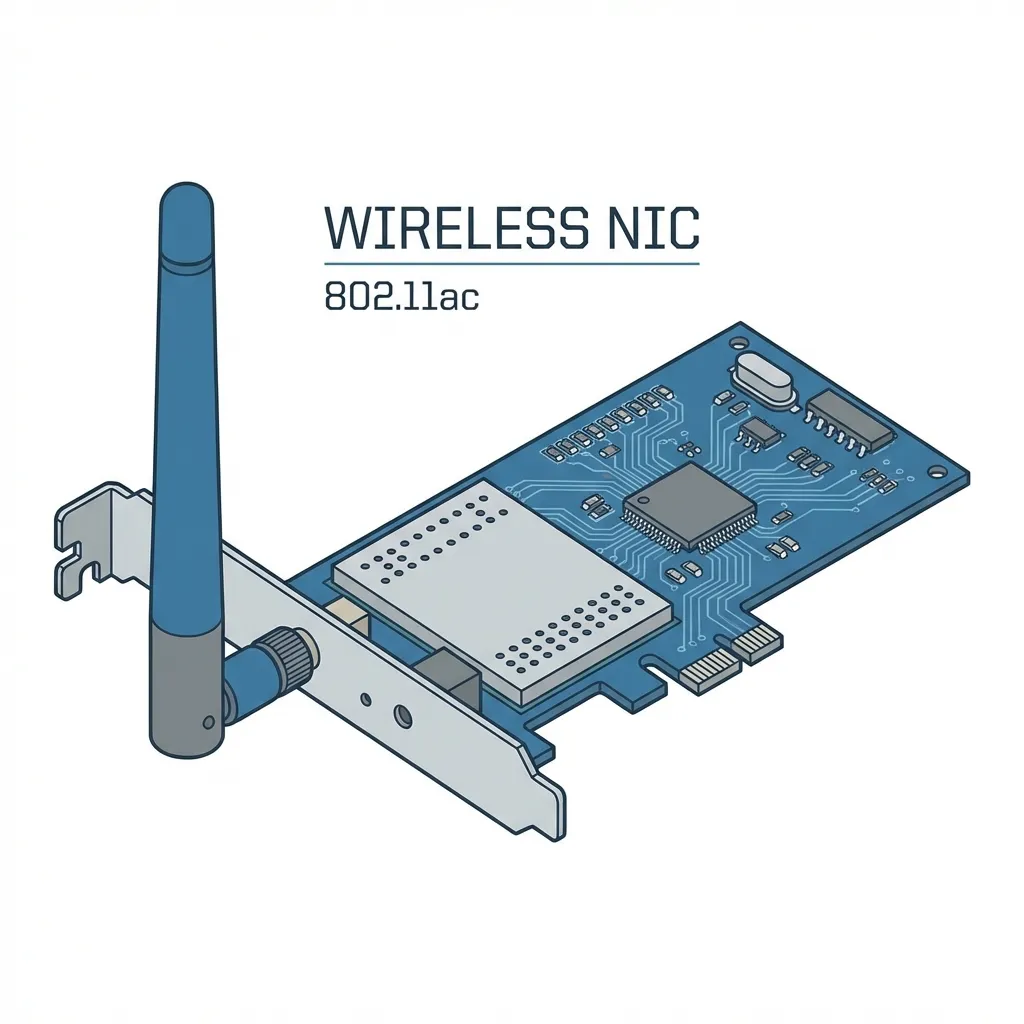
2. Wireless NIC
A component inside your device (laptop, phone) that receives the signal. (Network Interface Card)
How It All Connects
The Access Point creates a "bubble" of Wi-Fi coverage.
Devices with a wireless NIC within range can connect to the network without cables.
The Importance of Wireless Security
Wireless signals are broadcast through the air. Anyone in range can potentially "listen in" or access your network if it's not secured.
- Protects your personal data (passwords, bank info).
- Prevents unauthorized users from using your internet.
- Stops attackers from accessing other devices on your network.
Practical Application: Public Wi-Fi in Nepal
Scenario: Connecting at a Cafe in Thamel
Many cafes, restaurants, and public spaces in Kathmandu offer free Wi-Fi.
The Risk: These networks are often unsecured or use weak passwords.
An attacker on the same network could potentially intercept your data (a "Man-in-the-Middle" attack).
Rule of Thumb: Avoid logging into sensitive accounts (banking, email) on public Wi-Fi. Use a VPN for added security.
The Evolution of Wi-Fi Security 🛡️
Security protocols have improved over time to fight new threats.
WEP
❌ Obsolete
Wired Equivalent Privacy. Very insecure and easily broken. NEVER USE.
WPA / WPA2
⚠️ Legacy
Wi-Fi Protected Access. WPA2 was the standard for years and is still common.
WPA3
✅ Current Standard
The latest and most secure protocol. Offers much stronger encryption.
WPA3: The Current Security Standard
WPA3 (Wi-Fi Protected Access 3) is the most secure protocol available for Wi-Fi networks today.
Key Improvements:
- 🔐 Stronger, more robust encryption.
- 🛡️ Better protection against password-guessing attacks.
- 🔒 Individualized data encryption, even on open networks.
Your home network and modern devices should always be configured to use WPA3 if available.
🔍 Activity: Check Your Home Security
How do you check what security your home Wi-Fi is using?
On Windows:
- Click the Wi-Fi icon.
- Click "Properties" under your connected network.
- Scroll down to "Security type".
On MacOS/Mobile:
- Go to Wi-Fi settings.
- Tap the (i) or settings icon next to your network.
- Look for the "Security" field.
Goal: It should say WPA2 or, ideally, WPA3.
Summary & Key Takeaways
- Wireless networking (Wi-Fi) connects devices using radio waves, not cables.
- A WLAN requires an Access Point (router) and Wireless NICs in devices.
- Security is vital because signals are broadcast openly. Unsecured networks are a major risk.
- WPA3 is the current, most secure standard for protecting your Wi-Fi network.
Thank You
Any questions?