Unit 8 · Session 1
Databases and Data Concepts
Today's focus
- An Introduction to Databases
- Fundamental Data Concepts: From Characters to Databases
🎯 Learning Objectives
By the end of this session, you will be able to:
- ✅ Define a database and explain its importance in modern information systems.
- ✅ Identify the problems of traditional file-based systems and explain how a DBMS solves them.
- ✅ Recognize the main database models and the concept of Business Intelligence.
- ✅ Define the levels of the data hierarchy.
- ✅ Differentiate between data, information, and knowledge using real-world examples.
An Introduction to Databases
The Core of Modern IT
What is a Database? 📊
A database is a structured, organized collection of data, stored and accessed electronically. Think of it as a highly efficient digital filing cabinet.
The ability to store, manage, and retrieve data efficiently is critical for any organization, from a small startup to a global enterprise.
The "Old Way": Traditional File Systems
Before databases, data was stored in separate, application-specific files.
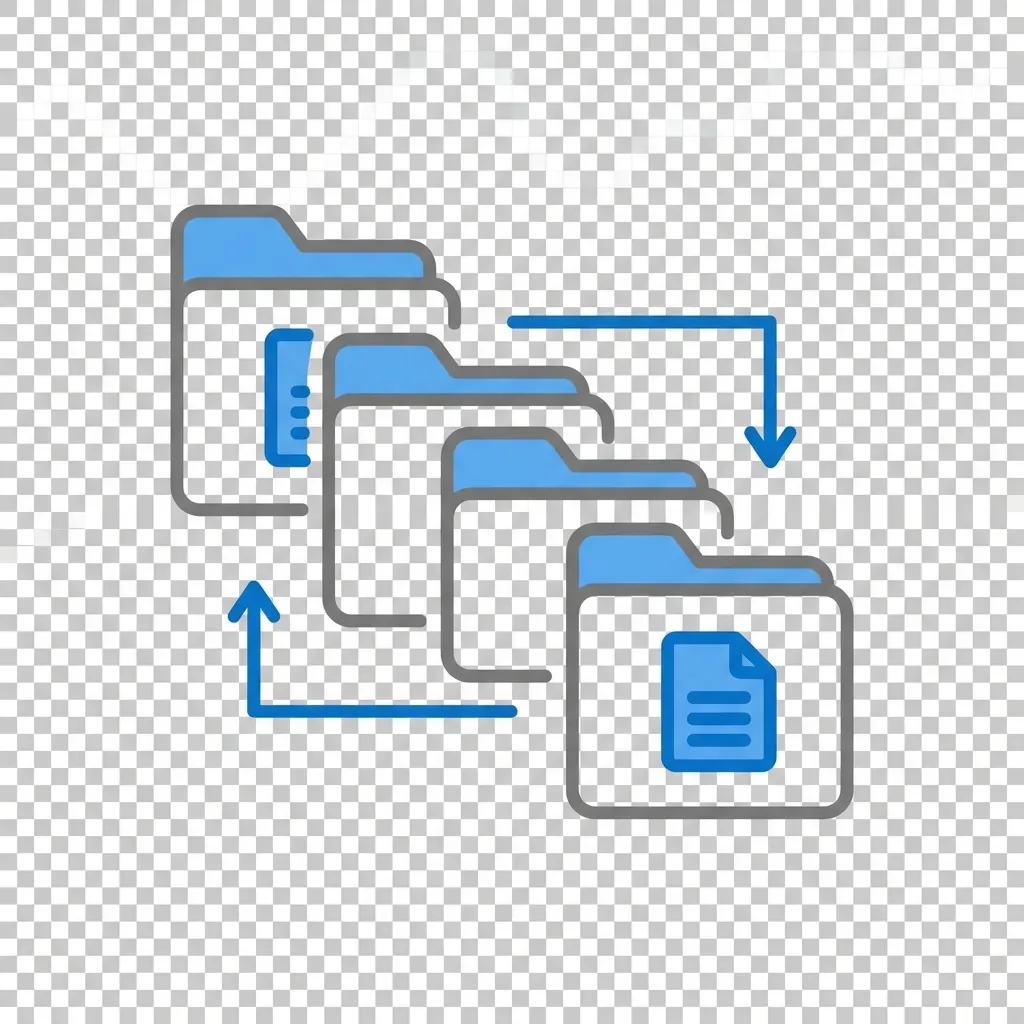
This led to major problems:
- 🔴 Data Redundancy: Same data duplicated in multiple files.
- 🔴 Data Inconsistency: Duplicated data becomes out of sync.
- 🔴 Data Isolation: Difficult to access data from different applications.
- 🔴 Security Issues: Hard to enforce consistent security policies.
The "New Way": The Database Approach
The database approach centralizes data, treating it as a shared organizational resource.
⚡ Key Idea: A single, integrated repository of data is managed by a controlling agent, the DBMS.
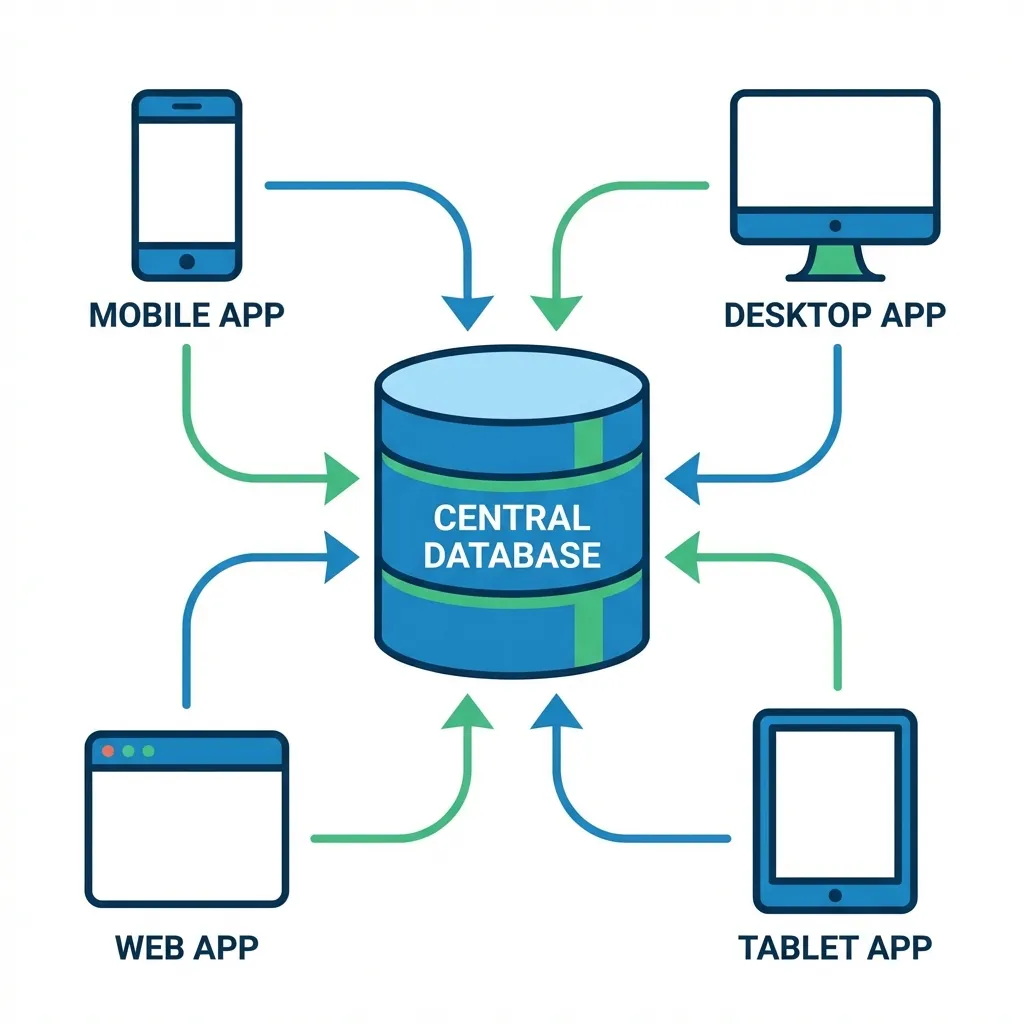
File System vs. Database Approach
File-Based System
- Decentralized data
- Data dependent on application
- High redundancy
- Low security & integrity
Database Approach
- Centralized data
- Data independence
- Controlled redundancy
- High security & integrity
The "Brain": Database Management System (DBMS)
What is a DBMS? 🧠
A Database Management System (DBMS) is the software that interacts with users, applications, and the database itself to capture and analyze data.
It's the gatekeeper that manages everything related to the database.
Examples: MySQL, PostgreSQL, Oracle, Microsoft SQL Server, MongoDB
Key Functions of a DBMS
- 🎯 Data Definition: Creating and defining the database structure (tables, fields, relationships).
- 🎯 Data Manipulation: Inserting, updating, deleting, and querying data (CRUD operations).
- 🎯 Data Security: Enforcing user permissions and preventing unauthorized access.
- 🎯 Concurrency Control: Managing simultaneous access by multiple users.
- 🎯 Backup & Recovery: Protecting data from loss or corruption.
- 🎯 Data Integrity: Enforcing rules to maintain data accuracy and consistency.
Blueprints: Database Models
A database model defines the logical structure of a database. It determines how data is stored, organized, and manipulated.
Relational Model
Data in tables (rows/columns). The most common model. (e.g., MySQL)
Hierarchical Model
Tree-like structure with parent-child relationships.
NoSQL Models
Flexible models for big data. (e.g., Document, Key-Value, Graph)
We will explore these in more detail later in the unit.
From Data to Decisions: Business Intelligence (BI)
🔍 What is Business Intelligence?
BI refers to the technologies, applications, and practices for the collection, integration, analysis, and presentation of business information. The purpose of BI is to support better business decision-making.
Databases are the foundation of BI. They store the raw data that BI tools turn into actionable insights, reports, and dashboards.
Databases in the Real World
Where do you see databases in action?
🇳🇵 Example from Nepal: eSewa
- User Data: Your profile, name, phone number, KYC details.
- Transaction Data: Every payment, transfer, and top-up is a record.
- Merchant Data: Information about businesses you can pay.
A powerful DBMS manages millions of these transactions securely and instantly.
Other examples: Your university's student information system, Daraz's product catalog, a hospital's patient records.
Key Takeaways
- A database is an organized collection of data, solving the problems of old file-based systems.
- The Database Approach centralizes data, making it a shared, manageable resource.
- A DBMS is the essential software that manages the database, ensuring security, integrity, and accessibility.
- Database models provide the blueprint for data structure, while Business Intelligence turns that data into valuable insights.
Fundamental Data Concepts: From Characters to Databases
The Data Hierarchy 📊
In computing, data isn't just a random mess. It's organized in a logical pyramid or hierarchy.
Think of it like building with LEGOs: you start with the smallest bricks and build up to a complete structure.
Character → Field → Record → File → Database
Level 1 & 2: The Building Blocks
1. Character
The most basic logical element.
- A single letter:
S - A single number:
9 - A single symbol:
@
2. Field (Attribute)
A group of related characters representing a characteristic of an entity.
- First Name:
Sita - Price:
1500 - Email:
sita@example.com
Level 3: The Entity
Record: A collection of related fields that describe a single entity (a person, place, thing, or event).
Example: A Student Record
Field: StudentID → Value: 10123
Field: FirstName → Value: Anjali
Field: LastName → Value: Gurung
Field: Major → Value: BSc.CSIT
Level 4 & 5: The Collections
4. File (or Table)
A collection of related records.
Example: A `Students.csv` file would contain the records for all students in the university.
5. Database
An integrated collection of related files (tables).
Example: A `UniversityDB` would contain the `Students` file, `Courses` file, and `Faculty` file, all linked together.
Visualizing the Hierarchy
From a single character to an entire database.
Beyond Structure: The Value of Data
Organizing data is the first step. The real goal is to create meaning.
This leads us to the crucial difference between three key terms...
Data ➡️ Information ➡️ Knowledge
🔍 Data vs. Information vs. Knowledge
Data
Raw, unorganized facts. Meaningless on its own.
45
NPR
Momo
Information
Data organized into a meaningful context.
"The price of one plate of momo is NPR 45."
Knowledge
Actionable insights derived from information.
"By pricing our momos at NPR 45, we are 10% cheaper than competitors, which could increase our sales volume."
Practical Application: A Daraz Seller
Let's apply this to a real-world scenario in Nepal.
Data Point 📊
150, "Laptop Bag", "Pokhara", "2023-11-10"
Information ℹ️
On November 10th, 2023, 150 units of "Laptop Bag" were sold to customers in Pokhara.
Knowledge 💡
Sales of laptop bags in Pokhara tripled during the Gandaki IT Fair. For the next fair, we should pre-stock inventory in our Pokhara hub and run targeted ads to capitalize on this trend.
⚡ Key Takeaways
- The Data Hierarchy provides a logical structure:
Character → Field → Record → File → Database. - Data is raw facts, Information is data given context, and Knowledge is actionable insight derived from that information.
- The ultimate goal of managing data is to transform it into knowledge that drives intelligent, strategic decisions.
Exam Practice 📝
Short answer
- Define database and DBMS with one example each.
- Define field, record, and file with examples.
- What is data redundancy? How does it lead to inconsistency?
- What is a primary key? Why can a name not be a primary key?
Long answer
- “The database approach overcomes the limitations of the traditional file system.” Discuss with a suitable business example.
- Explain the data hierarchy with an example of a bank or college database.
Revise the answers in the full notes linked on the last slide.
Thank You
Questions before we wrap this hour?
Next: Unit 8 · Session 2 — File Systems vs Databases and Models
📖 Read the full notes: An Introduction to Databases · Fundamental Data Concepts: From Characters to Databases