Unit 1 · Session 2
Classification, Functions, and System Components
Today's Roadmap
- Classification of Computers (Micro, Mini, Mainframe, Supercomputer)
- The IPOS Cycle (Input, Processing, Output, Storage)
- The Five Components of an IS (Hardware, Software, Data, Procedures, People)
- Business Integration & Nepal Context (Corporate & Banking Deployment)
🎯 Learning Objectives
By the end of this session, you will be able to:
- ✅ Classify computers across the spectrum of size, cost, and processing capacity.
- ✅ Trace data through each stage of the Input-Process-Output-Storage (IPOS) cycle.
- ✅ Identify the five vital components that transform raw hardware into a functional Information System.
Part 1: Classification of Computers
The Computing Power Spectrum
1. Micro
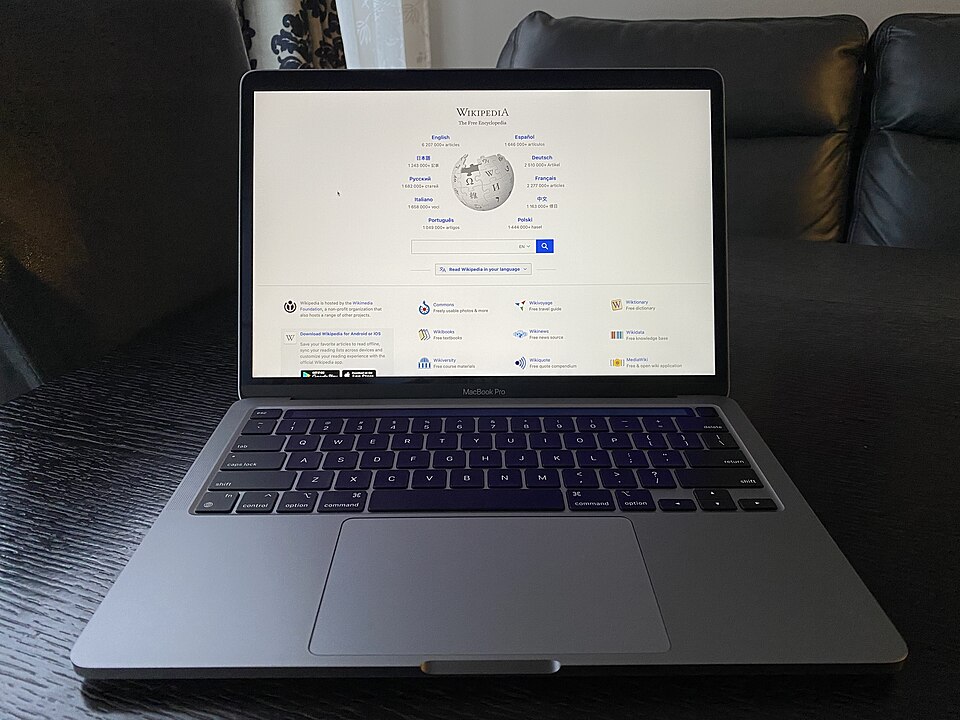
Single-user
Desktops, laptops, tablets, smartphones. Everyday productivity.
2. Mini
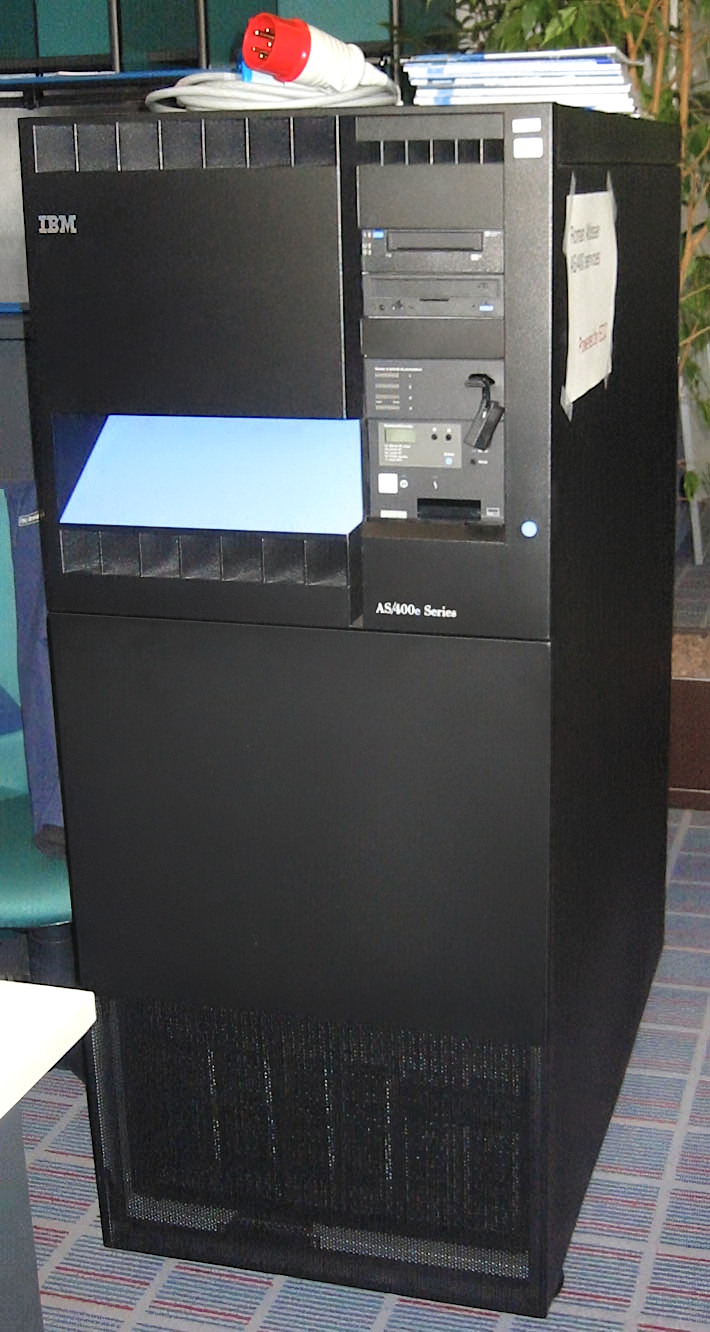
10s–100s users
Departmental midrange servers, campus labs, factory control.
3. Mainframe
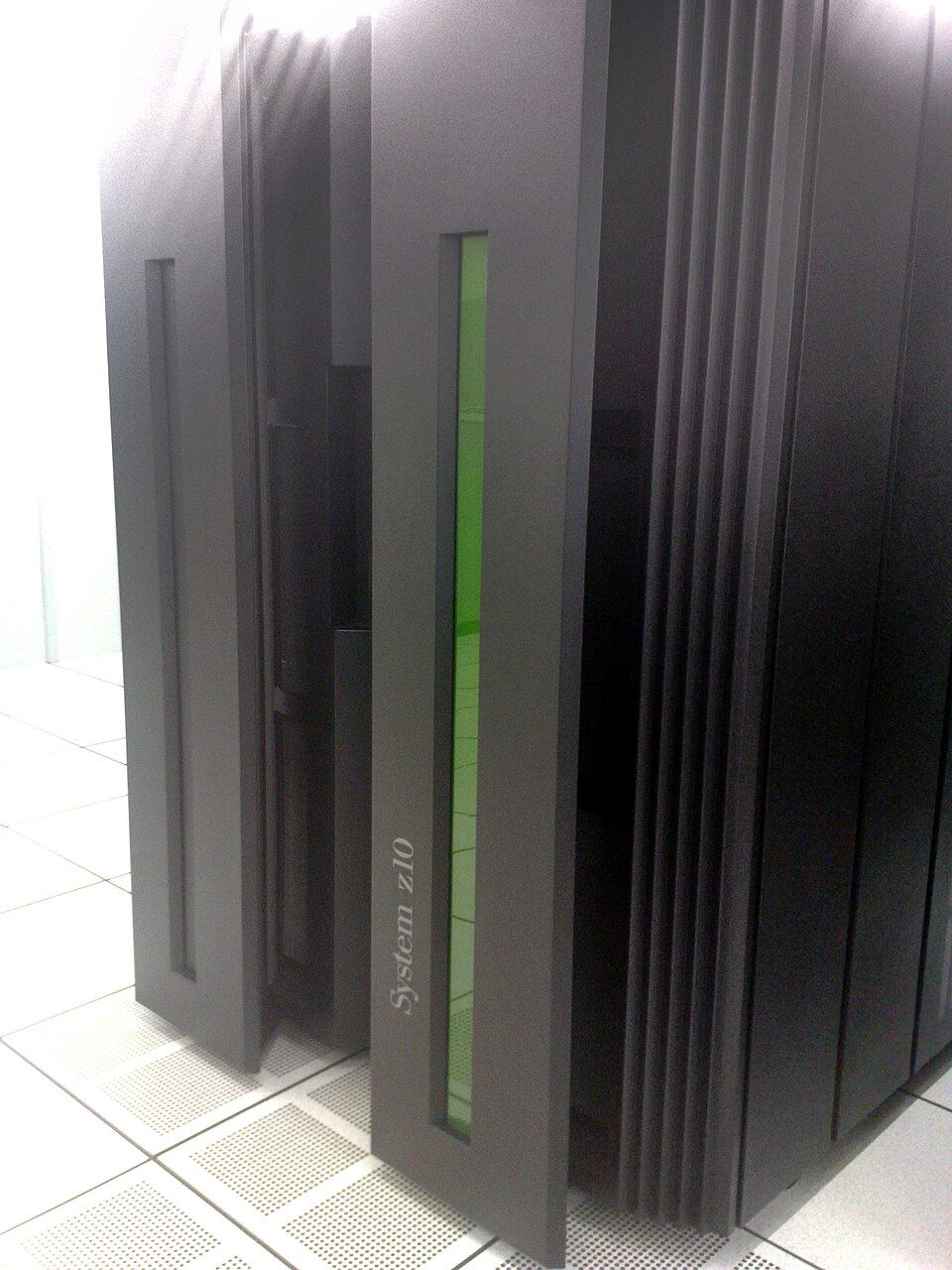
Thousands+ users
Enterprise transactional processing, core banking, airlines.
4. Super
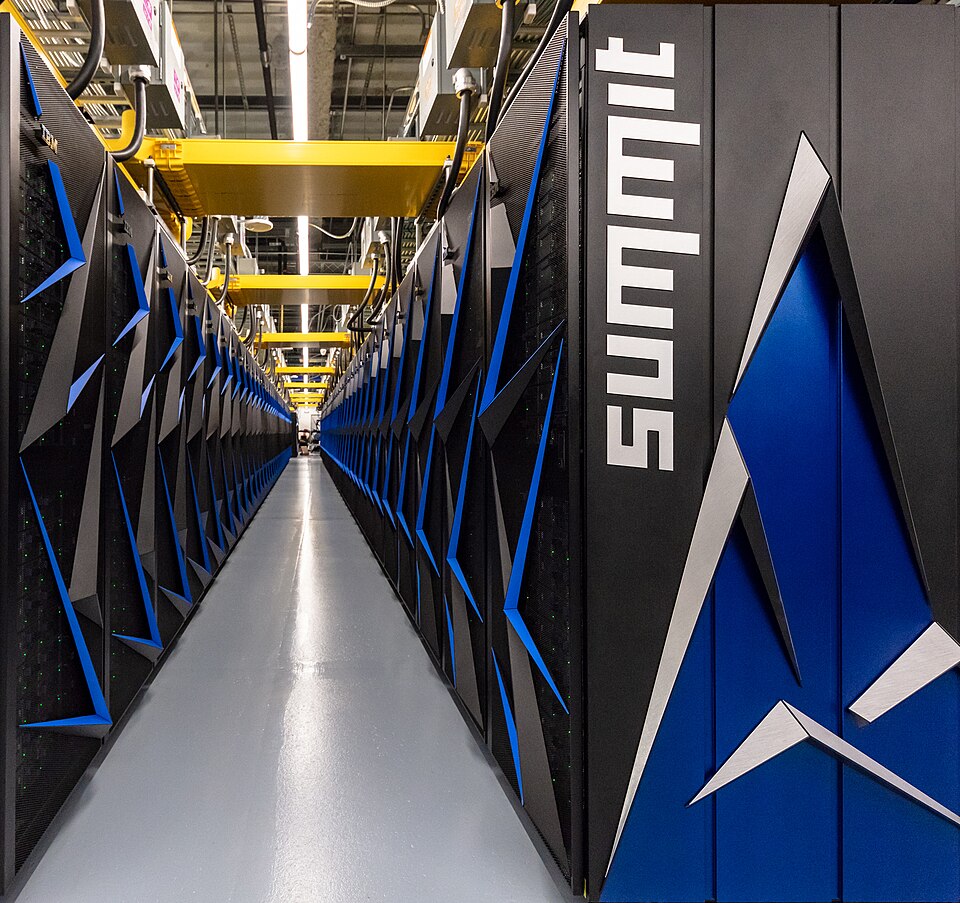
PFLOPS Scale
Climate modeling, quantum physics, molecular drug simulation.
Mainframes vs. Supercomputers
A common student confusion: both are massive machines, but their architectures solve completely different problems.
| Feature | Mainframe Computers | Supercomputers |
|---|---|---|
| Primary Goal | Reliability & High Transaction Throughput | Raw Calculation Speed & Floating-Point Operations |
| Workload Type | Billions of simple queries (ATM, credit cards) | Complex scientific formulas & massive matrix math |
| Metric | MIPS (Millions of Instructions Per Second) | FLOPS (Floating-Point Operations Per Second) |
| Typical Users | Commercial banks, airline reservation systems | Meteorological institutes, defense, NASA |
Interactive: Match the Business Need
Select the computer class needed by a commercial bank processing 8,000 ATM queries/minute across Nepal:
A) High-End Microcomputer
Custom liquid-cooled multi-core workstation
B) Supercomputer
High-performance cluster for mathematical modeling
C) Mainframe Enterprise Server
High-throughput fault-tolerant transaction engine
D) Embedded Microcontroller
Specialized low-power ROM controller
Part 2: The Functions of a Computer
The IPOS Cycle Architecture
Every computer system, from a smartwatch to an enterprise server, executes four fundamental operations:
1. Input
Captures external data into binary format.
Keyboard, Barcode Scanner, Mic2. Process
Performs arithmetic & logical operations.
CPU (ALU + Control Unit)3. Output
Presents human-readable results.
Monitor, Receipt Printer, Speaker4. Storage
Retains data permanently for future retrieval.
SSD, HDD, Cloud StorageInside the Processing Engine (CPU)
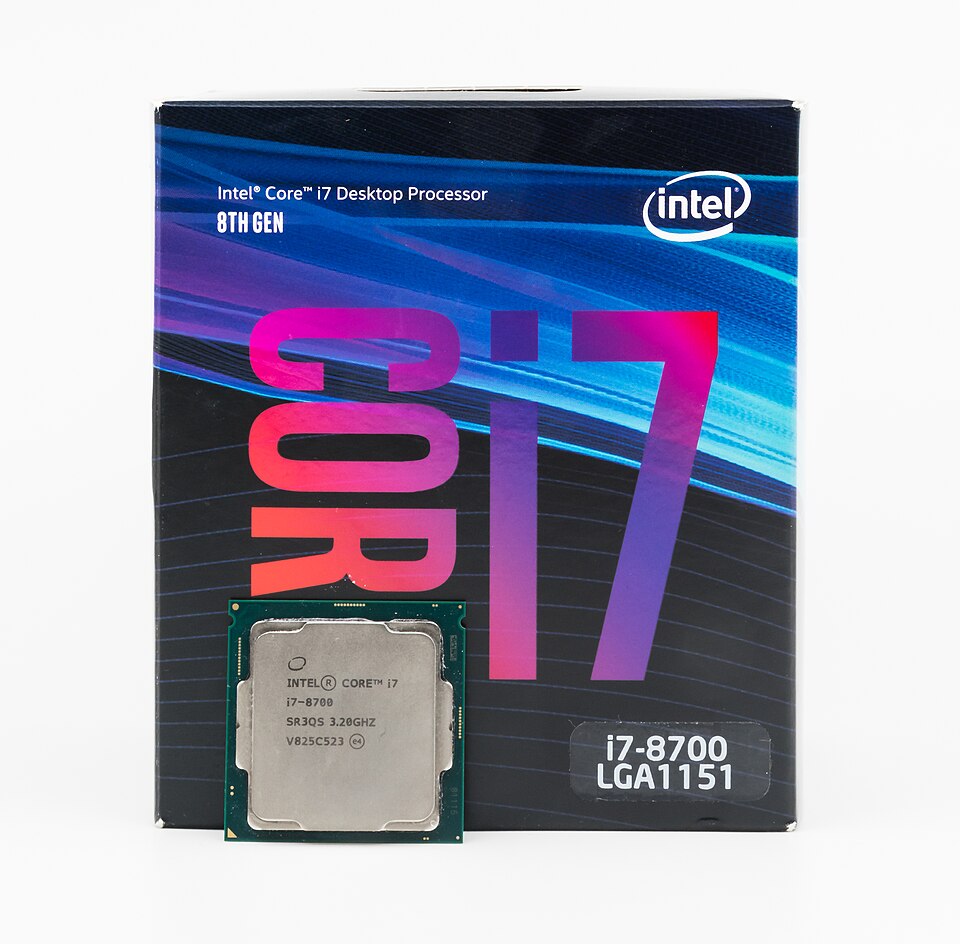
Arithmetic Logic Unit (ALU)
The mathematical calculator of the computer:
- Arithmetic: Addition, subtraction, multiplication, division.
- Logical: Comparisons (=, <, >, ≤, ≥, ≠) and Boolean operations (AND, OR, NOT).
Control Unit (CU)
The central conductor / orchestra director:
- Fetches instructions sequentially from RAM.
- Decodes what operation needs to be executed.
- Directs data signals to the ALU, registers, and memory buses.
Storage: Volatile vs. Non-Volatile
| Attribute |
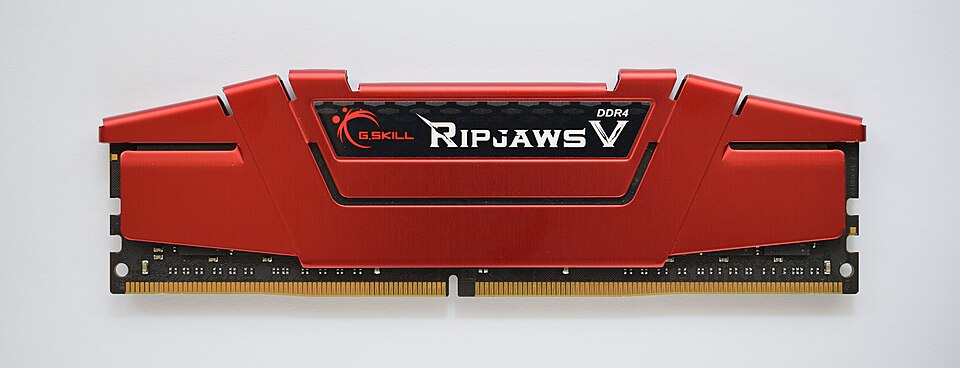 Primary Memory (RAM)
|
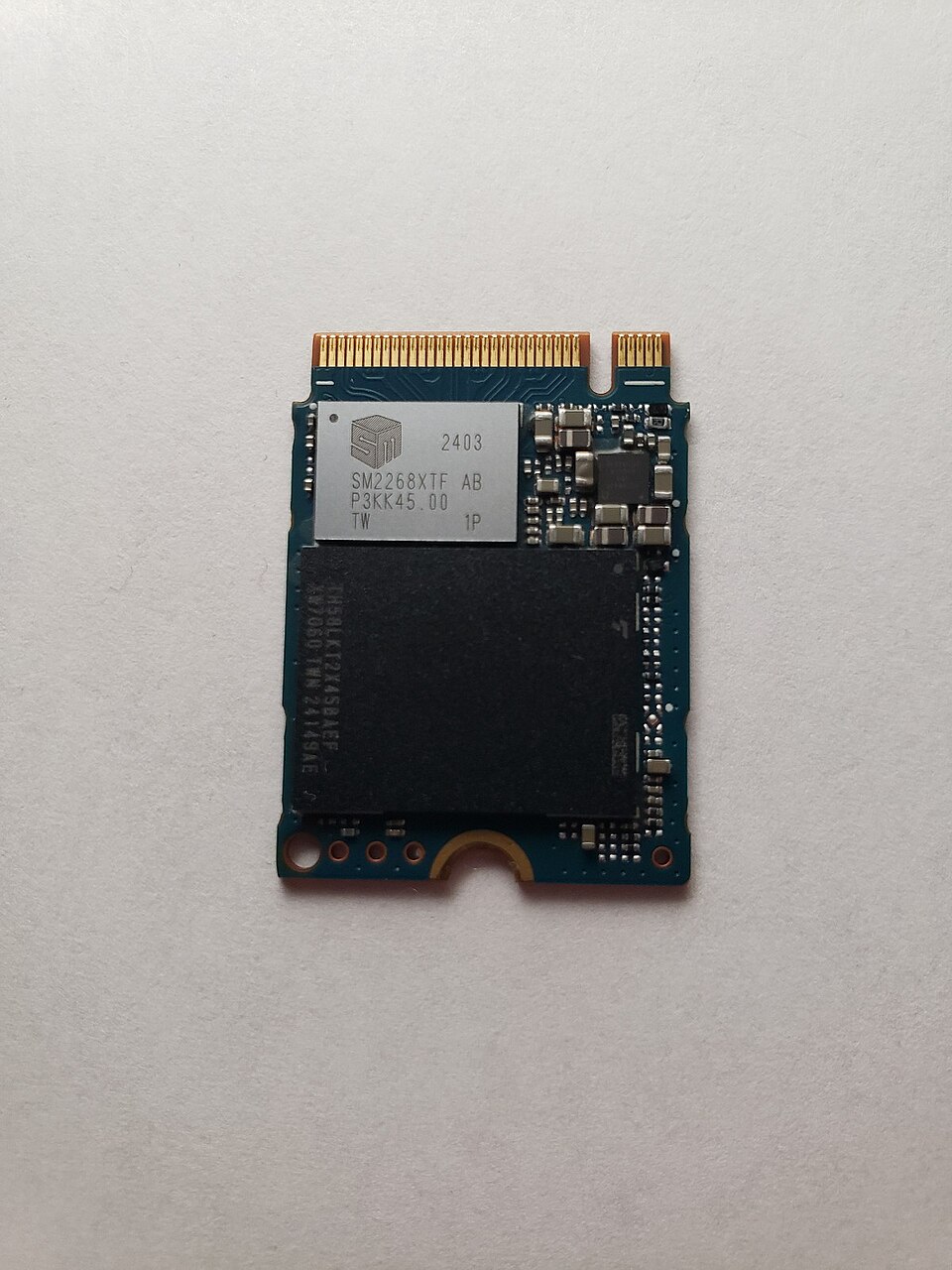 Secondary Storage (SSD/HDD)
|
|---|---|---|
| Volatility | Volatile: Data lost instantly when power cuts | Non-Volatile: Retains data permanently without power |
| Speed | Extremely fast (Nanoseconds access) | Moderate to slow (Microseconds to milliseconds) |
| CPU Access | CPU communicates directly via system bus | Must first load into RAM before CPU can process |
| Capacity / Cost | Smaller capacity (8–64 GB), expensive per GB | Massive capacity (512 GB – 10 TB), low cost per GB |
Real-World Data Flow: Supermarket Checkout
Tracking the IPOS cycle in a retail store transaction:
- Input: Barcode scanner reads product EAN code → converted to binary.
- Processing: CPU searches inventory table in RAM, fetches price, calculates 13% VAT and total bill.
- Storage: Database writes transaction record to local SSD and updates cloud inventory count.
- Output: Thermal printer generates paper bill; customer display screen shows total owed.
Part 3: The Five Components of a Computer System
The Five Essential Components
An Information System (IS) requires all five elements working in harmony:
Why "Procedures" and "People" Matter Most
Procedures: The Missing Link
- Backup schedules and emergency disaster recovery plans.
- Password change policies and access authorization levels.
- Without procedures, even million-dollar hardware fails to deliver security or compliance.
People: The Decisive Factor
- Human error accounts for over 85% of corporate cybersecurity breaches.
- Staff resistance is the #1 cause of failed enterprise ERP software rollouts.
- Managerial training and digital literacy ensure system adoption.
Interactive Diagnostic: What Failed?
A hospital’s medical billing server went down, and all transaction records for the last 6 months were permanently lost because nobody had configured automated nightly backups.
Which component fundamentally failed?
Managerial Summary: Session 2
Key takeaways for BBA students and future enterprise leaders:
- Right-Size Hardware: Match workload to computing class (Micro for staff, Servers for departmental data, Mainframes/Cloud for high-throughput transactions).
- The IPOS Cycle: Data becomes information only through methodical input, controlled CPU processing, and reliable storage.
- Holistic System View: Never buy technology looking only at hardware and software — always invest equally in staff training (People) and operational SOPs (Procedures).
Exam Practice 📝
Short answer
- List the five components of a computer system.
- List the four basic functions of a computer.
- What is a microcomputer? Give three examples.
- Why are people considered the most important component?
Long answer
- Explain the five components of a computer system with examples.
- Explain the IPOS cycle with a diagram and an example.
Revise the answers in the full notes linked on the last slide.
Thank You! 💡
Next Session: Unit 1 Session 3 · Data and Program Representation in Computers
📖 Read the full notes: Components of a Computer System · Functions of a Computer · Classification of Computers by Size and Power