Business Reporting and Data Extraction Tools
Learning Objectives
- ✅ Explain the role of reporting and data extraction in modern business decision-making.
- ✅ Differentiate between various types of reporting tools and their applications across business functions.
- ✅ Describe how data is extracted from systems like ERP, CRM, and HRIS to support operations.
- ✅ Analyze how integrated reporting provides a holistic view of business performance.
The Core Question for Every Business
The answer lies in two key processes:
🔍 Data Extraction
Getting the right data from various sources.
📊 Business Reporting
Presenting that data in a meaningful way.
What is Business Reporting?
- Not just for marketing or sales!
- Finance uses it for budgeting.
- HR uses it for workforce planning.
- Operations uses it for supply chain management.
The Reporting Lifecycle
- Data Extraction: Pulling raw data from source systems (e.g., accounting software, inventory system).
- Data Transformation: Cleaning, structuring, and organizing the data to make it usable (e.g., converting currencies, removing duplicates).
- Data Loading: Storing the transformed data in a central location, like a data warehouse.
- Reporting & Visualization: Using tools to create reports, charts, and dashboards for business users.
Step 1: Data Extraction in Action
Data is everywhere in a business. The challenge is getting it out of its silo.
Internal Sources
- ERP Systems (SAP, Oracle): Financials, supply chain data.
- CRM Systems (Salesforce): Customer interactions, sales pipeline.
- HRIS (Workday): Employee records, payroll, attendance.
- Accounting Software (Tally): Transactional data.
External Sources
- Market Data Providers: Industry trends, competitor pricing.
- Government Databases: Economic indicators, census data.
- Social Media APIs: Customer sentiment, brand mentions.
Examples Across Business Functions
How different departments extract data:
- 💰 Finance: Extracts monthly expense data from the accounting system to create a budget variance report.
- ⚙️ Operations: Pulls daily production output data from factory floor sensors to monitor efficiency.
- 🤝 Human Resources: Extracts quarterly employee performance scores from the HRIS to identify training needs.
- 🎯 Marketing: Pulls website traffic data from Google Analytics and sales data from the CRM to calculate campaign ROI.
Step 4: Reporting Tools - The Right Tool for the Job
Spreadsheets
(Excel, Google Sheets)

Best for small-scale, ad-hoc analysis and simple financial modeling.
Business Intelligence (BI) Tools
(Power BI, Tableau)
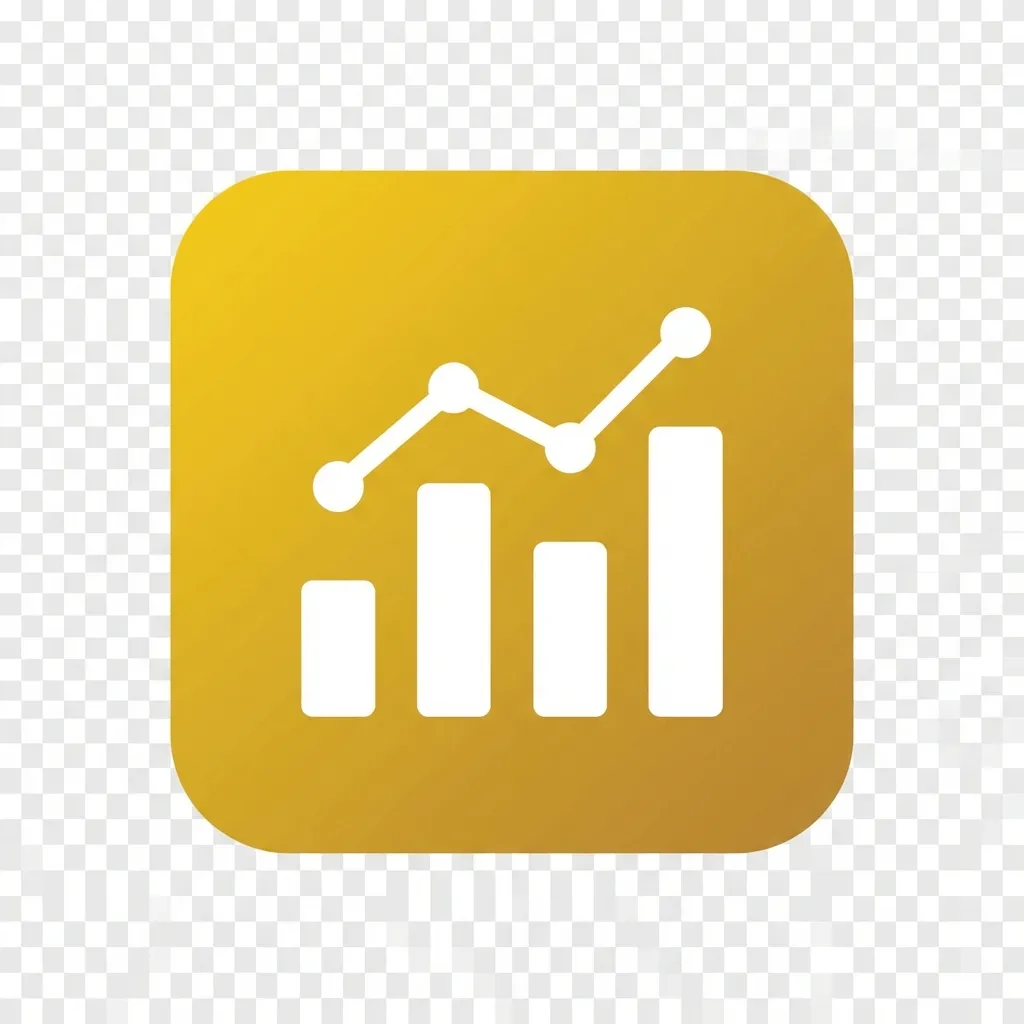
Best for creating interactive, visual dashboards from multiple data sources.
Built-in ERP/CRM Reporting
(SAP Reports, Salesforce Reports)
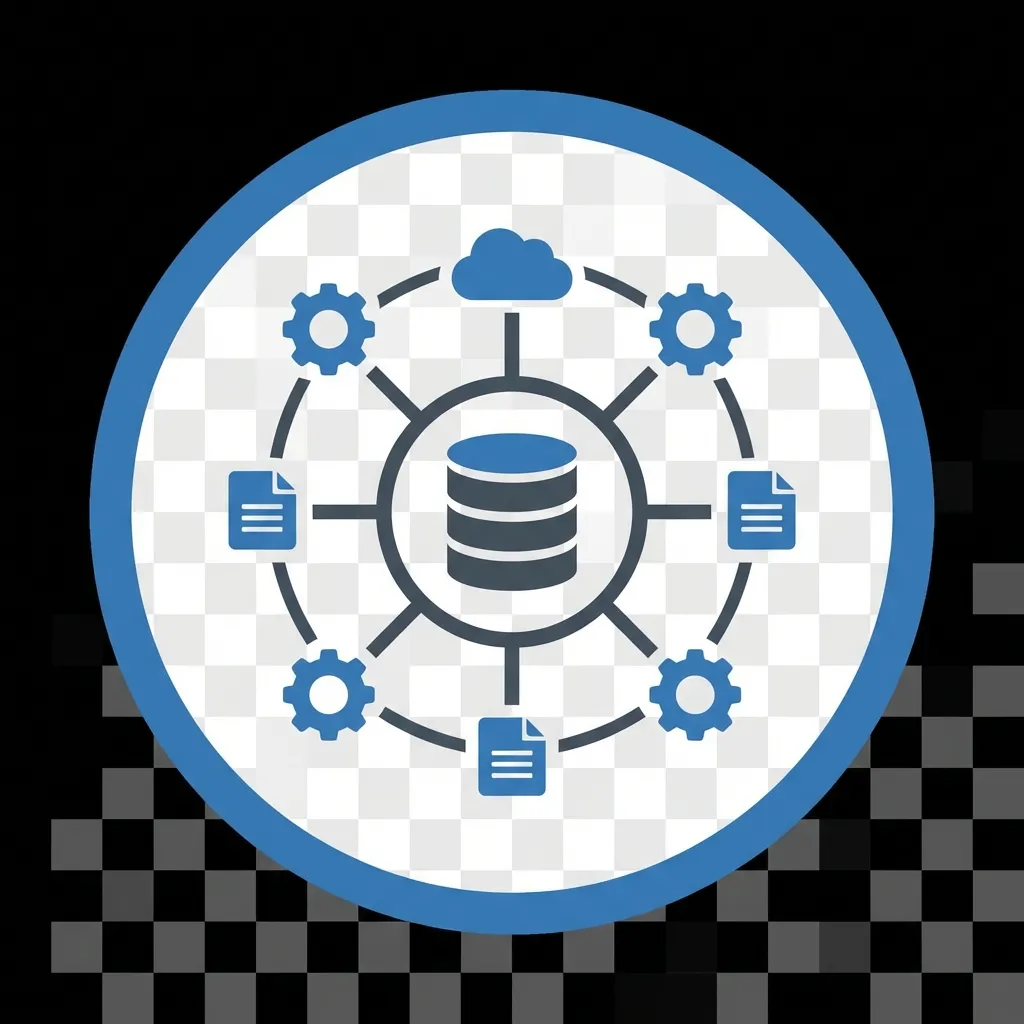
Best for standard, operational reports directly from the source system.
The Power of Dashboards
A business dashboard is a visual display of the most important information needed to achieve one or more objectives; consolidated on a single screen so it can be monitored at a glance.
Example CEO Dashboard KPIs:
- 💰 Finance: Net Profit Margin
- ⚙️ Operations: Order Fulfillment Cycle Time
- 🤝 HR: Employee Turnover Rate
- 🎯 Marketing: Customer Acquisition Cost
It provides a single, unified view of the entire business health.
Types of Business Reports
Strategic Reports
Audience: C-Suite, Board
Focus: Long-term goals, high-level trends.
Example: Annual financial forecast, market share analysis.
Analytical Reports
Audience: Business Analysts, Managers
Focus: Understanding trends, answering "why".
Example: Customer churn analysis, supply chain bottleneck report.
Operational Reports
Audience: Front-line staff, Team Leads
Focus: Day-to-day activities, real-time monitoring.
Example: Daily sales summary, inventory stock levels.
Scenario: Solving a Business Problem
Problem: Sales are down 15% in the Eastern Region. Why?
- Data Extraction:
- Finance extracts sales transaction data from the ERP. 💰
- Operations extracts inventory & shipping data from the WMS. ⚙️
- Marketing extracts regional campaign performance from the CRM. 🎯
- Reporting:
A BI tool combines these sources into a single dashboard.
- Insight: ⚡
The report reveals marketing campaigns are effective (high click-through), but the top-selling products are consistently out of stock in that region. The problem is operational, not marketing-related.
Application in the Nepali Context
💼 eSewa (FinTech)
Extracts millions of transaction records to create reports on user behavior, detect fraudulent activity, and ensure compliance with Nepal Rastra Bank regulations.
⚙️ CG Foods (Manufacturing)
Uses ERP reporting to monitor production efficiency of Wai Wai noodles, manage raw material inventory, and track distribution logistics across its vast network.
🛒 Daraz (E-commerce)
Provides sellers with dashboards showing sales trends and inventory levels. Internally, it analyzes logistics data to optimize delivery times in cities like Kathmandu and Pokhara.
Summary: Key Takeaways
- Reporting and data extraction are fundamental to data-driven decision-making in every business function.
- The journey from raw data to insight involves extracting, transforming, and visualizing information.
- Choose the right tool for the task: Spreadsheets for simple analysis, BI tools for complex visualization, and ERP reports for standard operations.
- The ultimate business value comes from integrating data across departments to get a complete picture of performance. ⚡
Thank You
Questions?
Next Topic: Tools for Financial Data Analysis and Business Analytics