Unit 4: Computer Networks
Network Topologies
Today's Agenda
- ✅ Define network topology and explain its strategic importance for business operations.
- ✅ Compare common topologies based on business needs like cost, reliability, and scalability.
- ✅ Analyze how topology choices impact various business functions (Finance, HR, Operations).
- ✅ Apply topology concepts to real-world business scenarios in Nepal.
What is a Network Topology?
A Network Topology is the physical or logical arrangement of nodes (computers, printers, servers) and connections within a network.
Think of it as the "floor plan" or "blueprint" for your company's digital communication system.
Why Does the "Blueprint" Matter for Business?
It's not just a technical choice; it's a core business decision that impacts the bottom line.
Technical Aspect
- Data Path & Flow
- Fault Tolerance
- Network Management
💼 Business Impact
- 🤝 Employee Productivity
- 💰 Cost of Downtime & Maintenance
- ⚙️ Operational Efficiency & Scalability
Bus Topology: The "Main Street"
All devices share a single communication line or 'backbone'.
Advantages
- Low Cost: Requires less cable, ideal for startups or small departments.
- Simple: Easy to set up for temporary networks (e.g., event registration).
Disadvantages
- Single Point of Failure: If the main cable breaks, the entire network fails. Imagine payroll stopping on payday!
- Poor Scalability: Performance degrades as more devices are added.
Star Topology: The "Central Hub"
All devices are connected to a central hub or switch. This is the most common topology in modern offices.
Advantages
- Reliable: One computer's failure doesn't affect others. HR can work even if the Finance connection is down.
- Easy to Manage: Simple to add/remove devices and troubleshoot problems from the central hub.
- Good Performance.
Disadvantages
- Central Point of Failure: If the central hub fails, the entire network goes down.
- Higher Cost: Requires more cable and a central device.
Mesh Topology: The "Web of Connections"
Every device is connected to every other device, providing multiple paths for data.
Advantages
- ⚡ Extremely Reliable: If one path fails, data is automatically rerouted. Essential for systems where downtime is not an option.
- High Performance & Secure: Point-to-point links make data transfer fast and private.
Disadvantages
- Very Expensive: Requires a huge amount of cabling and complex configuration.
- Difficult to Manage.
Business Use Case: Core internet backbone, banking systems, stock trading floors, and data centers where 99.999% uptime is critical.
Hybrid Topology: The Realistic Approach
A Hybrid Topology combines two or more different topologies to form a larger, more complex network.
Example: A University Campus
- Each department (Business, Engineering) uses a Star topology for its offices and labs.
- All the department hubs are connected to a high-speed Bus or Mesh backbone that links the entire campus.
Topology Comparison: A Business View
| Topology | Cost | Reliability | Scalability | Best For... |
|---|---|---|---|---|
| Bus | Low | Low | Poor | Small, temporary setups |
| Star | Medium | Good | Good | Most corporate offices, departments |
| Ring | Medium | Medium | Poor | Legacy systems (e.g., some manufacturing) |
| Mesh | Very High | Excellent | Excellent | Critical infrastructure (Banks, Data Centers) |
Activity: Designing for a Business
You are the IT consultant for a growing Nepali company. Which topology would you recommend for each department and why?
- 💰 Finance Department: Needs high security and 100% uptime for processing payments and generating reports.
(Hint: Reliability is key. Star is a good choice.) - ⚙️ Operations & Warehouse: Needs to connect hundreds of inventory scanners and shipping stations. The network must be easy to expand.
(Hint: Scalability is vital. A robust Star or Hybrid is suitable.) - 🤝 Human Resources: A small team in a separate office wing, handling sensitive employee data.
(Hint: A simple, isolated Star network for security and simplicity.)
Topology in Action: The Nepali Business Landscape
eSewa (FinTech)
Business Need: Extreme reliability and security. Every transaction must be processed. Downtime means massive financial and reputational loss.
Likely Topology: A sophisticated Hybrid/Mesh topology in their core data centers to ensure no single point of failure.
Daraz (E-commerce / Operations)
Business Need: Scalable and reliable network in warehouses to manage thousands of products, orders, and shipments simultaneously.
Likely Topology: A large-scale Hybrid network, using Star topologies in office and warehouse zones, connected by a high-speed backbone.
Choosing a Topology: A Strategic Business Decision
There is no single "best" topology. The choice is a strategic trade-off.
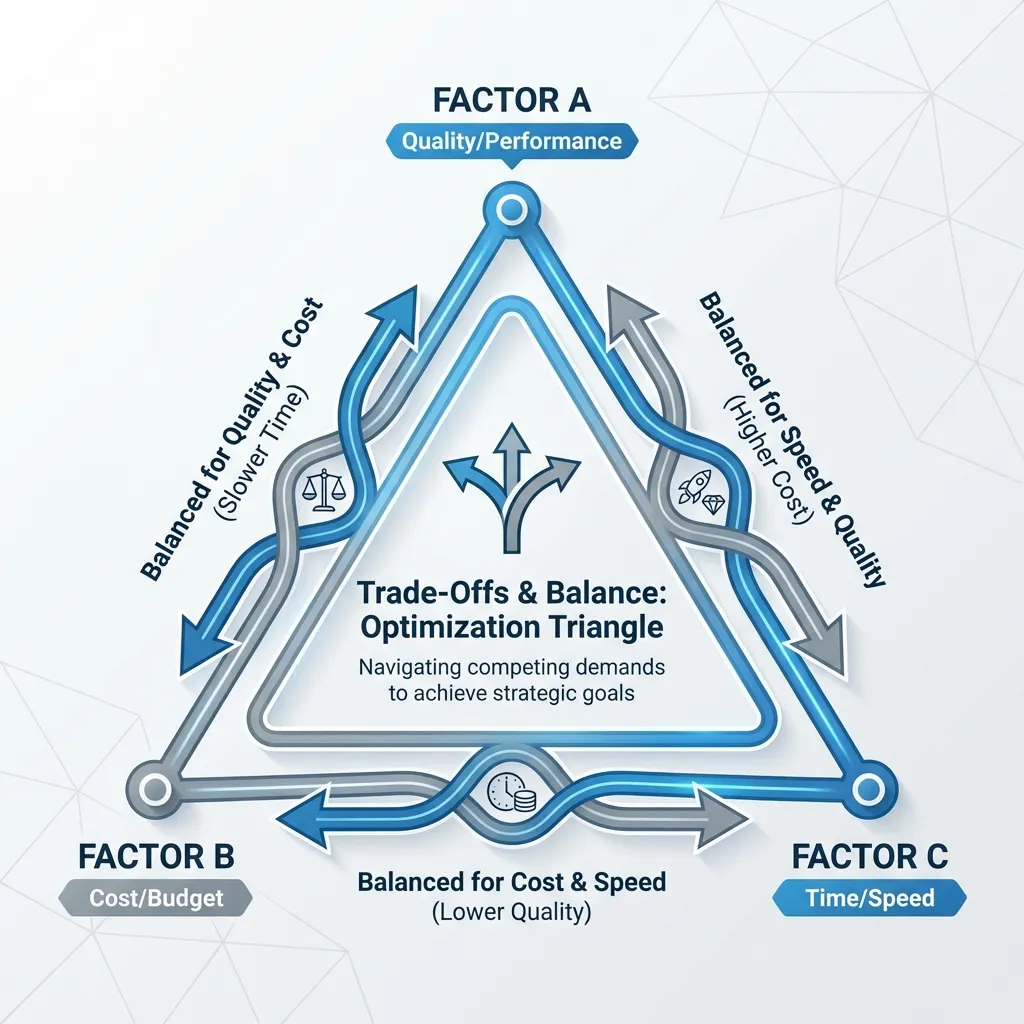
A Startup
Prioritizes Cost. Might start with a simple Bus or small Star network.
A Bank
Prioritizes Reliability. Invests heavily in a Mesh/Hybrid architecture.
A Growing SME
Prioritizes Scalability. Chooses a Star topology that is easy to expand.
Key Takeaways for Business Leaders
- 🎯 Topology is the strategic 'blueprint' for a network, directly impacting business continuity and efficiency.
- 💼 The "best" topology depends entirely on the business's specific needs: its budget, tolerance for downtime, and future growth plans.
- 📊 Most modern businesses use a Hybrid approach, combining topologies to optimize for different functions (e.g., Star for offices, Mesh for the data center).
- 🤝 A well-chosen topology is an invisible asset that enables productivity across ALL functions—from HR's payroll to the factory's production line.
Thank You
Any Questions?
Next Topic: IP Addressing: IPv4 and IPv6
Back to Start